
Independent designers
For solo professionals who need clients, projects, proposals, billing, and financial structure in one place without building an operations stack from scratch.
Platform walkthrough
Diako Studio is built as an all-in-one business and project management platform for interior design studios. Instead of splitting moodboards, approvals, proposals, purchasing, invoicing, accounting, and daily coordination across separate tools, the workflow stays connected from the first project setup onward.
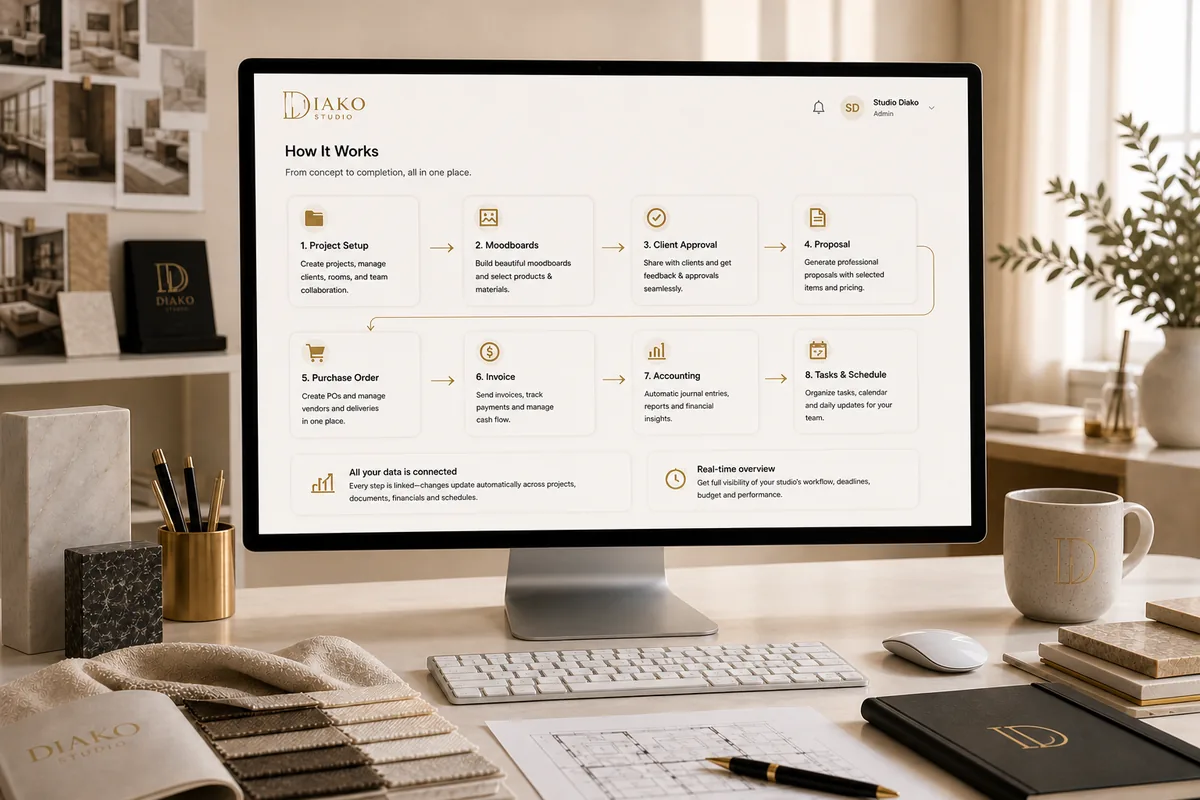
Diako is not just a design presentation tool. It acts as the operational backbone of the studio, covering creative work, client flow, finance, and everyday execution in the same workspace.
Who it is for
The product document describes Diako as a platform for professional interior design businesses of different sizes. The important point is not just who can use it, but that the same workflow can serve a solo designer, a growing studio, or a larger firm without forcing each team to rebuild its process in separate software.
Moodboards, projects, proposals, procurement, accounting, and daily collaboration stop living in disconnected tools with different versions of the truth.
For solo professionals who need clients, projects, proposals, billing, and financial structure in one place without building an operations stack from scratch.
For teams that have outgrown spreadsheets, PDFs, and disconnected apps and need a single operating system for design work, coordination, and approvals.
For larger firms managing multiple projects, supplier relationships, formal financial processes, and tighter accountability across the team.
For designers who mainly want the visual workspace, Diako also supports a lighter Moodboard plan without forcing the full operations layer on day one.
Workflow layers
The source document does not describe Diako as a bag of features. It describes a sequence: foundation, creative work, approvals, commercial follow-through, and studio operations. That is the logic this page now follows.
Studio foundation
Registration creates the studio workspace, after which admins configure plans, taxes, branding, team members, and access rules. Clients become the anchor for related projects, proposals, and invoices, while each project keeps its own areas, checkpoints, and delivery context.
Creative engine
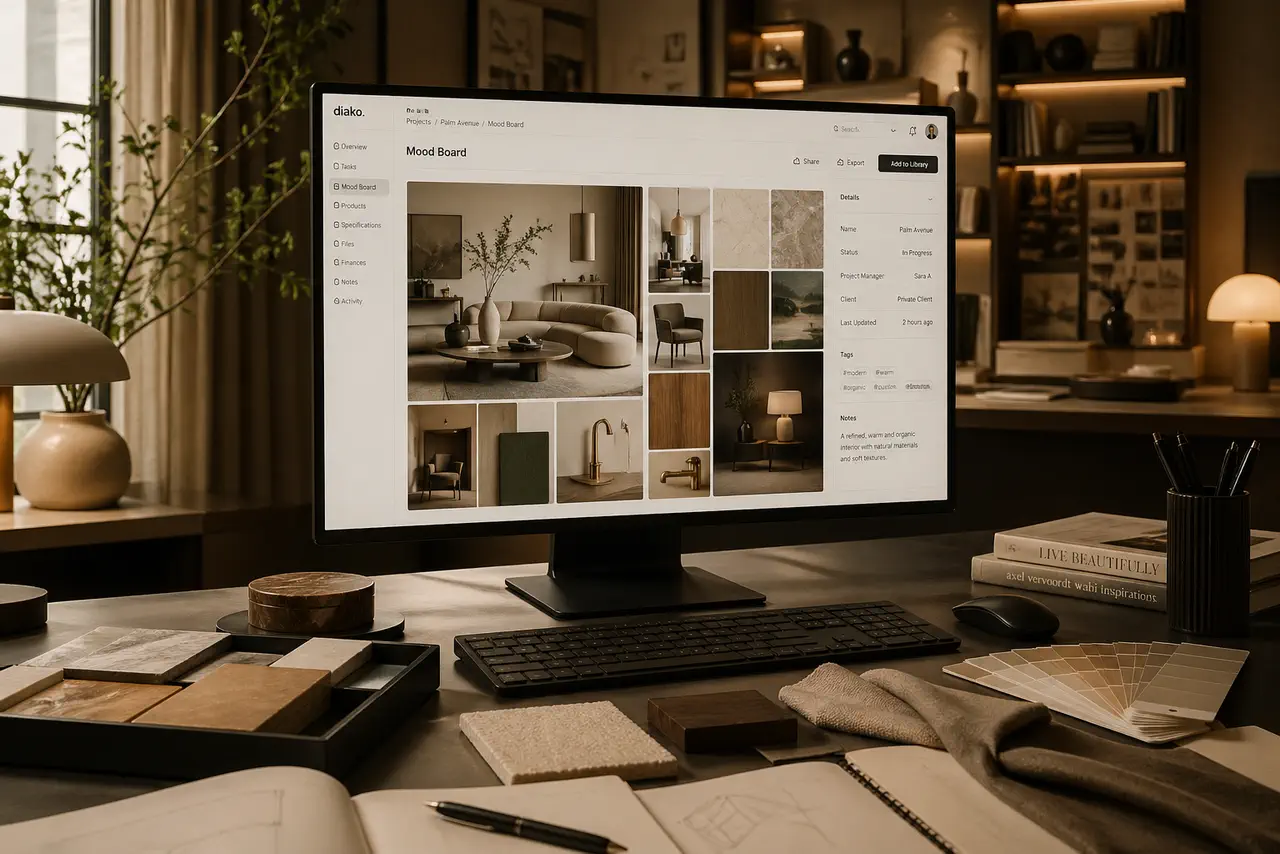
Inside each project, designers create freeform visual boards for rooms like the kitchen, living room, or primary suite. Boards can pull from uploads, the shared library, or directly from project areas and items, so the presentation layer stays tied to the real project record.
Selections and decisions
Items are added from the company catalog or created as custom records, then submitted for internal review before they become client-facing. Meaningful changes create new versions, keeping the history clean and protecting downstream proposals, invoices, and financial records from accidental drift.
Commercial flow
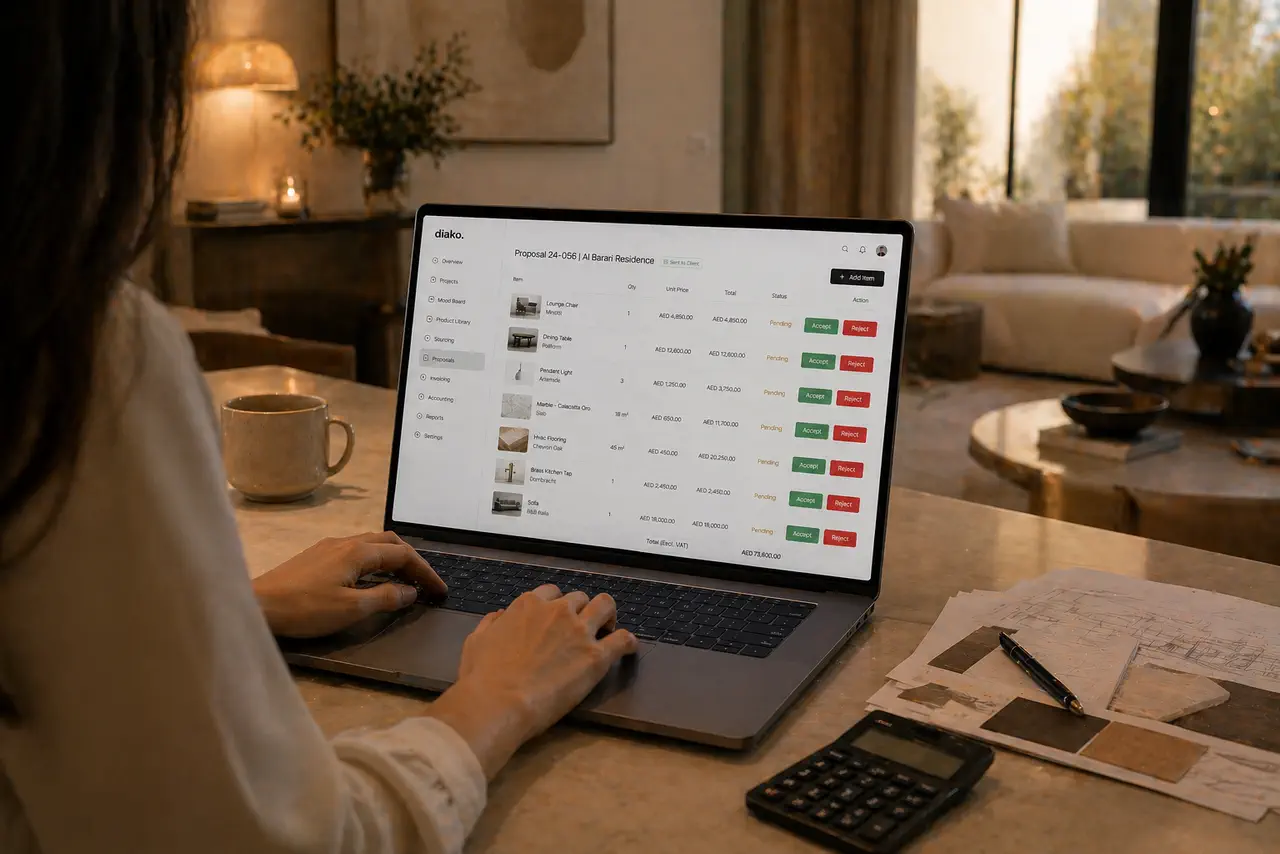
Approved items become priced proposals with tax breakdowns, vendor costs become purchase orders grouped by supplier, and client-approved items become invoices with partial billing, Stripe payment links, QR codes, and automatic payment confirmation. The accounting layer keeps chart-of-account mapping, tax profiles, and record-level currencies attached to every document.

Daily operations
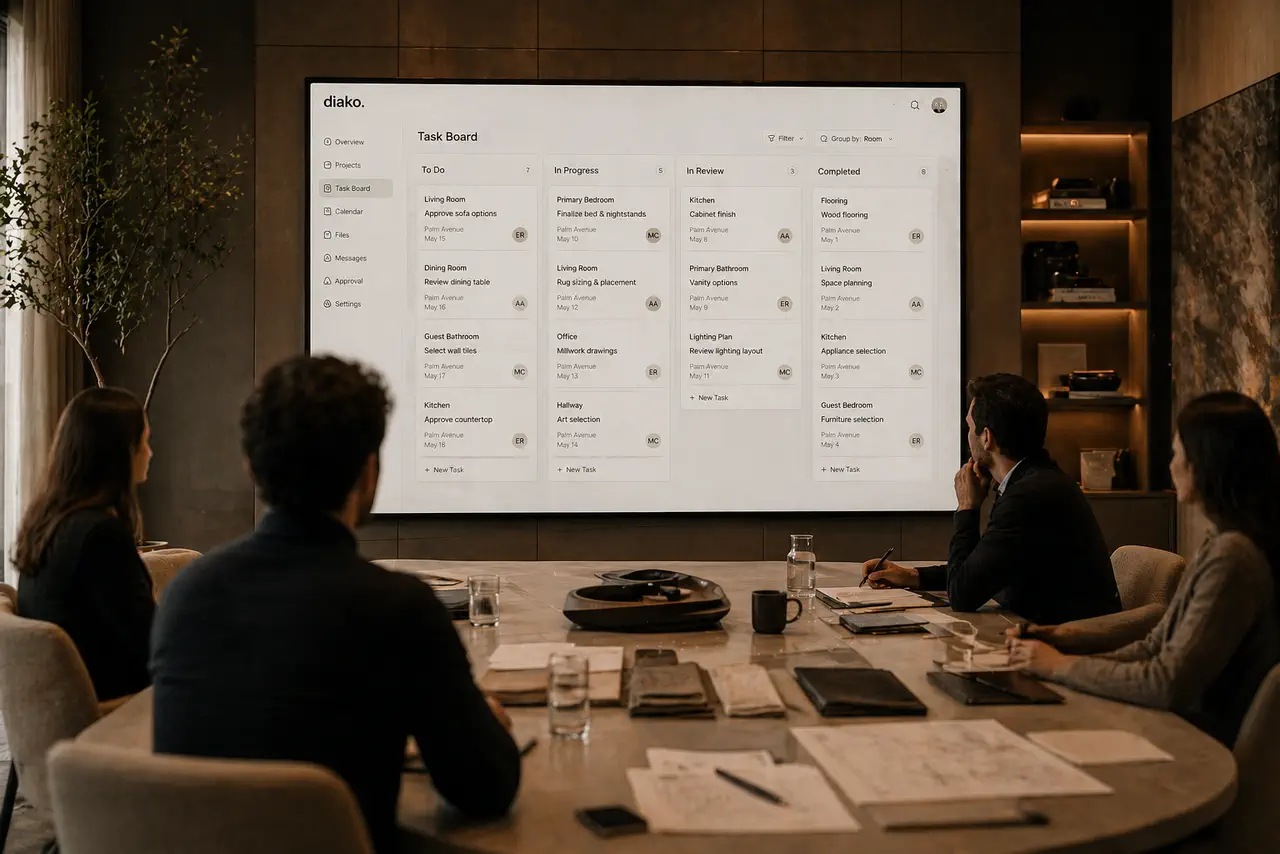
The platform does not stop after billing. Teams manage company-wide calendar events, task board workflow, time and cost visibility, global search, notifications, internal messaging, and public showroom screens without rebuilding context in separate apps.
Control points
The document repeatedly emphasizes safety: permissions, snapshots, immutable financial history, decision locks, and protected display updates. Those controls are a big part of why the product feels operationally serious.
Group permissions are enforced in both the interface and the backend, so team members only see the modules and actions their role actually allows.
Item versions, project checkpoints, and immutable accounting entries keep the studio from rewriting history when products, prices, or settings change later.
Once a client records an approval or rejection, the proposal cannot be casually altered until those decisions are cleared, protecting the review process from tampering.
TVs and public screens continue showing the last approved snapshot until a valid confirmation code is entered for the new playlist.
Studio journey
This is the practical sequence a design studio follows inside the platform, from first login to day-to-day operation after invoices have gone out.
Create the workspace, choose the plan, configure tax settings, and invite the team.
Build the base records that connect the engagement, the team, and every commercial document that follows.
Create room-based visual boards with templates, assets, and optional AI-assisted direction.
Move selections through review while keeping pricing, vendor data, and version history attached to each item.
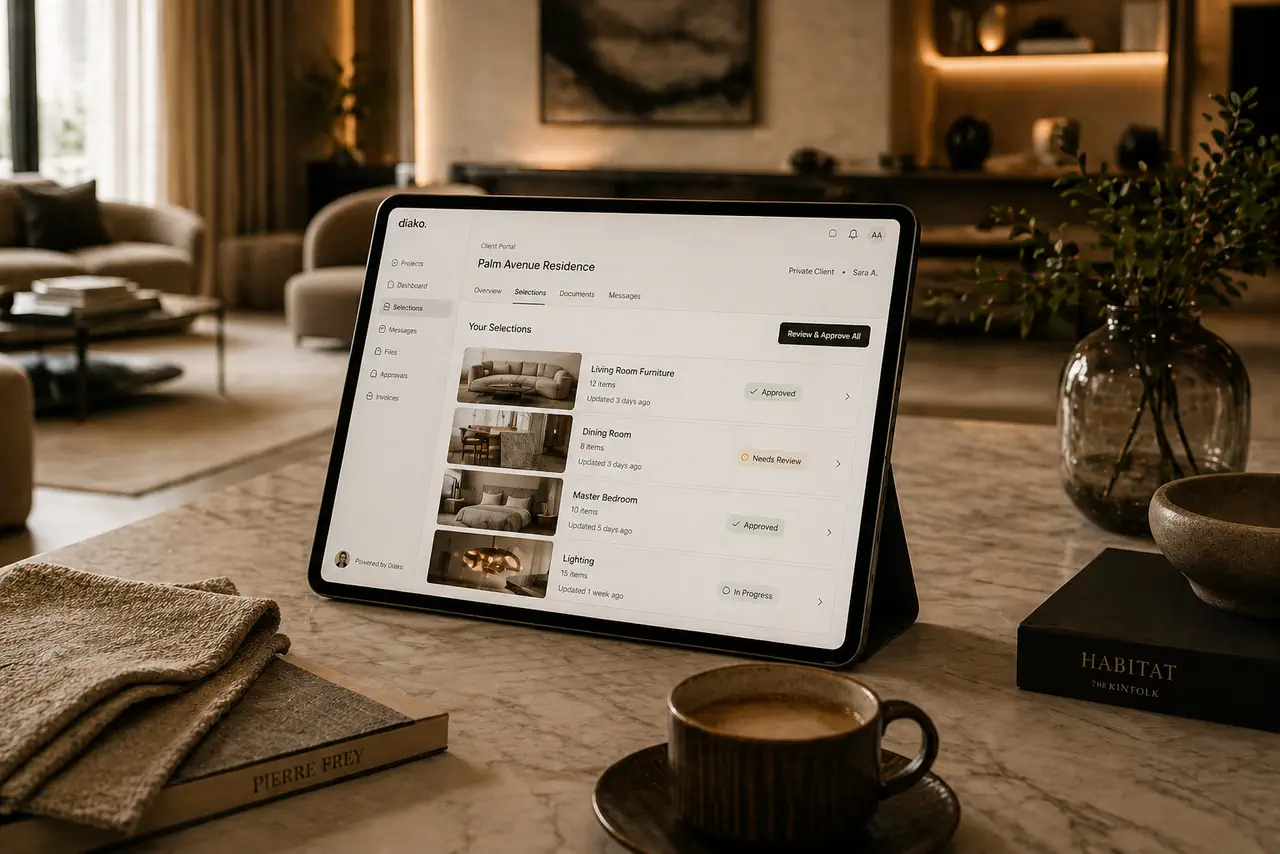
Package approved items into a branded review link where clients can approve or reject choices clearly.
Convert approved vendor cost rows into vendor-specific procurement documents with payment status tracking.
Bill from approved proposal items, add tax and adjustments, and collect through Stripe-powered payment links.
Coordinate the rest of the studio through calendar, task board, notifications, search, Messenger, and showroom displays.
Business impact
Once the workflow is connected, the studio spends less time rebuilding records and more time moving decisions forward. That shows up in client experience, internal visibility, and financial follow-through.
If your current setup splits moodboards, approvals, purchasing, invoicing, and studio follow-up across different tools, this page is the clearest picture of what Diako changes.
The same project information can move from concept to proposal to purchasing to invoicing without repeated data entry.
Clients receive cleaner proposal and portal experiences instead of scattered PDFs, email chains, and unclear next steps.
Taxes, currencies, account mappings, invoices, payments, and ledger history remain connected to the source work.
Studio leads can see tasks, schedules, approvals, procurement, and billing progress from the same platform.
The permission model, snapshots, and historical protections help the workflow scale without the team losing trust in the data.
Diako Studio behaves like a real studio backbone, not just a presentation tool with a few extra screens.