
interior design project management software
Interior Design Project Management Software for Design Studios
Diako Studio helps interior design studios manage projects in the same place they handle concepts, selections, approvals, sourcing, proposals, and billing. Instead of forcing studio work into a generic project management app, it keeps rooms, project items, task ownership, client-facing decisions, and operational follow-through connected.
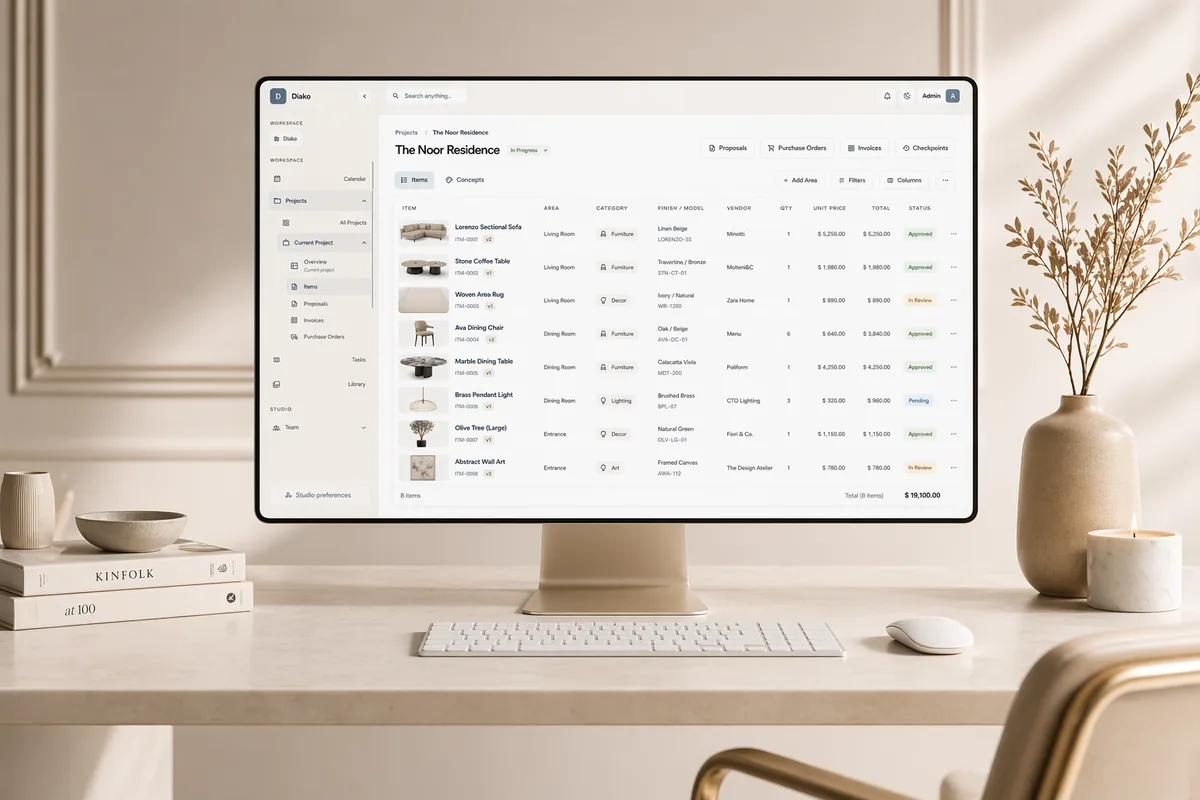
- Room-based structureOrganize kitchens, living rooms, suites, and item records inside one project view.
- Project-linked tasksTie task cards, comments, and due dates back to the exact project, area, or item.
- Approvals to follow-throughCarry approved decisions into proposals, purchasing, and invoicing with less re-entry.
Project Management for professional studio workflow
- Organize every interior design project by client, room, area, concept, item, and current status.
- Run a studio task board with customizable columns, assignees, due dates, priorities, comments, and checklists.
- Link tasks back to the exact project, room, or item so follow-up stays tied to the design context.
- Track approvals, sourcing, purchase readiness, and billing progress without moving the project into separate tools.
- Give studio owners and project managers clearer visibility into workload, bottlenecks, and next actions.
Built to support connected studio handoffs
- Create the project and structure it by client, rooms, areas, and live project records.
- Build or reference concepts, selections, and items inside the same project workspace.
- Assign internal tasks with due dates, priorities, and linked project context.
- Move client-ready selections into approvals, proposals, and purchasing without rebuilding records.
- Track milestones, scheduling, and project checkpoints as the work evolves.
- Keep the studio aligned on what is active, approved, blocked, ordered, invoiced, or still waiting on follow-up.
Inside the workflow
How this interior design project management software handles real studio operations
Diako combines project structure, team coordination, approvals, and operational follow-through so interior design studios can manage real project complexity in one place.
Organize projects by client, room, area, and live item data
A Diako project is more than a task list. It is the main record for a design engagement, with concepts, areas, items, proposals, purchase orders, and invoices connected to the same workspace. That makes it easier for project managers and designers to see progress without stitching updates together manually.
- Group work by client, project, room, and area so teams can track decisions where they happen.
- Keep concepts, items, proposals, purchase orders, and invoices attached to the same project record.
- Use checkpoints to preserve important project milestones and reduce risk around major revisions.
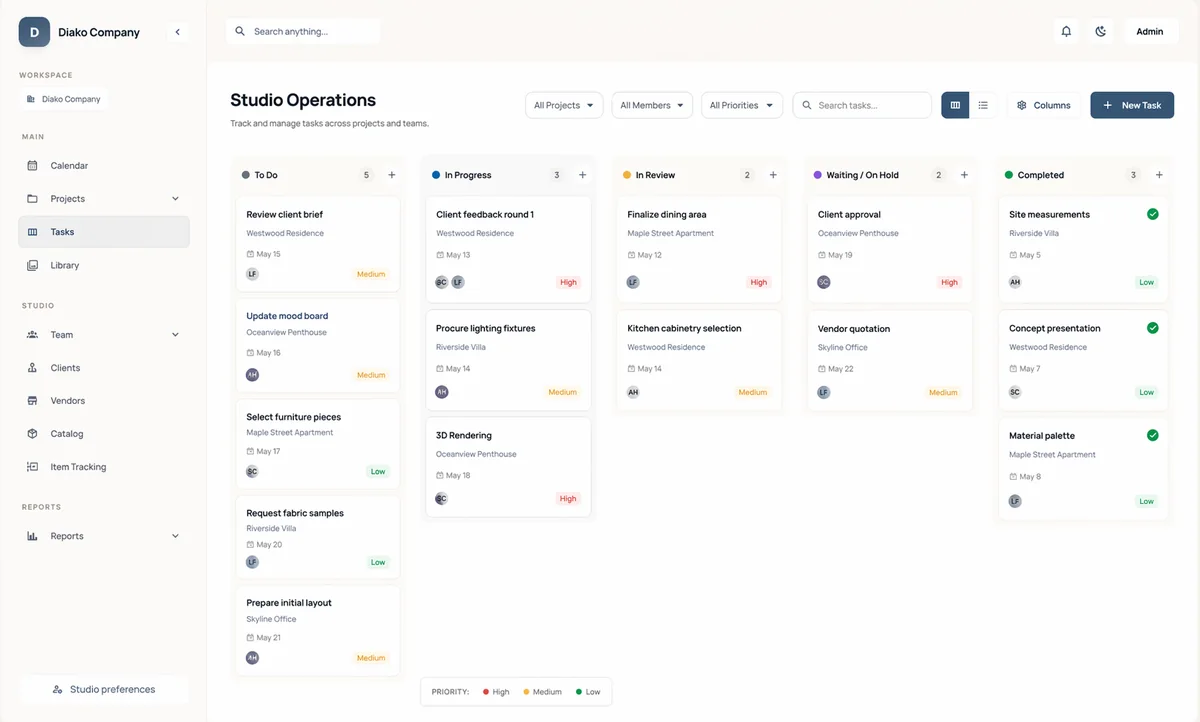
Manage daily studio work in a task board that keeps design context attached
The task board is built for studios that need flexible coordination without losing the relationship between operational work and the actual project. Tasks can be linked to a specific project, area, or item, which makes follow-up easier for designers, project managers, and operations leads.
- Customize columns to match your studio process instead of forcing a generic pipeline.
- Assign multiple owners, due dates, priorities, checklists, and threaded comments on each task.
- Filter by project, assignee, due date, priority, or personal workload when the studio needs focus.
Keep project management connected to approvals, purchasing, and invoicing
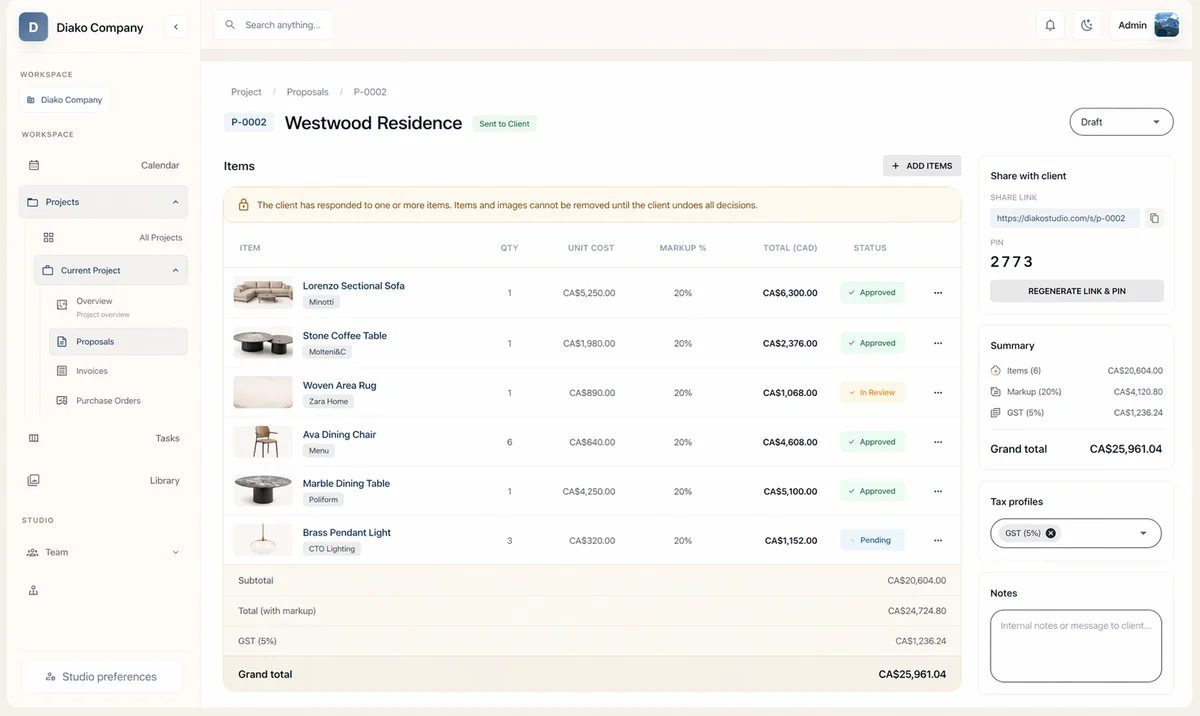
Interior design project management works better when the handoff from creative work to commercial execution is not broken. Diako keeps approved selections, proposal decisions, purchase orders, and billing activity closer to the project record, so teams spend less time rebuilding information in separate systems.
- Move approved items into proposals and client review without re-entering core project data.
- Keep sourcing and purchase-order follow-through tied to the same project decisions.
- Improve visibility into what is approved, ready to order, already ordered, or still awaiting billing.
See deadlines, meetings, and workload in a clearer operational view
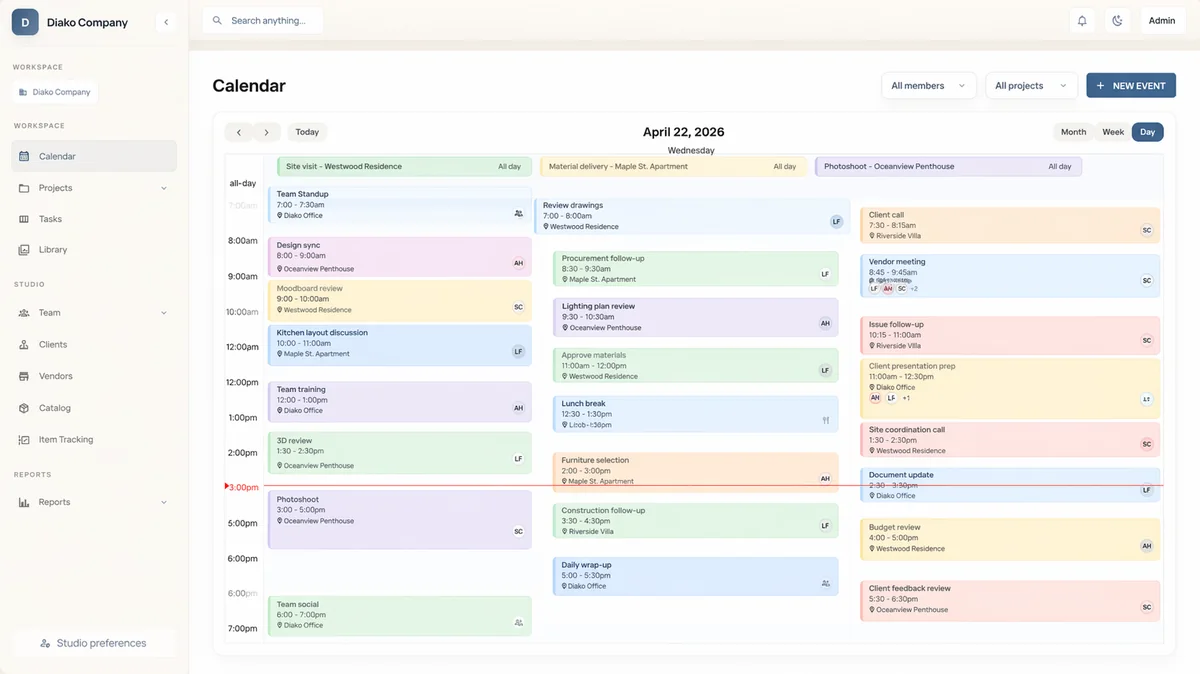
Project management is not only about task lists. Studio leaders also need visibility into schedules, reminders, and workload across active jobs. Diako supports that operating layer so teams can stay coordinated while leadership gets a clearer view of what is moving and what needs attention.
- Track project-related calendar events, meetings, reminders, and team coordination in one place.
- Give studio leadership a faster read on workload, timing, and follow-up across active projects.
- Reduce the need to bounce between separate scheduling tools and disconnected project records.
Reduce friction inside the studio workflow
- Generic project management tools that treat design work like generic tickets and boards.
- Room decisions, item data, and follow-up tasks drifting apart across spreadsheets, inboxes, and disconnected apps.
- Internal work disappearing into personal to-do lists with no shared studio visibility.
- Approvals, sourcing, and billing status living outside the project record.
- Studio leadership lacking a clear view of workload, blockers, and project momentum.
Works better because it connects to the surrounding workflow
Related features
Explore the connected modules around this workflow
Each part of the platform is stronger because it links to the stages before and after it.

Mood Board Software
Create room-based mood boards for interior design projects with flexible composition, client sharing, and a direct path into specs, sourcing, and proposals.
Explore this feature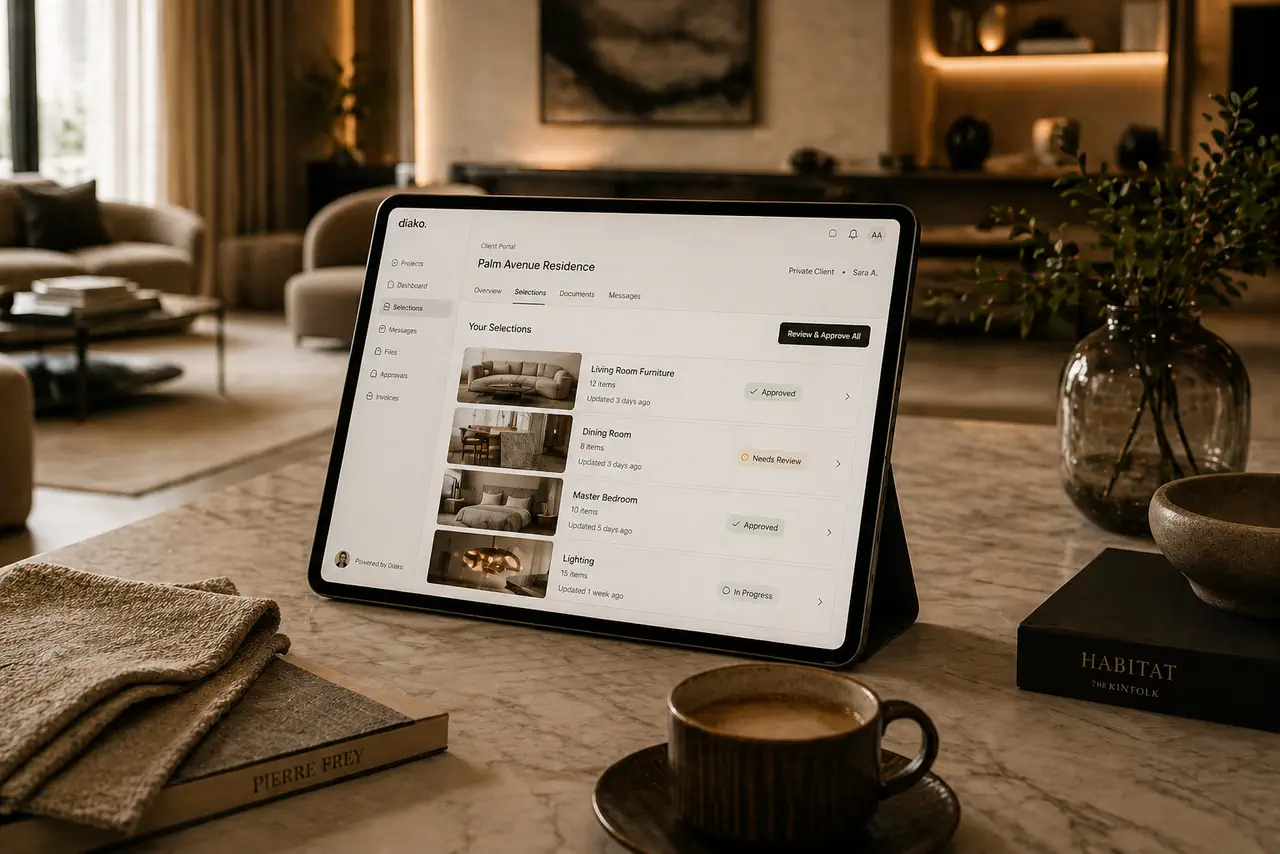
Client Portal
Give clients a polished place to review selections, proposals, and approvals without relying on messy email chains.
Explore this feature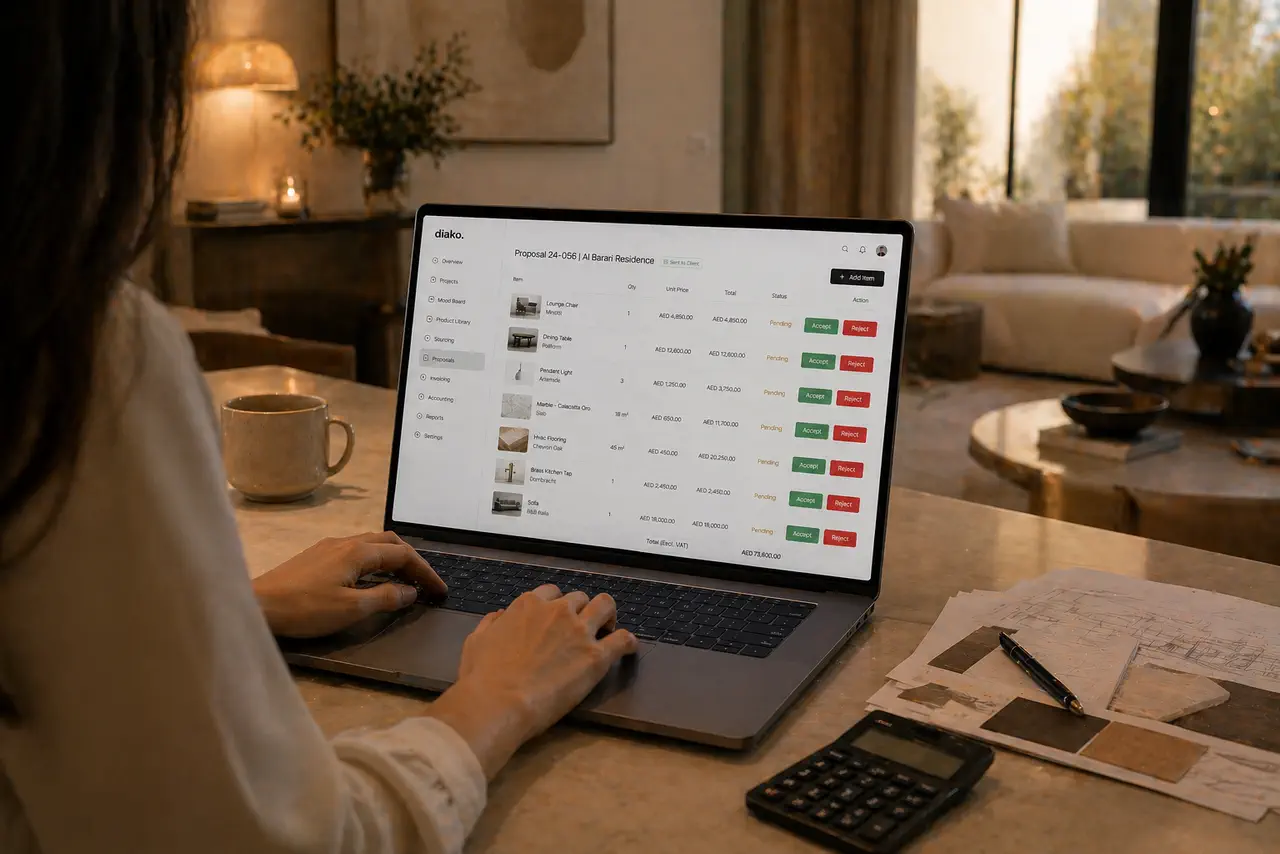
Proposals
Build client proposals from approved selections with secure review, item-level approvals, tax breakdowns, and a cleaner handoff into purchasing and invoicing.
Explore this feature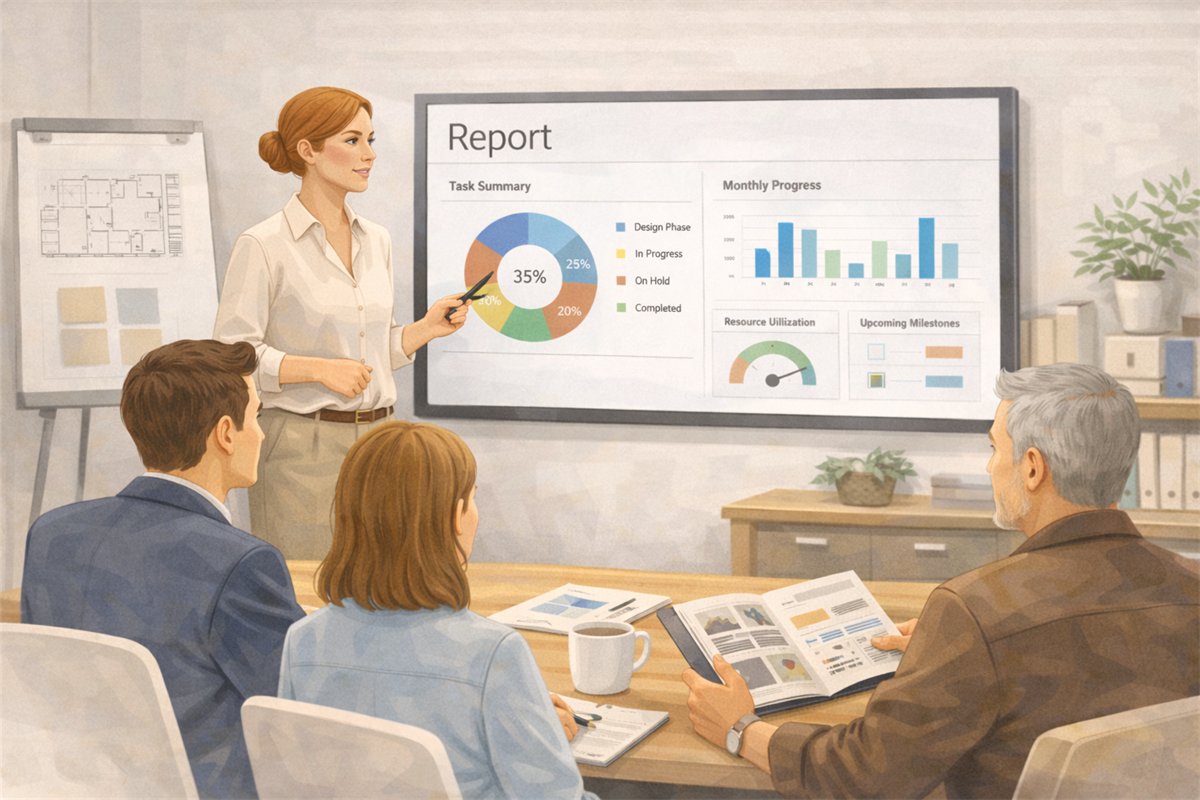
Reporting and Studio Visibility
Track studio operations across projects, scheduling, task load, purchasing, invoicing, accounting, and reporting in one interior design business system.
Explore this featureFAQ
Questions studios often ask about this workflow
Clear answers for teams evaluating whether this part of the platform fits their process.
Is this just generic project management software?
No. It is designed for interior design studios that need project structure tied to rooms, selections, approvals, sourcing, proposals, and commercial follow-through.
Can I organize interior design projects by room or area?
Yes. Projects can be structured around rooms and areas, which makes it easier to manage selections, tasks, approvals, and follow-up in the right context.
Does this include a task board for the team?
Yes. Diako Studio includes a visual task board with customizable columns, assignees, due dates, priorities, checklists, comments, and project-linked tasks.
Can tasks be linked to a specific project, area, or item?
Yes. Teams can connect operational work back to the relevant project context so task management does not drift away from the actual design work.
Does it help after the design phase, not just during planning?
Yes. Approved selections can move into proposals, purchasing, and invoicing workflows, which helps the project keep moving without rebuilding information in separate systems.
Can it support both project teams and studio leadership?
Yes. The workflow supports day-to-day design work while also improving visibility for studio owners and operations leads.
Is this useful for solo interior designers as well as growing studios?
Yes. Solo designers can use it to replace scattered tools, while growing teams can use the same structure to coordinate projects, workload, and approvals more clearly.
See it in context
Start free to explore how this feature works inside the full studio platform
Diako Studio is built to help interior design studios connect creative workflow, client approvals, sourcing, proposals, purchase orders, and invoicing in one place.