
client management software for interior designers
Client Management Software for Interior Design Studios
Diako Studio gives interior design teams a structured client management layer that connects people to projects, proposals, invoices, and portal access. Instead of storing client details in scattered notes or rebuilding the same information across every workflow, the studio keeps one central client directory with optional AI-assisted import and a cleaner path into customer-facing collaboration.
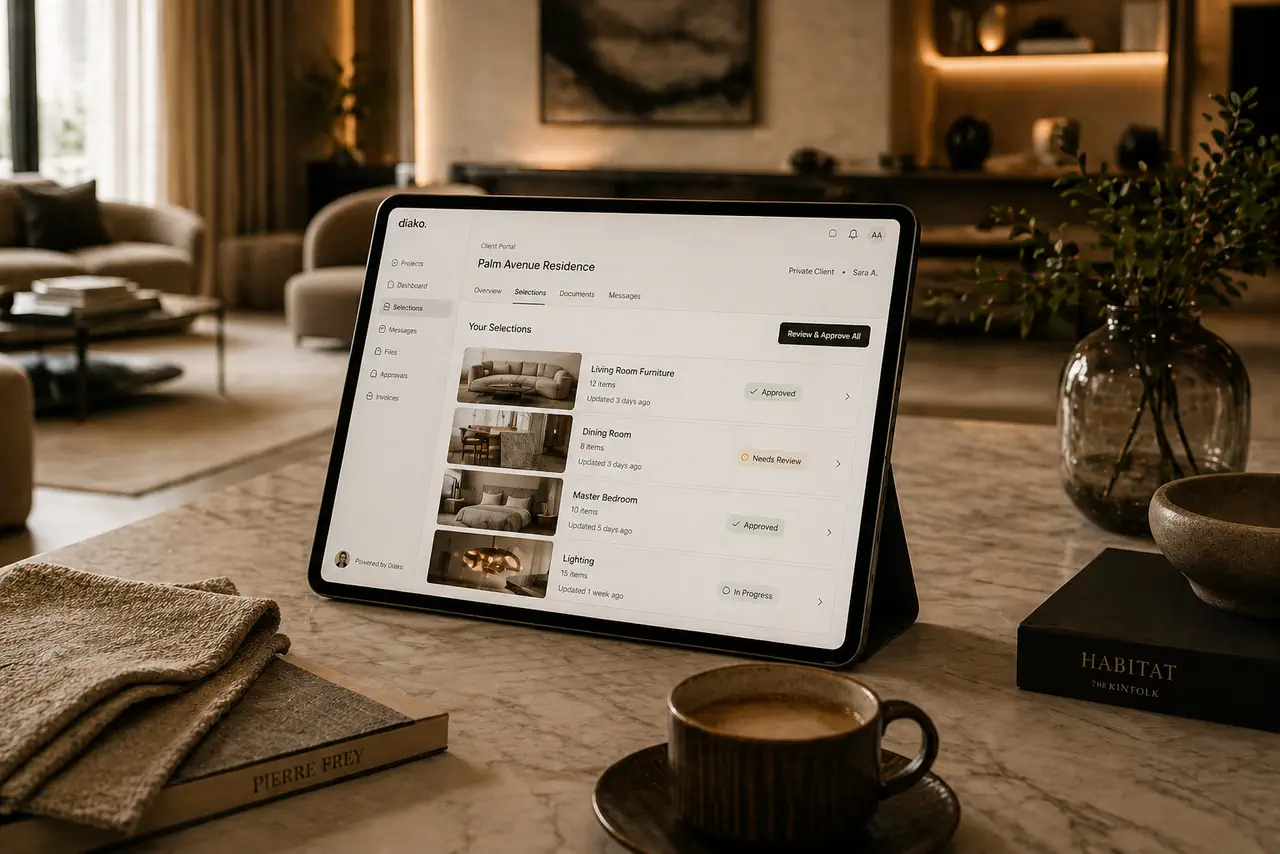
- Central client directoryAnchor projects, proposals, invoices, and client communication from one studio-owned record.
- AI-assisted CSV importMap messy client spreadsheets faster, preview the results, and confirm before anything gets inserted.
- Portal-ready when neededKeep the internal record separate from the customer portal identity while still supporting client-facing collaboration.
See the client management workflow in action
This walkthrough shows how the studio manages client records, customer relationships, and the broader client workflow inside Diako Studio.
Client Management for professional studio workflow
- Keep one central client directory that anchors projects, proposals, invoices, and ongoing studio communication.
- Let client information flow into commercial and project records automatically instead of re-entering the same details repeatedly.
- Optionally grant CRM portal access when a client should review shared work in a dedicated customer-facing space.
- Bulk-import client records through an AI-assisted CSV workflow instead of adding them one by one.
- Preserve extra imported columns as structured raw data so useful information is not discarded just because it does not fit the main fields.
- Preview imported rows, detect duplicates, and confirm before anything is written to the database.
Built to support connected studio handoffs
- Create or import a client into the studio directory so future project and billing work starts from a clean anchor record.
- Attach the client to projects, proposals, and invoices so information flows through the rest of the workflow automatically.
- If importing from CSV, let AI map the columns using the headers and a small sample before the backend processes the full file.
- Review the parsed client preview, inspect duplicates, and confirm only the rows you want inserted.
- Optionally enable CRM portal access when the client should collaborate through the separate customer-facing portal.
- Continue using the same client record as the operational and financial reference point across the platform.
Client workflow
Manage clients as structured studio records, not scattered contact fragments
This workflow is about more than storing a name and email. Diako uses client records as the core relationship layer behind projects, proposals, invoices, imports, and optional portal collaboration.
Keep one central client directory that the rest of the studio workflow can trust
Clients sit at the base of the project layer in Diako. Each client record stores core contact information and becomes the point that connects related projects, proposals, and invoices, which helps studios avoid repeated manual entry and cleaner operational drift.
- Use one studio-owned client record as the source for related operational and financial workflows.
- Reduce repetitive data entry when proposals and invoices pull from the same client foundation.
- Keep people, projects, and billing context tied together more reliably.
Bring client lists in faster with AI-assisted CSV import instead of manual recreation
Studios migrating from older systems often already have client lists. Diako supports a two-step import flow where AI only maps the CSV columns from the headers and first three rows, then the backend processes the full file using that mapping. This keeps the AI step lightweight while still making messy spreadsheets easier to normalize.
- Send only CSV headers and a small sample to AI for column mapping, not the full dataset.
- Extract the full file in the backend after mapping so the import stays more controlled.
- Preserve non-core columns as structured raw data instead of throwing useful information away.
Review duplicates and confirm before the import writes anything
Bulk import should not feel risky. After parsing, admins see a preview table before anything reaches the database. Duplicate clients are detected by matching email or phone, highlighted, and deselected automatically so the team can confirm only the rows that should be inserted.
- See a full preview before the import is confirmed.
- Flag duplicate clients automatically using existing studio email and phone matches.
- Deselect individual rows and confirm only the selected clients when the data looks right.

Keep the internal client record separate from the real customer portal identity
Internal client management and customer-facing login identity are not the same thing. Diako keeps the studio-owned client record private and operational, while the CRM account belongs to the platform as the customer's real portal identity. That distinction matters when customers work with multiple studios or sign up with a different email than the one the studio uses for contact.
- Treat the internal client record as a private studio asset for notes, billing, and project anchoring.
- Use CRM accounts as the true customer login identity across accepted portal invitations.
- Avoid assuming the studio contact email must be the same as the customer's portal login email.
Carry the same client record into projects, proposals, invoices, and collaboration
Client management works best when it is not isolated. In Diako, the client record becomes the operational anchor for the rest of the platform, which means project setup, proposal review, invoicing, and optional portal collaboration can all stay closer to one trusted source of customer context.
- Attach client records directly to project creation and ongoing delivery work.
- Use the same client context for proposal review and invoice generation.
- Expand into customer-facing collaboration only when the studio chooses to enable it.
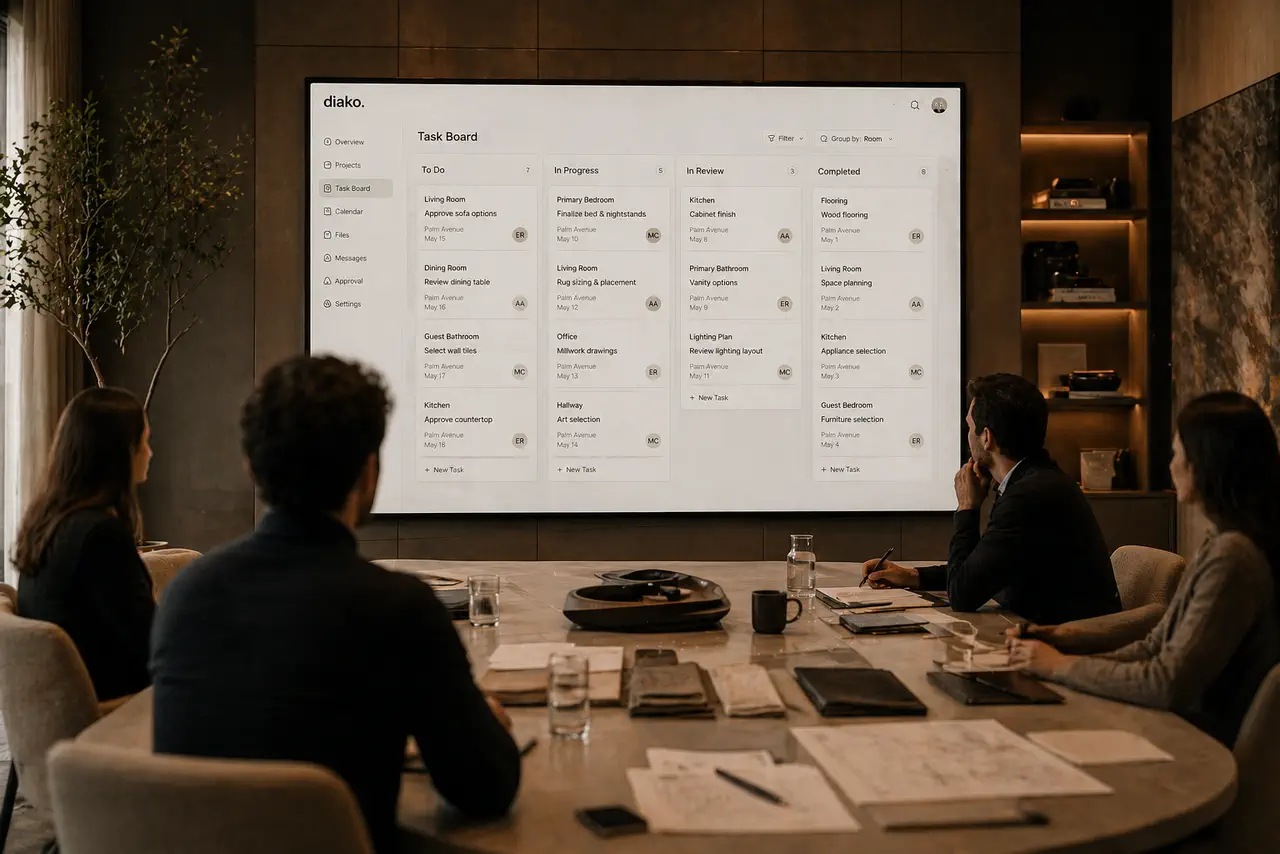
Reduce friction inside the studio workflow
- Client details scattered across spreadsheets, inboxes, and disconnected project files.
- The same names, emails, and phone numbers being re-entered for projects, proposals, and invoices.
- Slow manual migration when a studio wants to import an existing client list from another system.
- Unsafe bulk imports that write bad data before the team gets a chance to review it.
- No clean distinction between an internal client record and a real portal login identity.
Works better because it connects to the surrounding workflow
Related features
Explore the connected modules around this workflow
Each part of the platform is stronger because it links to the stages before and after it.
Client Portal
Give clients a polished place to review selections, proposals, and approvals without relying on messy email chains.
Explore this featureProject Management
Manage interior design projects by room, item, approval status, and team workflow in software built for real design studios.
Explore this feature
Invoicing
Handle billing from approved proposal items with tax breakdowns, partial invoicing, Stripe payment links, QR codes, and accounting-ready context.
Explore this featureFAQ
Questions studios often ask about this workflow
Clear answers for teams evaluating whether this part of the platform fits their process.
What does the client record connect to inside Diako Studio?
The client record acts as the anchor for related projects, proposals, and invoices, which keeps the relationship between people, work, and financial documents cleaner.
Can clients be imported in bulk?
Yes. Admins can import clients from CSV through an AI-assisted flow that maps columns first, then shows a preview before any insert is confirmed.
How does the AI import work?
Only the CSV headers and the first three data rows are sent to AI for lightweight column mapping. The backend then processes the full file using that mapping, which keeps token usage lower and avoids sending the full dataset through the model.
What happens to extra CSV columns that do not match name, email, or phone?
They are preserved as structured raw data attached to the client record, so imported information is not discarded just because it does not fit the core fields.
Does the system check for duplicates before import?
Yes. Duplicate clients are detected by matching email or phone against existing studio records, highlighted in the preview, and deselected automatically before confirmation.
Is a client record the same as a CRM portal login?
No. The internal client record belongs to the studio, while the CRM account is the customer's actual platform login identity for the separate portal. Those two concepts are intentionally kept separate.
See it in context
Start free to explore how this feature works inside the full studio platform
Diako Studio is built to help interior design studios connect creative workflow, client approvals, sourcing, proposals, purchase orders, and invoicing in one place.