
client portal for interior designers
Client Portal for Interior Designers
Diako Studio gives interior design studios a clearer client-facing workflow so reviews, approvals, and proposal decisions stay tied to the actual project instead of getting lost across email and disconnected PDFs.
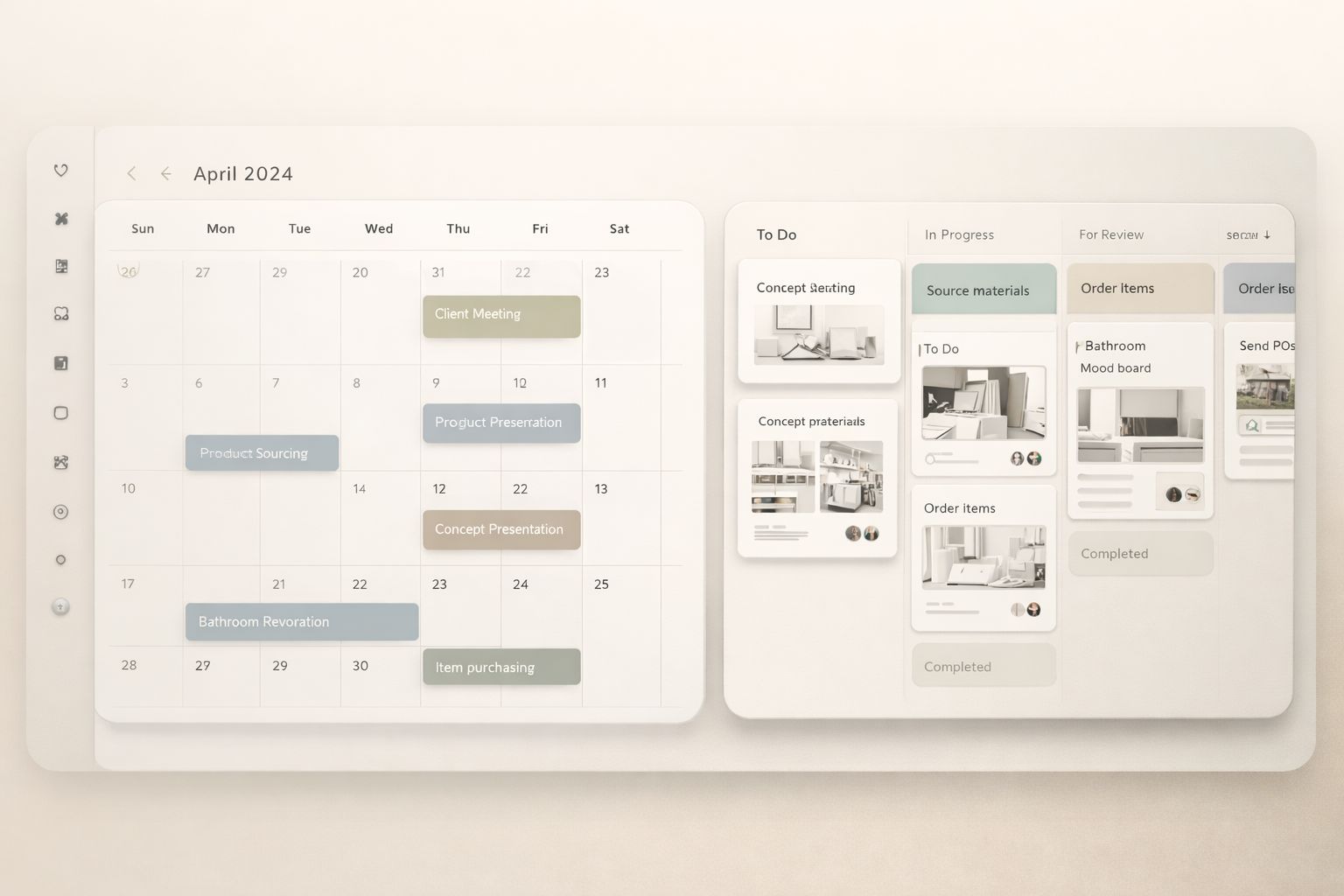
Client Portal for professional studio workflow
- Give clients one calm place to review and respond.
- Keep feedback tied to the exact items under review.
- Make the studio feel more structured and professional.
Built to support connected studio handoffs
- Share selections or proposals with clients.
- Collect responses in a more organized format.
- Move approved items into sourcing, purchasing, or billing workflow.
Reduce friction inside the studio workflow
- Approvals hidden in long email threads.
- Clients reviewing outdated files with unclear status.
- Teams manually reconciling what was approved.
Works better because it connects to the surrounding workflow
Related features
Explore the connected modules around this workflow
Each part of the platform is stronger because it links to the stages before and after it.

Mood Board Software
Create room-based mood boards for interior design projects with flexible composition, client sharing, and a direct path into specs, sourcing, and proposals.
Explore this feature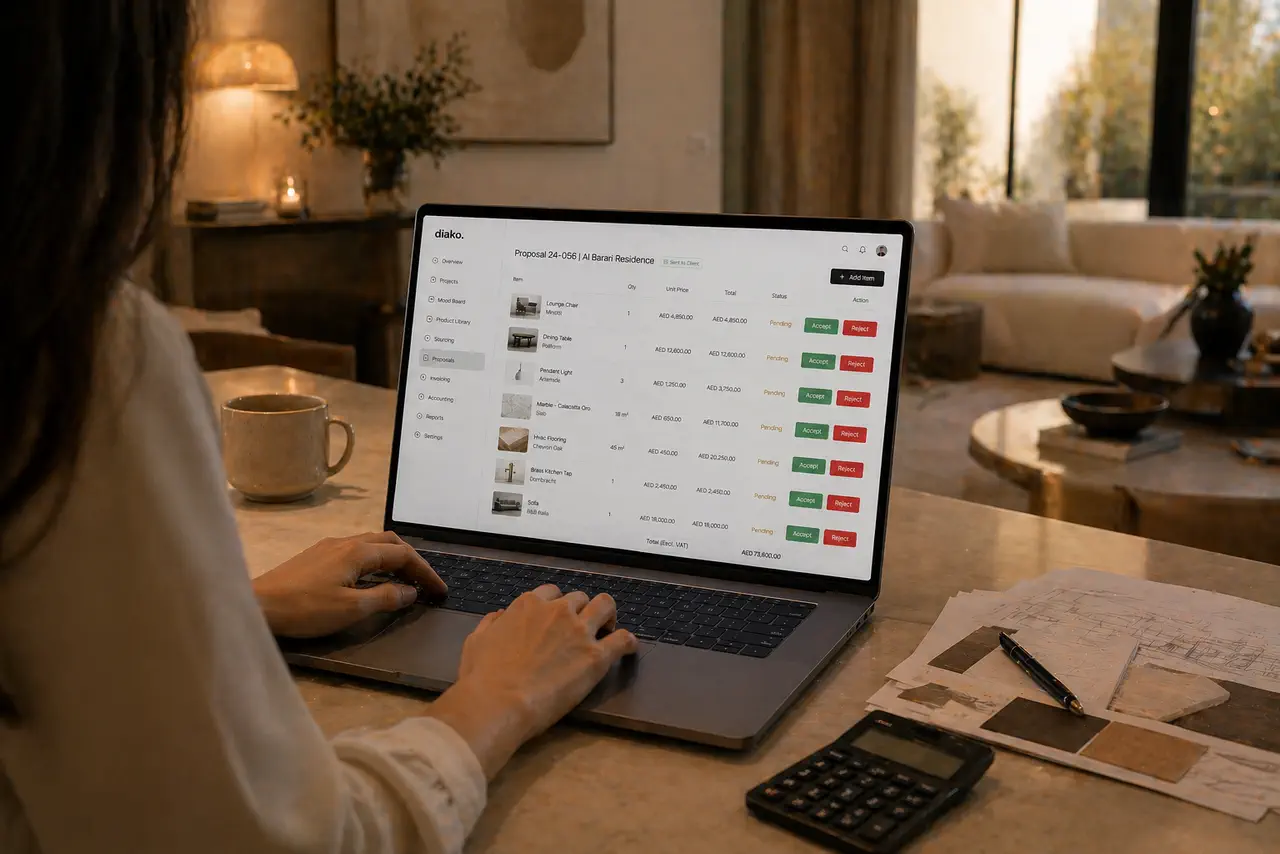
Proposals
Build client proposals from approved selections with secure review, item-level approvals, tax breakdowns, and a cleaner handoff into purchasing and invoicing.
Explore this feature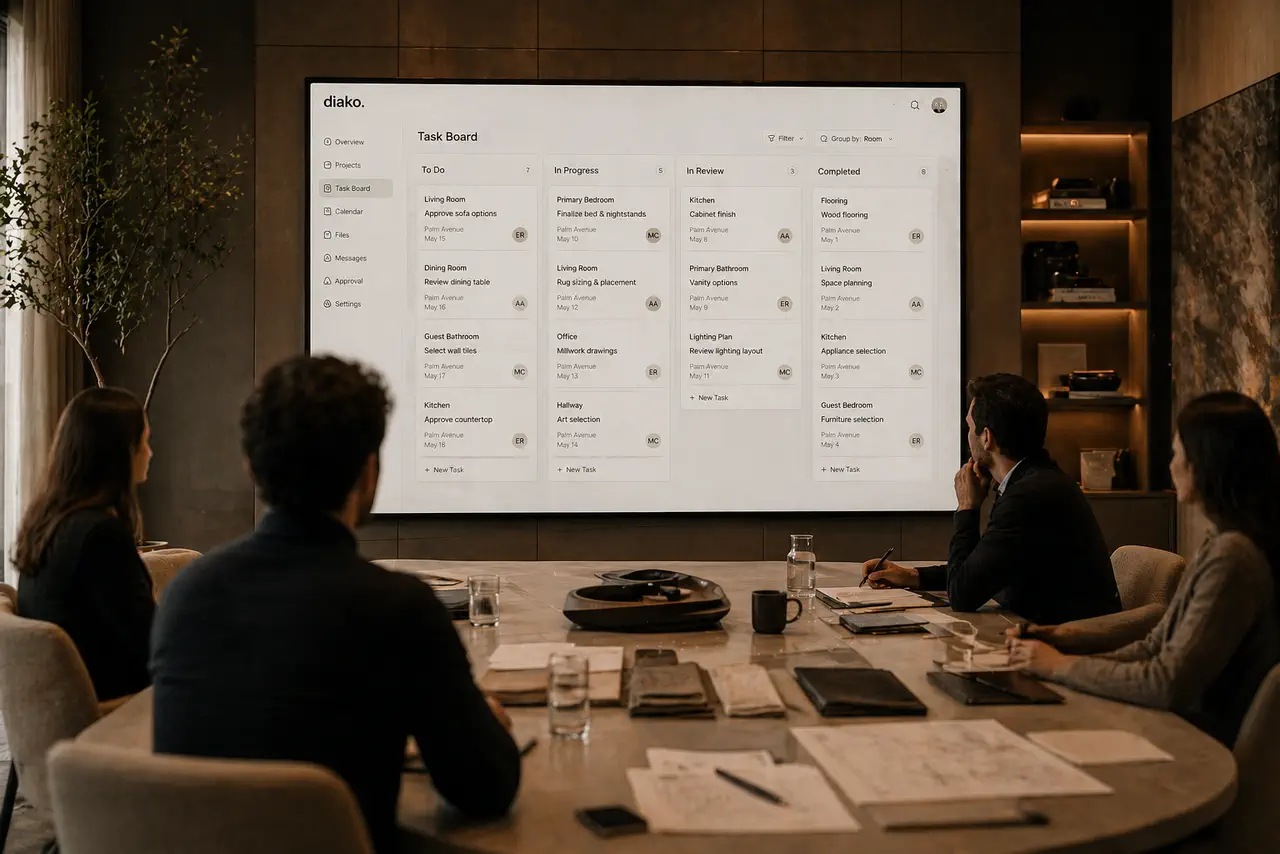
Project Management
Manage interior design projects by room, item, approval status, and team workflow in software built for real design studios.
Explore this featureFAQ
Questions studios often ask about this workflow
Clear answers for teams evaluating whether this part of the platform fits their process.
Can clients review proposals and selections in the same system?
Yes. The client-facing experience is designed to keep project review, proposal decisions, and approvals inside one clearer workflow.
Is this built for professional studios rather than simple file sharing?
Yes. It is meant to support structured studio communication and real project handoffs.
See it in context
Start free to explore how this feature works inside the full studio platform
Diako Studio is built to help interior design studios connect creative workflow, client approvals, sourcing, proposals, purchase orders, and invoicing in one place.