
task board software for interior designers
Task Board Software for Interior Design Studios
Diako Studio gives interior design teams a task board built for real studio coordination. Instead of forcing all work into one crowded board or a disconnected to-do app, the platform supports separate board workspaces, private membership, customizable columns, rich task cards, and direct links back to the project, area, or item that needs follow-through.
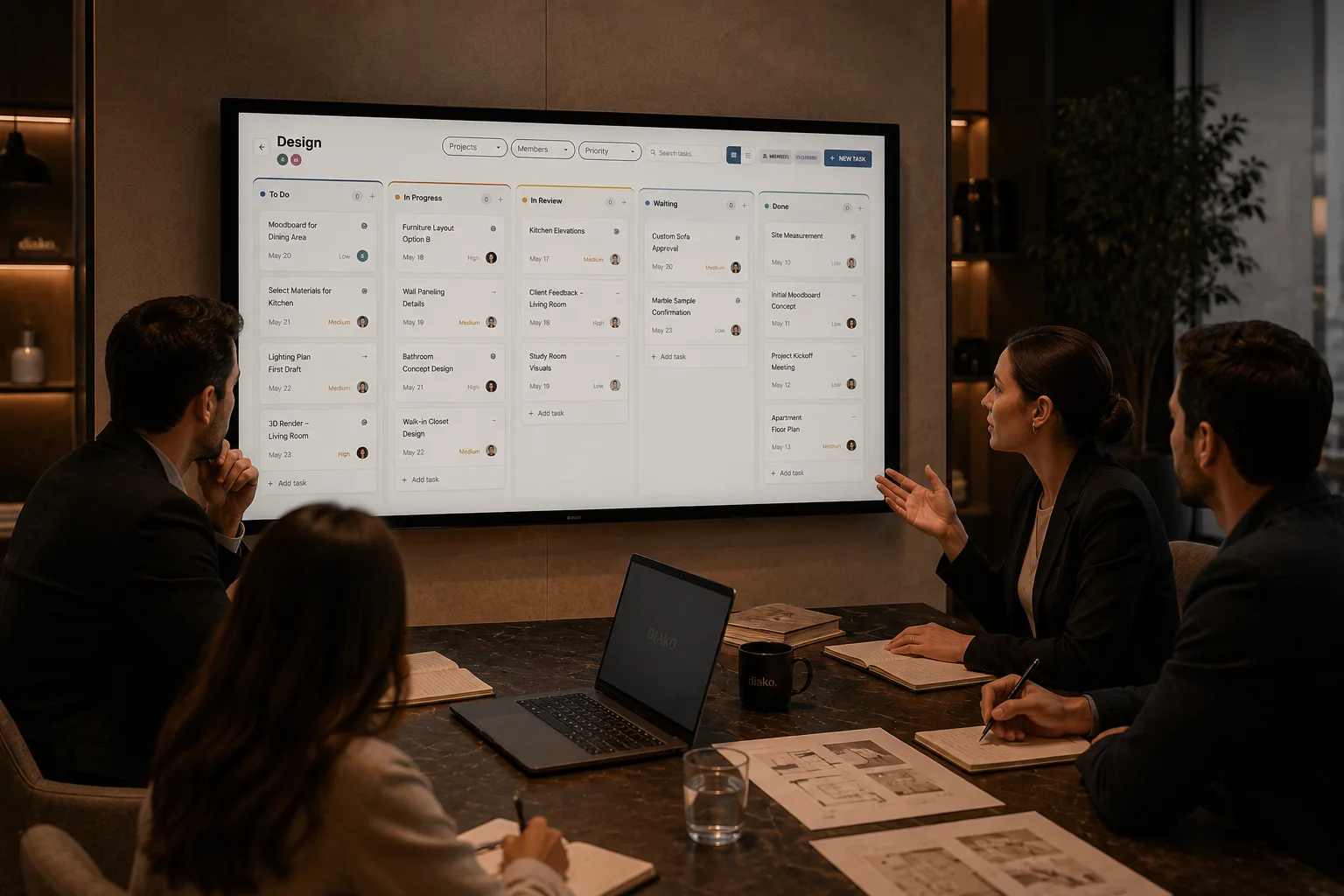
- Multiple private boardsGive each team, department, or workflow its own task space without exposing unrelated work to everyone.
- Rich task cardsUse assignees, due dates, priorities, checklists, attachments, and threaded comments inside the same board.
- Project-linked follow-throughTie tasks back to projects, areas, and items so the board stays useful in real design operations.
Task Board for professional studio workflow
- Create separate task boards for different teams, departments, or workstreams instead of mixing everything into one shared view.
- Keep each board private to its members while company admins still retain full studio oversight.
- Customize columns with renaming, reordering, color coding, and workflow-specific structures after board creation.
- Manage tasks with multiple assignees, due dates, priorities, checklists, attachments, threaded comments, and @mentions.
- Link tasks back to a project, area, or item so operational follow-up stays attached to the real design context.
- Switch between kanban-style board movement and list view when the team needs faster scanning, filtering, and sorting.
Built to support connected studio handoffs
- Create a board for the team, department, or workflow that needs its own focused workspace.
- Set the board name and visual identity using a cover color or uploaded image, then start from default columns.
- Adjust columns to match the studio process by renaming, reordering, recoloring, or replacing them.
- Invite board members from the studio so only the right people can view, manage, and get assigned inside that board.
- Create tasks with due dates, priorities, checklists, files, comments, and linked project context.
- Drag tasks across columns or use list view with filters when the team needs to process large volumes of follow-up work.
Task workflow
Run separate task boards without losing studio context or control
Diako treats task management as a serious operational layer for design studios. Teams can keep work private where needed, adapt each board to its own process, and still connect daily follow-through back to the project records that matter.
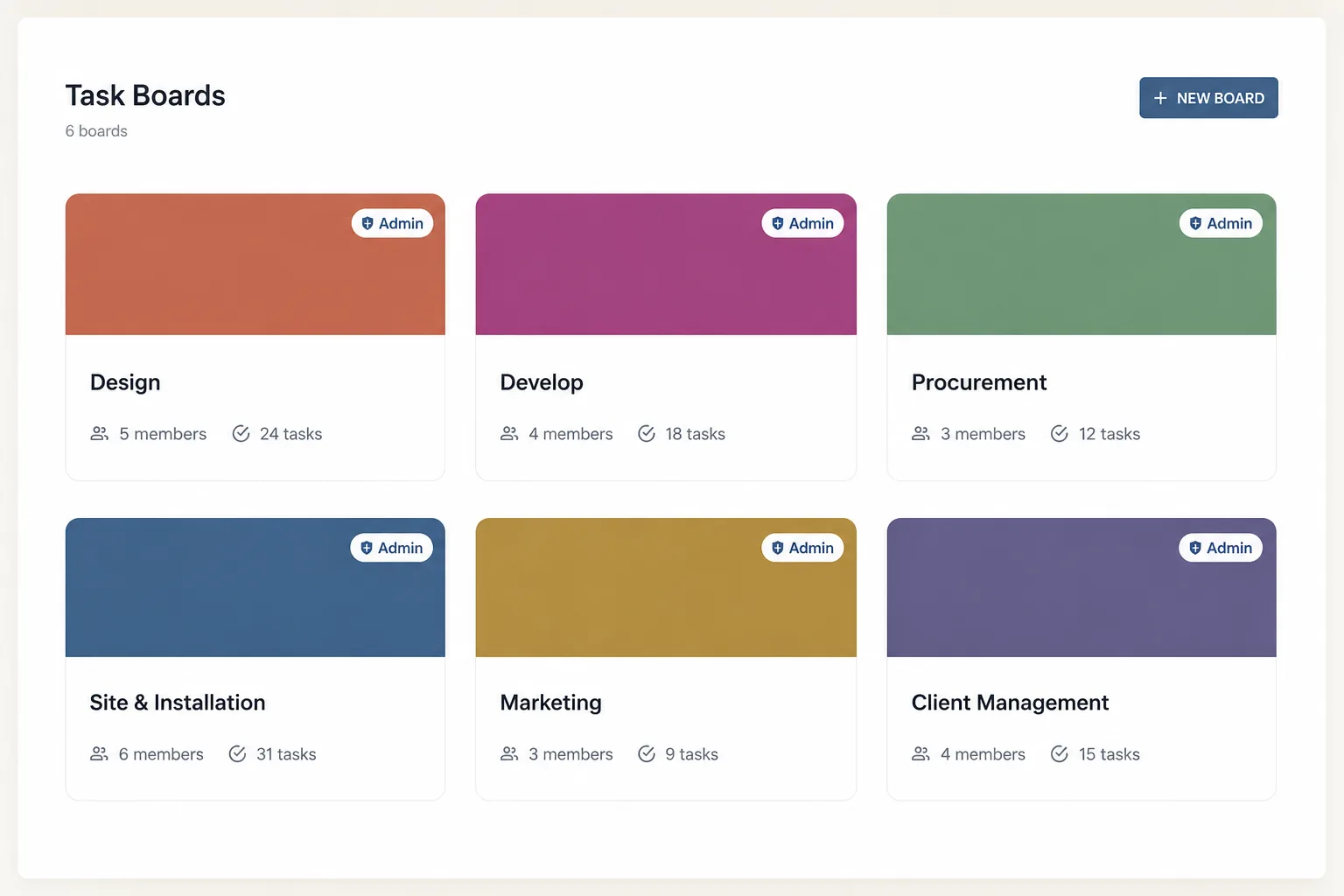
Give each team or workflow its own board instead of forcing one shared backlog
Studios rarely work from one single operational stream. Diako supports multiple independent task boards, so project teams, procurement follow-up, and internal operations can each run in a cleaner workspace without stepping on each other.
- Create as many boards as the studio needs for different departments or workstreams.
- Keep each board independent with its own columns, tasks, members, and identity.
- Reduce clutter by separating unrelated operational work before it becomes noise.
Control who can see the board and who manages it
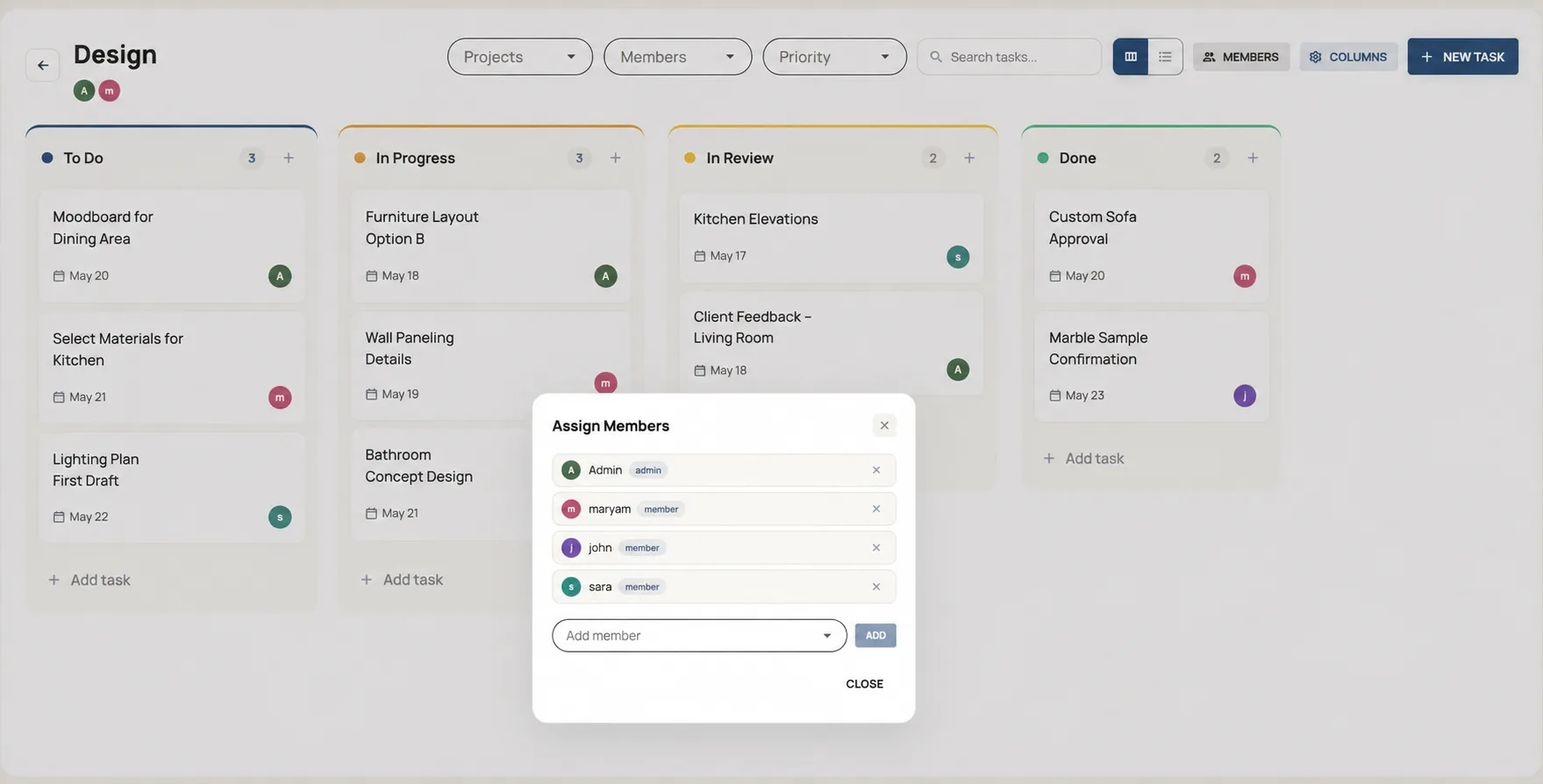
Task boards work better when the right people can focus without extra noise. Board membership controls visibility, board creators automatically become board admins, and company admins still retain the studio-wide access needed for oversight.
- Show boards only to invited members so private workflows stay private.
- Let board admins manage columns, rename the board, and control membership.
- Keep company-level oversight available for studio administrators when broader visibility is needed.
Start quickly and then adapt the board structure to the real workflow
Creating a board is intentionally lightweight: give it a name, choose a color, and start with default columns. After that, teams can fully customize the board by renaming, reordering, recoloring, or replacing columns to match how their workflow actually moves.
- Launch a new board quickly without setting up everything from scratch.
- Customize columns after creation so the process can evolve with the team.
- Use cover colors or uploaded images to give boards faster visual recognition.
Use richer task cards than a simple checklist or sticky note board
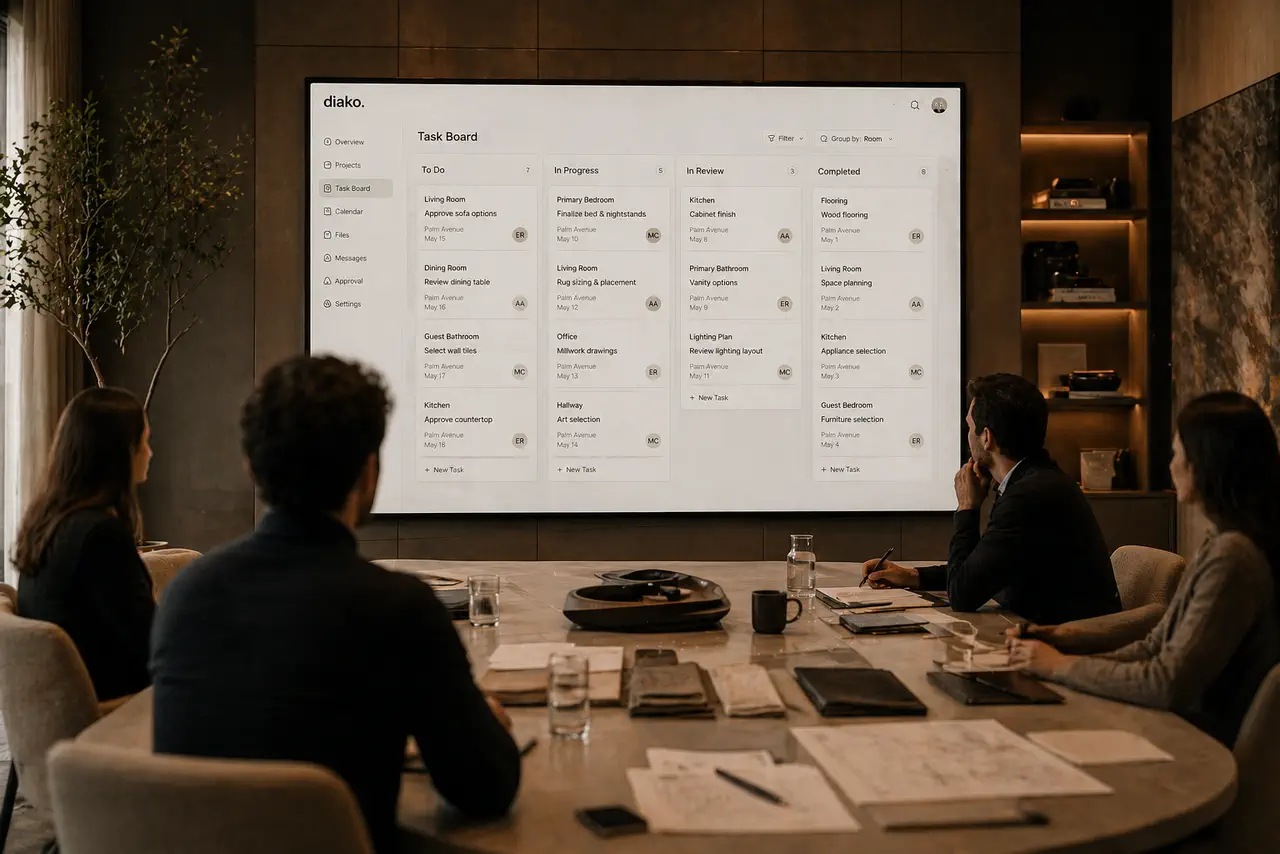
Diako task cards support the details real studios need during execution. Teams can assign multiple people, track due dates and priority, add completion-aware checklists, upload files, and keep conversation attached through threaded comments and @mentions.
- Assign multiple owners when several team members share responsibility.
- Add due dates, priorities, checklists, attachments, and discussion on the same card.
- Drag tasks between columns or reorder them within a column as work changes.
Keep task follow-through tied to design context and manageable at scale
Task management becomes far more useful when it stays connected to the rest of the studio system. Diako lets tasks optionally link to a project, area, or item, while list view and filters help members narrow down by assignee, due date, priority, column, or personal workload.
- Link tasks to projects, areas, or items so follow-up stays attached to the real work.
- Use list view when the team needs faster sorting, scanning, and bulk visibility.
- Filter by assignee, due date, priority, column, or personal list to reduce overload.
Reduce friction inside the studio workflow
- One overloaded task board trying to hold every studio workflow at once.
- Team members seeing tasks that are irrelevant to their role or department.
- Task apps that lose the relationship between follow-up work and the actual design project.
- No clear way to assign multiple owners, manage checklists, or keep threaded discussion attached to the task.
- Operational work disappearing across inboxes, personal notes, and disconnected kanban tools.
Works better because it connects to the surrounding workflow
Related features
Explore the connected modules around this workflow
Each part of the platform is stronger because it links to the stages before and after it.
Project Management
Manage interior design projects by room, item, approval status, and team workflow in software built for real design studios.
Explore this feature
Calendar and Scheduling
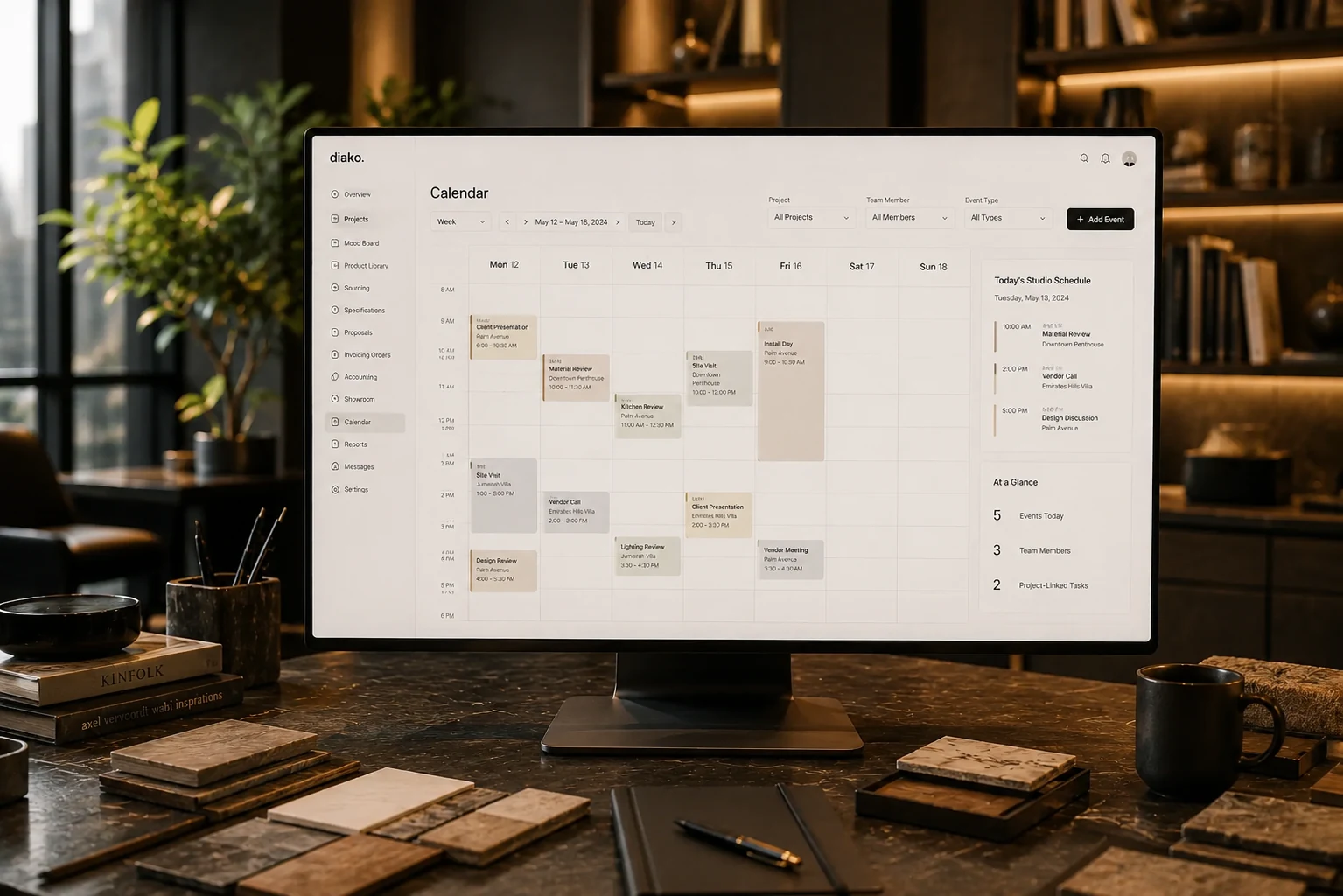
Manage studio scheduling with project-linked events, attendees, task codes, and payroll-connected time tracking in one calendar.
Explore this feature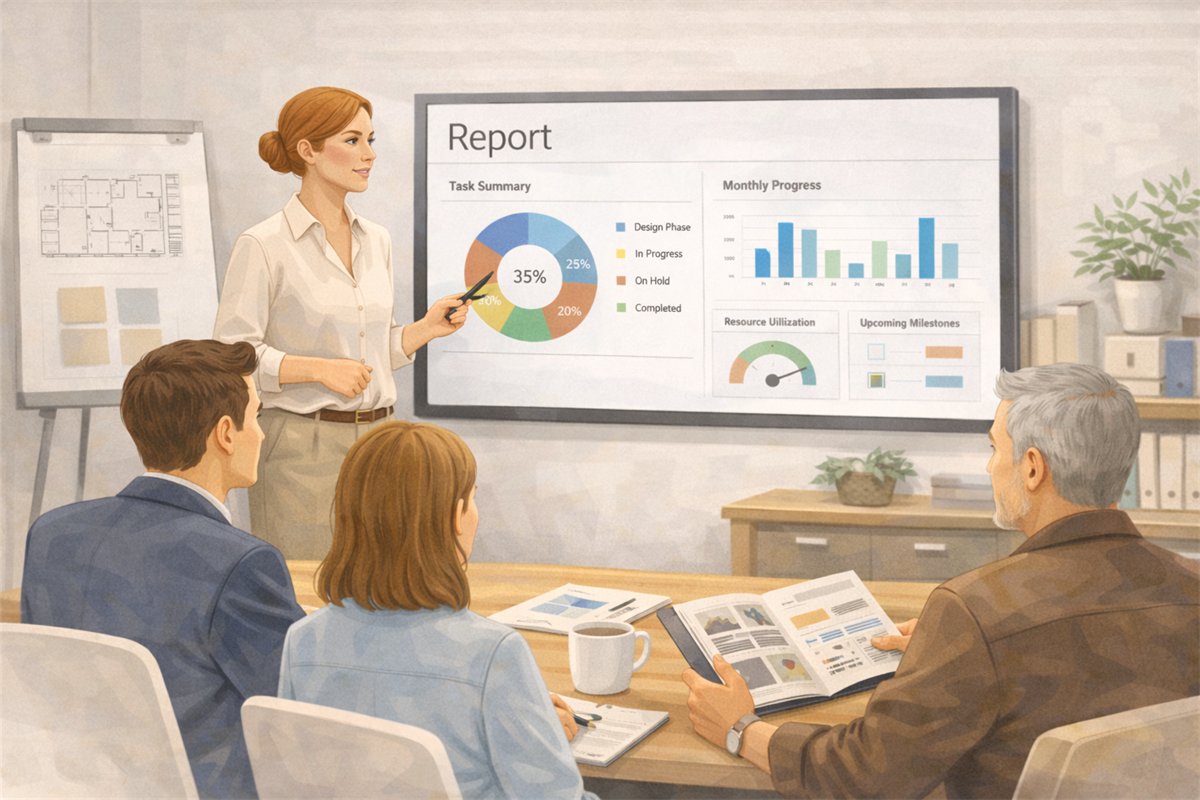
Reporting and Studio Visibility
Track studio operations across projects, scheduling, task load, purchasing, invoicing, accounting, and reporting in one interior design business system.
Explore this featureFAQ
Questions studios often ask about this workflow
Clear answers for teams evaluating whether this part of the platform fits their process.
Can the studio create more than one task board?
Yes. Diako supports multiple separate task boards, so different teams, departments, or workflows can each have their own focused workspace.
Who can see a board?
Board visibility is membership-based. Users only see the boards they belong to, while company admins keep access across the full studio.
Can a board have its own members and admin?
Yes. The creator becomes the board admin, and board admins can manage columns, invite or remove members, and rename the board.
What can be added to a task card?
Tasks support multiple assignees, due dates, priorities, checklists with completion tracking, file attachments, and threaded comments with @mentions.
Can tasks stay connected to the design project?
Yes. Tasks can optionally link to a project, area, or item, which helps the team keep operational follow-up tied to the actual design context.
Is there a view for large volumes of tasks, not just kanban columns?
Yes. In addition to drag-and-drop columns, Diako also offers a list view for filtering, sorting, and scanning larger sets of tasks more quickly.
See it in context
Start free to explore how this feature works inside the full studio platform
Diako Studio is built to help interior design studios connect creative workflow, client approvals, sourcing, proposals, purchase orders, and invoicing in one place.