
interior design business software
Interior Design Business Software for Studio Operations
Diako Studio works as interior design business software because it gives the studio an operating view, not just isolated feature screens. Teams can monitor projects, scheduling, task load, approvals, purchasing, invoicing, accounting records, and reporting from one system, with search, notifications, and role-based access keeping the right people informed.
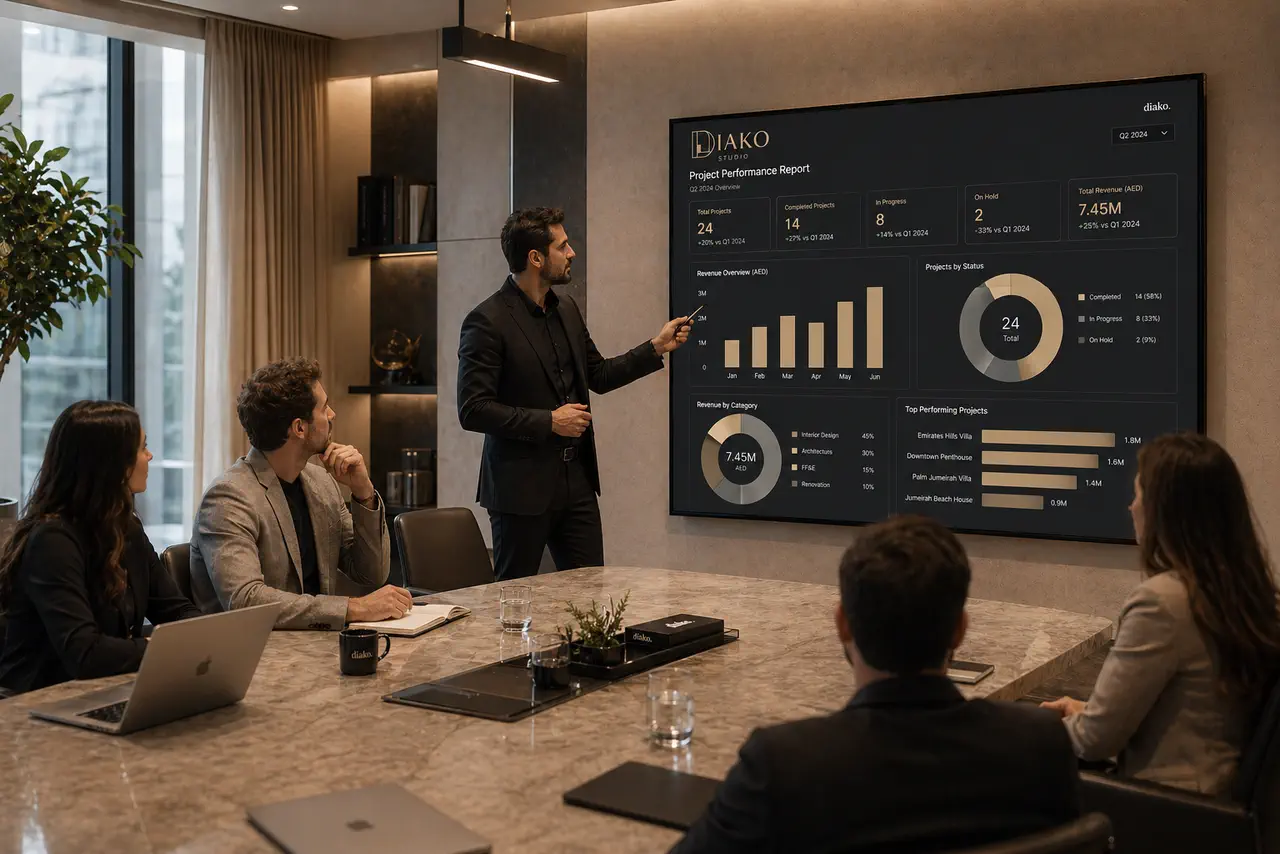
- Operational dashboardSee live project activity, scheduling, approvals, purchasing, invoicing, and next actions in one operating view.
- Time and cost reportingTrack hours and labor cost by project, designer, date, or month using snapshotted payroll rates.
- Finance Pro visibilityFollow invoices, payments, tax mappings, journal entries, and audit-safe accounting history from the same platform.
Reporting and Studio Visibility for professional studio workflow
- Use a company-wide calendar dashboard as the daily operational home screen instead of piecing together scheduling across separate tools.
- Track studio work through project-linked tasks, approvals, purchase orders, invoices, and accounting activity in one operating system.
- Run Time and Cost reporting by project, designer, date, or month using snapshotted payroll rates so historical labor costs stay accurate.
- Keep financial visibility grounded in real accounting logic with General Ledger reporting, automatic journal posting, tax mappings, and immutable audit history.
- Use notifications, unread badges, and global search to surface the exact record that needs attention without manually checking every module.
- Support both studio coordination and finance follow-through without rebuilding data between creative, operational, and accounting steps.
Built to support connected studio handoffs
- Start from the company calendar and live project list to see what is happening across the studio today.
- Schedule events, assign attendees, connect work back to projects, and use task codes when the studio wants labor cost visibility.
- Track task board activity, approvals, purchase orders, invoices, and accounting movement from the same workspace.
- Use notifications, built-in Messenger, and global search to jump straight to the exact project, invoice, vendor, or task that needs follow-up.
- Review Time and Cost reporting, General Ledger activity, and studio-wide status before making operational or financial decisions.
Inside the operating layer
How Diako gives interior design studios a real operational view
This page is where scheduling, reporting, financial visibility, and everyday studio awareness come together. Instead of checking separate tools for tasks, accounting, search, and notifications, the team works from one shared system.
Use the calendar as a company-wide operations dashboard
The calendar is designed as a daily home screen, not a side feature. Events can include locations, timezones, attendees, and links back to projects, while filters help teams focus by user, project, event type, or date range. Google Calendar sync is also supported for studios that still need outside calendar visibility.
- See month, week, and day views with drag-and-drop editing and rescheduling.
- Link events back to the project context so meetings and site visits do not drift away from the work itself.
- Use Google Calendar sync while keeping the internal platform as the main source of truth.
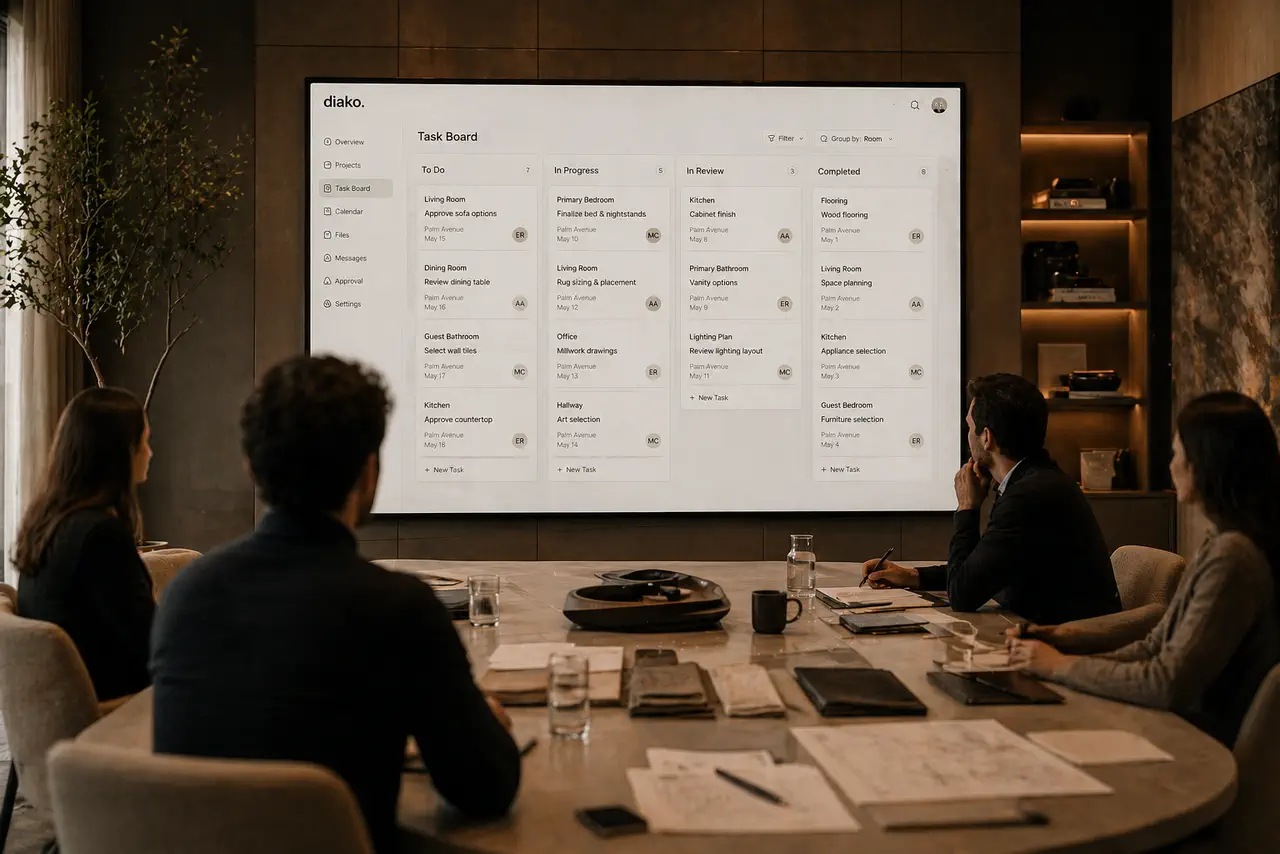
Track labor cost with reporting that preserves historical accuracy
Diako connects scheduling to payroll and reporting through task codes and snapshotted hourly rates. When time is logged, the effective rate at that moment is preserved, which keeps historical cost reporting accurate even after payroll changes. Management can then review grouped Time and Cost reporting across projects and designers without rebuilding spreadsheets.
- Assign task codes such as Design, Site Visit, Client Meeting, or Procurement on calendar activity.
- Report by project, designer, date, or month with summary cards for hours, cost, designers, and projects.
- Use the snapshotted rate from the original entry so later payroll edits never distort older reports.
Keep operational reporting close to accounting reality
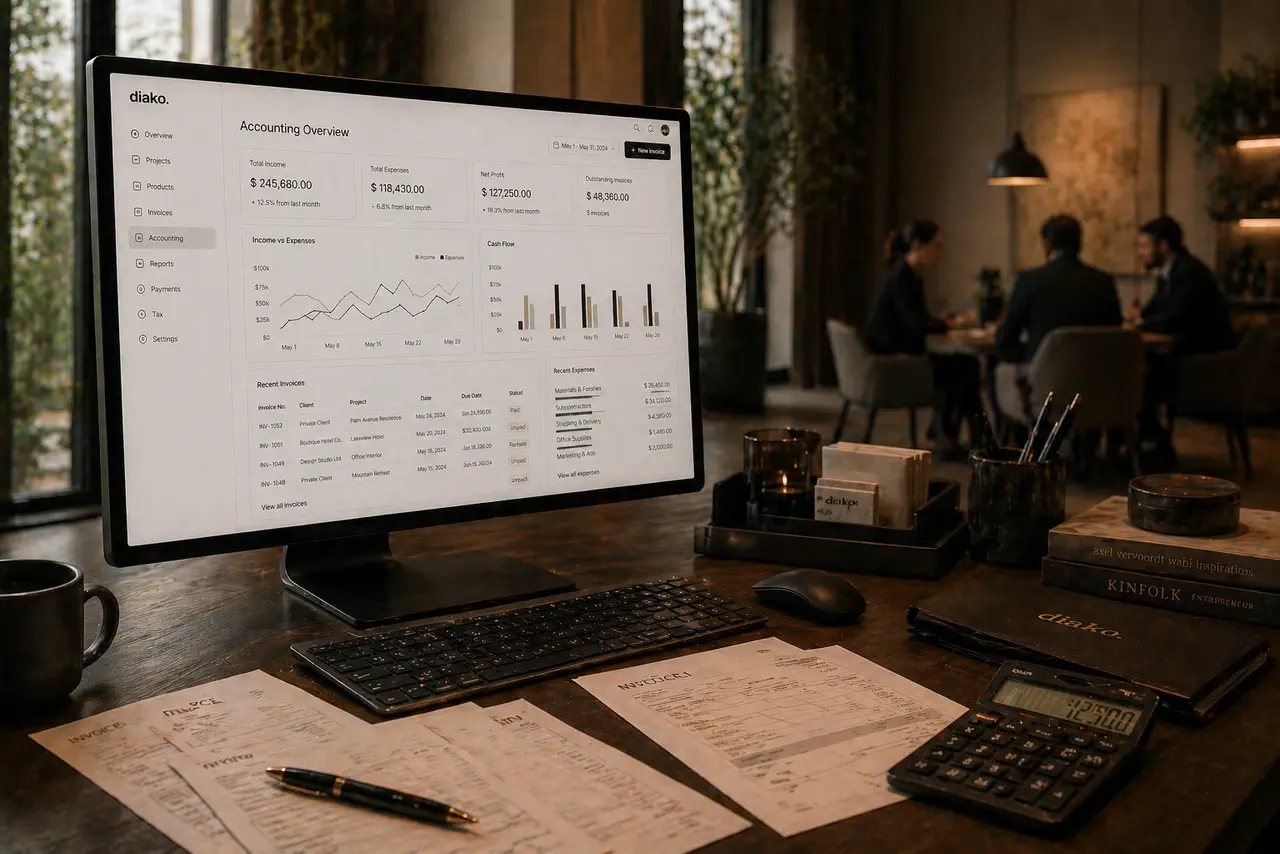
The business layer works better because it does not stop at surface-level status. Finance Pro adds double-entry accounting, automatic posting from invoices and payments, General Ledger reporting, tax mappings, and immutable audit history. That gives studio leadership clearer visibility into what has actually been billed, paid, and recorded.
- Finalized invoices post balanced journal entries automatically to receivables, revenue, and tax accounts.
- Client payments reduce receivables with proper receiving-account logic and support partial payments.
- General Ledger reporting lets the team filter by date or account and drill back to the source transaction.
Use notifications and search to move through the business faster
Studios lose time when they know something changed but cannot find the exact record quickly. Diako solves that with company-wide notifications and a persistent search bar that can jump straight to projects, proposals, invoices, purchase orders, vendors, and more. The result is faster follow-up without constant manual checking.
- Get notified when tasks are assigned, items are approved, events include attendees, or proposal and financial statuses change.
- Use unread counts and direct record links so follow-up starts from the right place immediately.
- Search across projects, clients, items, invoices, purchase orders, products, categories, and vendors from one field.

Reduce friction inside the studio workflow
- No single operational view across projects, scheduling, approvals, purchasing, and billing.
- Daily coordination split between separate calendars, task apps, inboxes, and accounting tools.
- Teams struggling to trace a project decision into the related invoice, purchase order, or financial record.
- Management reporting relying on disconnected exports instead of live studio data.
- Historical cost, tax, or currency changes making older records harder to trust or compare.
Works better because it connects to the surrounding workflow
Related features
Explore the connected modules around this workflow
Each part of the platform is stronger because it links to the stages before and after it.
Project Management
Manage interior design projects by room, item, approval status, and team workflow in software built for real design studios.
Explore this featureInvoicing
Handle billing from approved proposal items with tax breakdowns, partial invoicing, Stripe payment links, QR codes, and accounting-ready context.
Explore this feature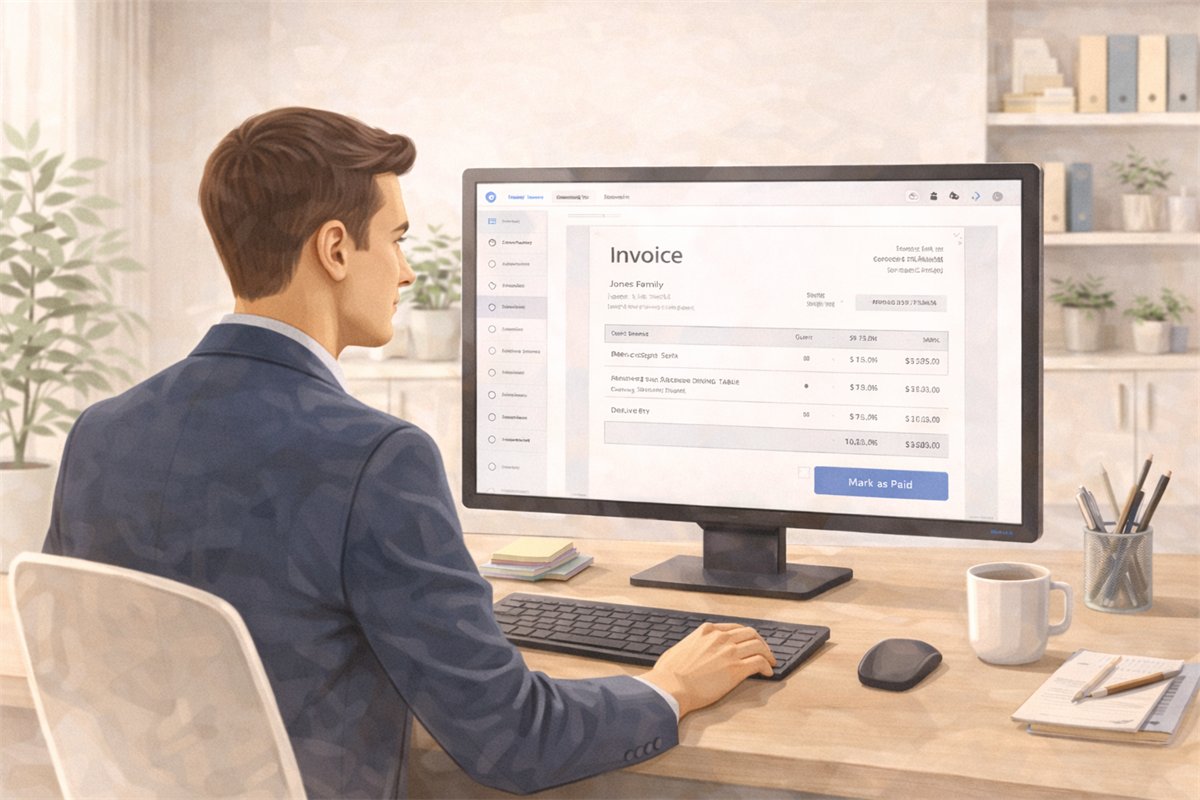
Accounting
Manage studio accounting with chart of accounts, taxes, invoicing, payments, and ledger visibility in one connected workflow.
Explore this featureFAQ
Questions studios often ask about this workflow
Clear answers for teams evaluating whether this part of the platform fits their process.
Is this built only for large firms?
No. It is useful for independent designers, growing studios, and larger firms that need more operational structure.
Does this include both creative and business workflow?
Yes. Diako Studio is designed to connect both sides of the studio in one platform.
What kinds of reporting are included in this business software workflow?
The platform supports studio-wide operational visibility, Time and Cost reporting for labor tracking, and General Ledger reporting inside Finance Pro. Additional financial reports such as Trial Balance, AR Aging, and Income Statement are planned for future releases.
Can this support both solo operators and shared studio accounting visibility?
Yes. The operating model can support personal accounting visibility for independent designers and company accounting visibility for larger teams, while QuickBooks integration remains a future roadmap item.
Does this include internal team messaging?
Yes. Diako includes a built-in Messenger for company-private direct messages and invite-only group conversations, with replies, file attachments, unread badges, and realtime delivery inside the studio workspace.
Can the studio search across records instead of opening each module separately?
Yes. Global search can return projects, clients, items, proposals, invoices, purchase orders, products, categories, and vendors from one search bar, with direct links to the relevant record.
See it in context
Start free to explore how this feature works inside the full studio platform
Diako Studio is built to help interior design studios connect creative workflow, client approvals, sourcing, proposals, purchase orders, and invoicing in one place.