
interior design accounting software
Interior Design Accounting Software for Studios
Diako Studio gives interior design businesses an accounting layer that stays close to proposals, invoices, and payments instead of living in a disconnected bookkeeping tool. It supports personal accounting workflows for independent designers, company accounting workflows for shared studios, and a future QuickBooks integration path that is planned but not yet available.
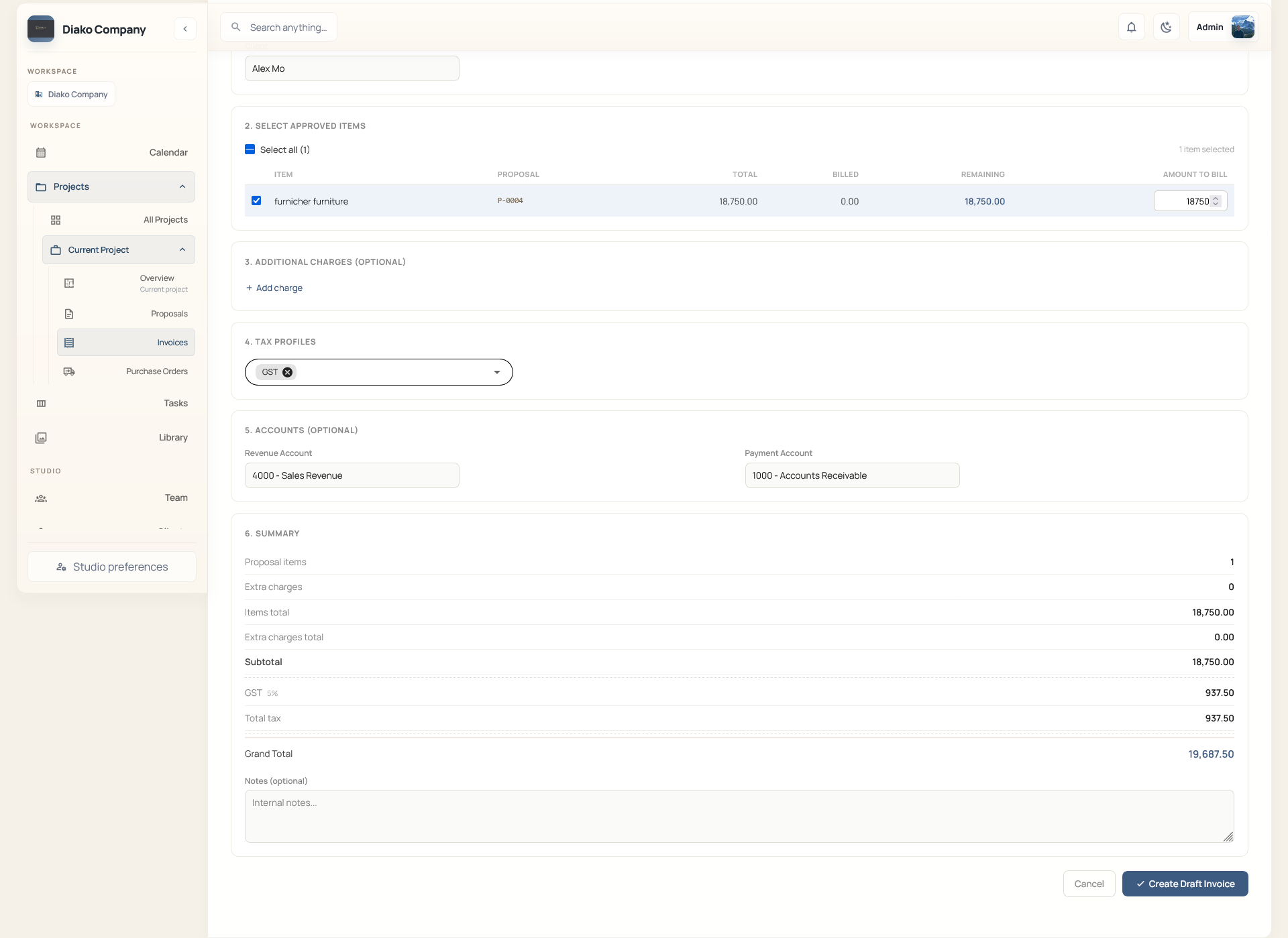
- Personal workflowUseful for solo designers and owner-operators who want billing, payments, and financial follow-through in one place.
- Company accountingUseful for shared studios that need chart-of-account mappings, tax settings, and clearer auditability across the team.
- QuickBooks roadmapThe current workflow is native to Diako Studio. QuickBooks integration is planned for a later phase, not live today.
Accounting for professional studio workflow
- Set up company-specific chart-of-account mappings for revenue, tax, receivables, and receiving accounts.
- Support personal accounting workflows for solo designers who want billing and financial follow-through in one place.
- Support company accounting workflows for teams that need shared tax settings, auditability, and clearer financial structure.
- Keep invoices, payments, and manual journal activity tied to the records that created them.
- Preserve historical context with record-level currencies, posted entries, and safer financial traceability.
- Communicate the roadmap clearly: QuickBooks integration is planned for later, not presented as a live feature today.
Built to support connected studio handoffs
- Configure tax profiles, chart-of-account mappings, and receiving accounts at the studio level.
- Create proposals and invoices from approved project records with accounting-ready financial context attached.
- Track payments and financial follow-through without disconnecting billing from the original project.
- Review journal-based financial activity and general-ledger-style visibility inside the same operational workspace.
- Use the current native workflow for personal or company accounting needs while reserving QuickBooks integration for a future release.
Inside the finance layer
How accounting fits into the wider interior design studio workflow
Accounting is stronger when it is connected to the project, proposal, invoice, and payment records that created it. Diako keeps that structure closer together so financial follow-through feels more operationally credible.
Define chart of accounts, taxes, and currency logic before billing starts
The accounting layer starts with structure. Studios can define chart-of-account mappings, tax profiles, and record-level currency behavior so financial meaning does not get added as an afterthought later in the workflow.
- Map revenue, tax, receivable, and receiving-account logic to the right business records.
- Keep tax handling country-agnostic so the studio can support different tax profiles without changing the whole workflow.
- Preserve currency context on each record so historical documents keep their original business meaning.
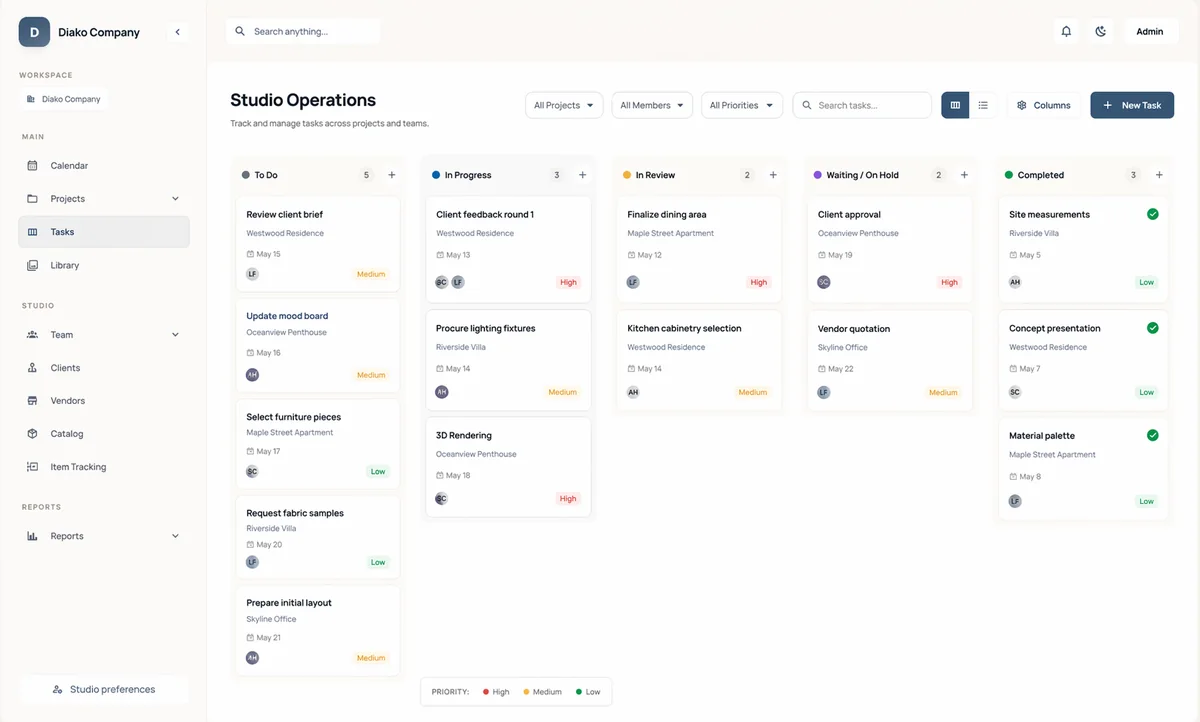
Keep invoices, payments, and journal-based finance activity closer together
A billing workflow becomes more useful when the finance logic is not isolated from it. Diako positions accounting around invoices, payments, and journal-based visibility so studios can follow the commercial record without rebuilding it elsewhere.
- Keep invoice and payment follow-through closer to the same source records.
- Support financial visibility that is easier to audit than a disconnected spreadsheet process.
- Reduce re-entry between proposal approval, invoice creation, and accounting review.
Use the same platform whether finance is handled by one designer or a shared studio team
Independent designers often need a more lightweight accounting workflow, while larger studios need shared structure and accountability. Diako can be positioned for both by keeping the financial layer close to the real project and billing workflow.
- Personal accounting workflow helps solo operators avoid stitching together extra bookkeeping steps.
- Company accounting workflow gives shared teams clearer controls, financial visibility, and consistency.
- Both paths stay tied to proposals, invoices, and project records instead of branching into disconnected systems.

Present QuickBooks integration as a future path, not a current dependency
Teams evaluating software need a clear answer on integrations. Diako can confidently present a native accounting workflow today while stating that QuickBooks integration is planned for a later release once the product is ready for that connection.
- Avoid overpromising a sync that is not live yet.
- Give buyers a clear current-state answer and a clear roadmap answer.
- Position the current native workflow as the product that exists today.
Reduce friction inside the studio workflow
- Accounting software disconnected from the project, proposal, and invoicing workflow.
- Finance context only appearing after someone re-enters the same data into another system.
- Solo designers needing a lighter accounting workflow and studios needing company controls from the same platform.
- Confusion about whether QuickBooks integration is live or still planned.
Works better because it connects to the surrounding workflow
Related features
Explore the connected modules around this workflow
Each part of the platform is stronger because it links to the stages before and after it.

Invoicing
Handle billing from approved proposal items with tax breakdowns, partial invoicing, Stripe payment links, QR codes, and accounting-ready context.
Explore this feature
Reporting and Studio Visibility
Track studio operations across projects, scheduling, task load, purchasing, invoicing, accounting, and reporting in one interior design business system.
Explore this feature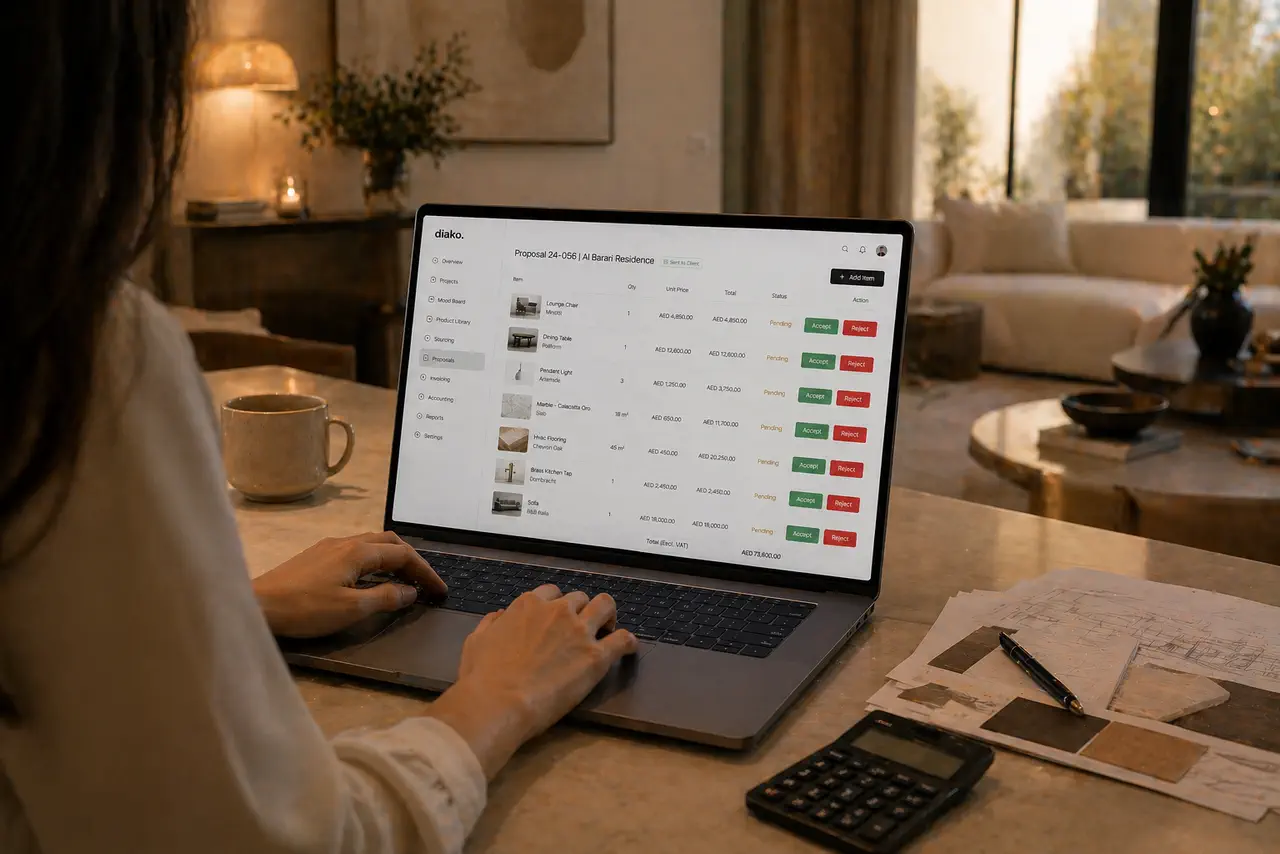
Proposals
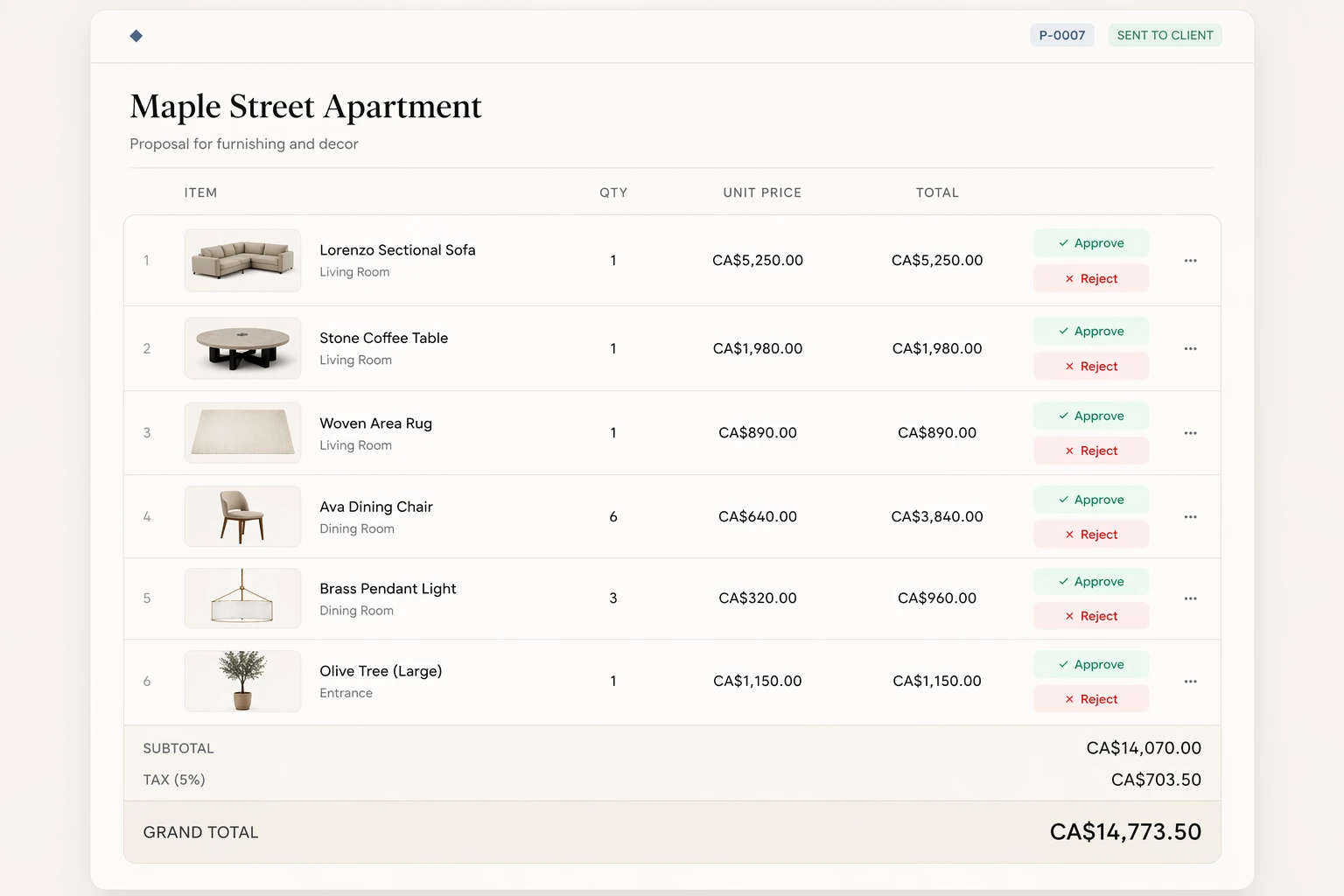
Build client proposals from approved selections with secure review, item-level approvals, tax breakdowns, and a cleaner handoff into purchasing and invoicing.
Explore this featureFAQ
Questions studios often ask about this workflow
Clear answers for teams evaluating whether this part of the platform fits their process.
What accounting workflows does Diako Studio support today?
Today the platform supports personal accounting workflows for solo designers and company accounting workflows for shared studios. QuickBooks integration is planned, but it is not available in the current release.
Does Diako Studio use proper accounting structure or only basic billing?
The accounting positioning goes beyond basic billing by covering chart-of-account mappings, tax settings, payment handling, journal-based financial logic, and general-ledger-style visibility around the same project records.
Can accounting stay connected to invoices and payments?
Yes. The workflow is designed so invoicing and payment follow-through remain close to the financial records they affect instead of being reconstructed in a separate system.
Is QuickBooks integration available now?
No. QuickBooks integration is a planned future addition. The current accounting story is the native Diako Studio workflow.
See it in context
Start free to explore how this feature works inside the full studio platform
Diako Studio is built to help interior design studios connect creative workflow, client approvals, sourcing, proposals, purchase orders, and invoicing in one place.