
AI moodboard assistant for interior designers
AI Moodboard Assistant for Interior Designers
Diako Studio includes an AI moodboard assistant for interior designers who want thoughtful critique before a concept goes in front of the client. Anahita helps designers review visual balance, palette consistency, material direction, and the overall strength of a moodboard concept without pretending to replace the designer's judgment.
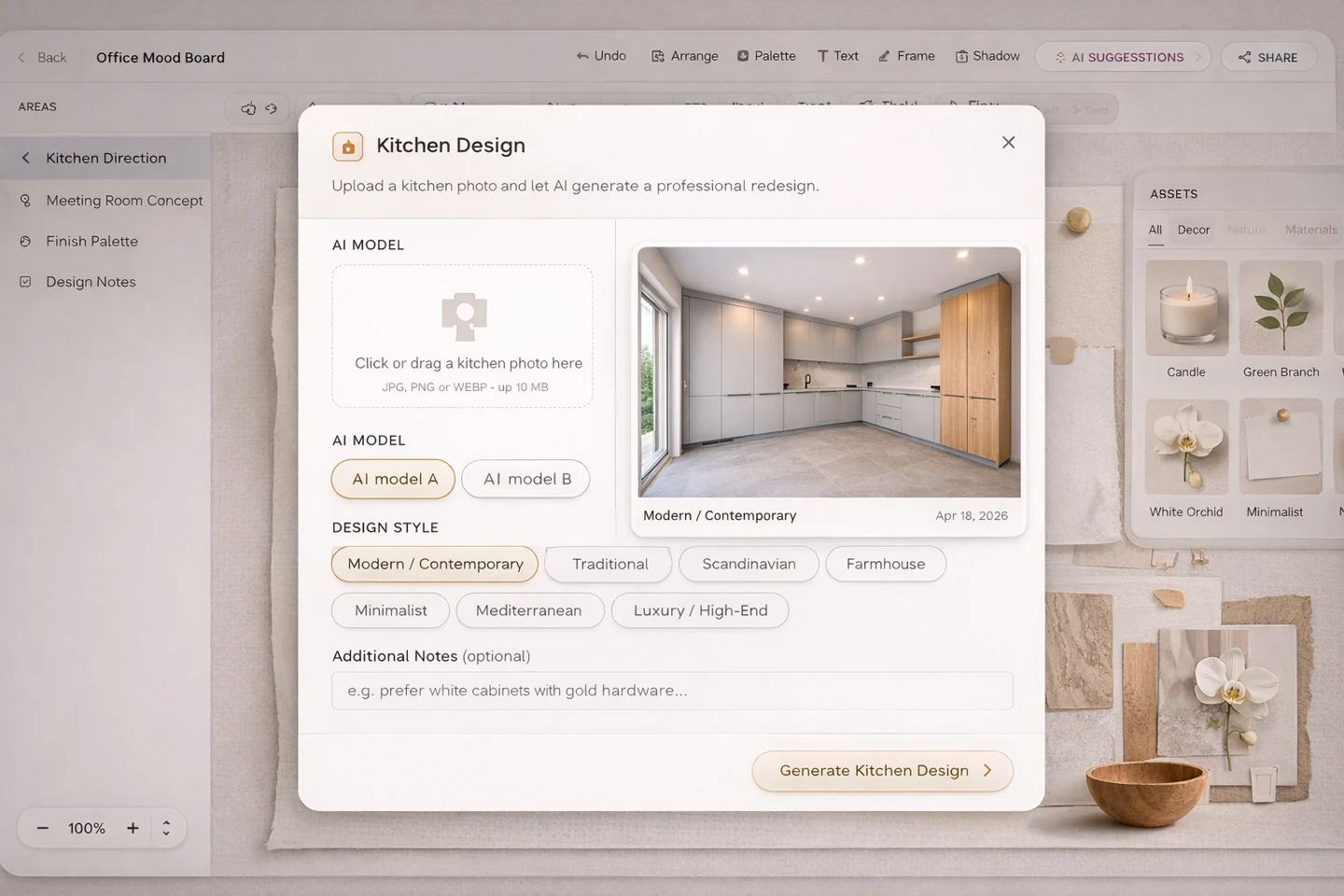
- Moodboard-aware critiqueReview the actual moodboard direction instead of asking a generic AI tool with no visual context.
- Client-ready concept supportUse AI feedback to strengthen presentation quality before the moodboard reaches the client.
- Designer stays in controlGet assistance, critique, and suggestions without replacing the designer's judgment.
See Anahita help review an interior design moodboard
This walkthrough shows how Anahita acts as an AI moodboard assistant for critique, design feedback, visual balance review, and stronger client-ready concept refinement.
AI Moodboard Assistant for professional studio workflow
- Review moodboard direction with design-focused feedback on palette, materials, styling, and visual hierarchy.
- Ask for critique on what feels unresolved, inconsistent, too busy, or not yet premium enough for presentation.
- Keep the conversation tied to the actual moodboard area instead of starting from a blank AI chat.
- Use Deep Review when the concept needs a more deliberate second pass before client presentation.
- Support stronger client-facing explanations by turning design thinking into clearer presentation language.
Built to support connected studio handoffs
- Build or open a moodboard inside the live project workspace.
- Ask Anahita for feedback on the active moodboard instead of describing the concept from scratch.
- Review comments about style direction, palette cohesion, material consistency, and conflicting elements.
- Refine the moodboard based on the critique while keeping the designer fully in control of final decisions.
- Use the stronger concept for client presentation, internal review, or the next workflow step.
Anahita workflow
Use AI critique to strengthen interior design moodboards before client review
Anahita is designed as a calm design-review layer inside the moodboard workflow. It helps teams test direction, spot inconsistency, and improve clarity before a concept becomes client-facing.
Review style direction, palette, materials, hierarchy, and visual tension
Anahita focuses on the design logic inside the moodboard rather than acting like a generic chatbot. It can help the designer judge whether the palette is coherent, whether materials feel aligned, whether hierarchy is clear, and whether different visual ideas are fighting each other.
- Assess color palette cohesion and whether the board feels calm, rich, soft, dramatic, or confused.
- Check whether materials and finishes feel aligned or visually disconnected.
- Spot hierarchy issues, competing focal points, and visual clutter before presentation.
Build the moodboard, ask for feedback, refine the concept, and prepare the presentation
The workflow is simple on purpose. Designers build the board, ask focused questions, review suggestions, and then decide what to change. That keeps the AI in a supporting role while still making critique faster and more structured.
- Ask what feels unresolved, too busy, too flat, or not yet premium enough.
- Use the critique to improve the moodboard before internal review or client presentation.
- Turn design feedback into clearer client-facing explanation when the team needs to defend the concept.
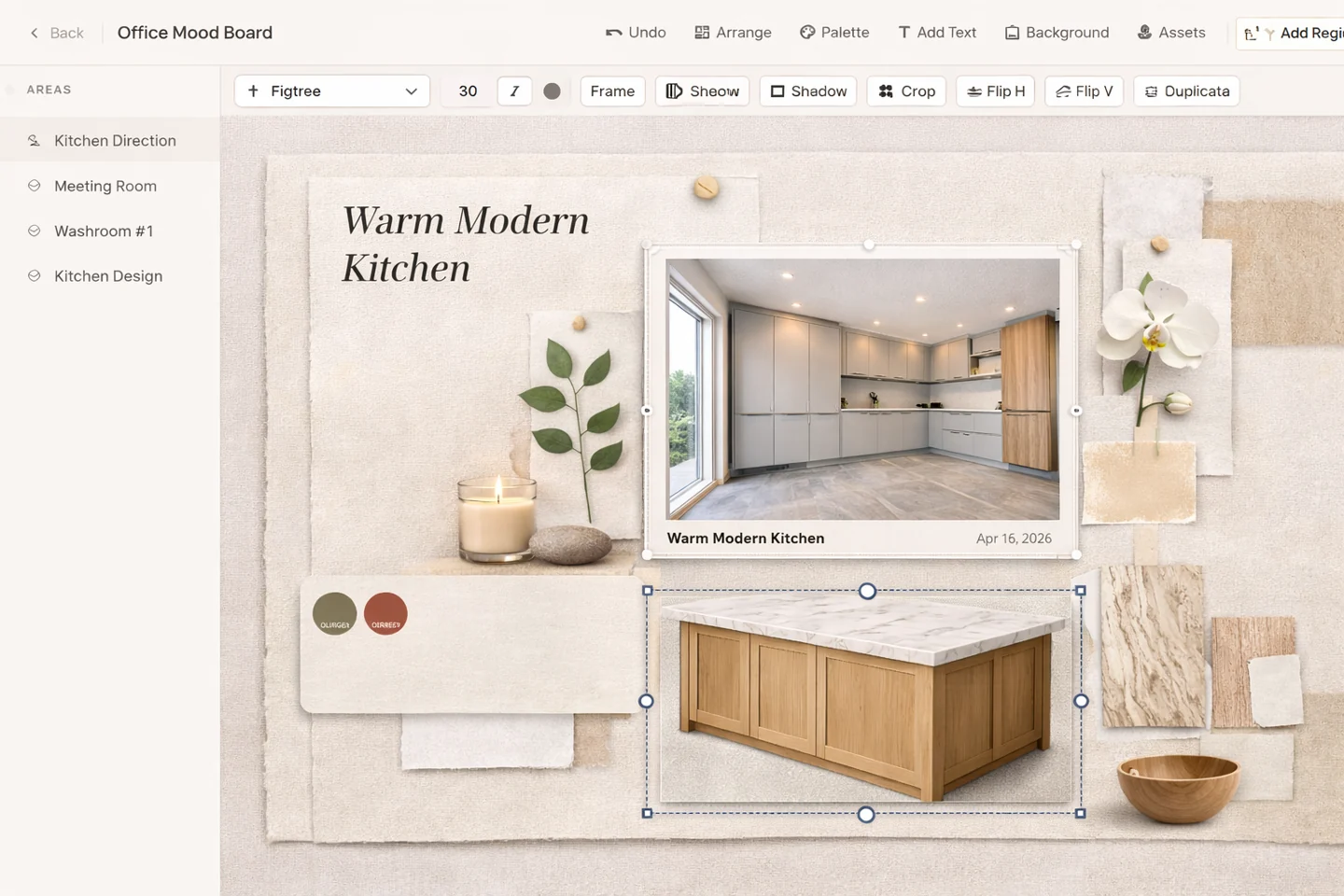
Get moodboard critique that stays connected to project context and workflow
Generic AI tools usually operate in isolation. Diako keeps Anahita inside the moodboard and project workflow, which means the critique is easier to use in real studio operations rather than living in a disconnected chat thread.
- Stay closer to the active board, project area, and visual context.
- Keep feedback inside the same workflow that handles sharing, approvals, and follow-through.
- Use AI as a design assistant for review, not as a replacement for authorship.
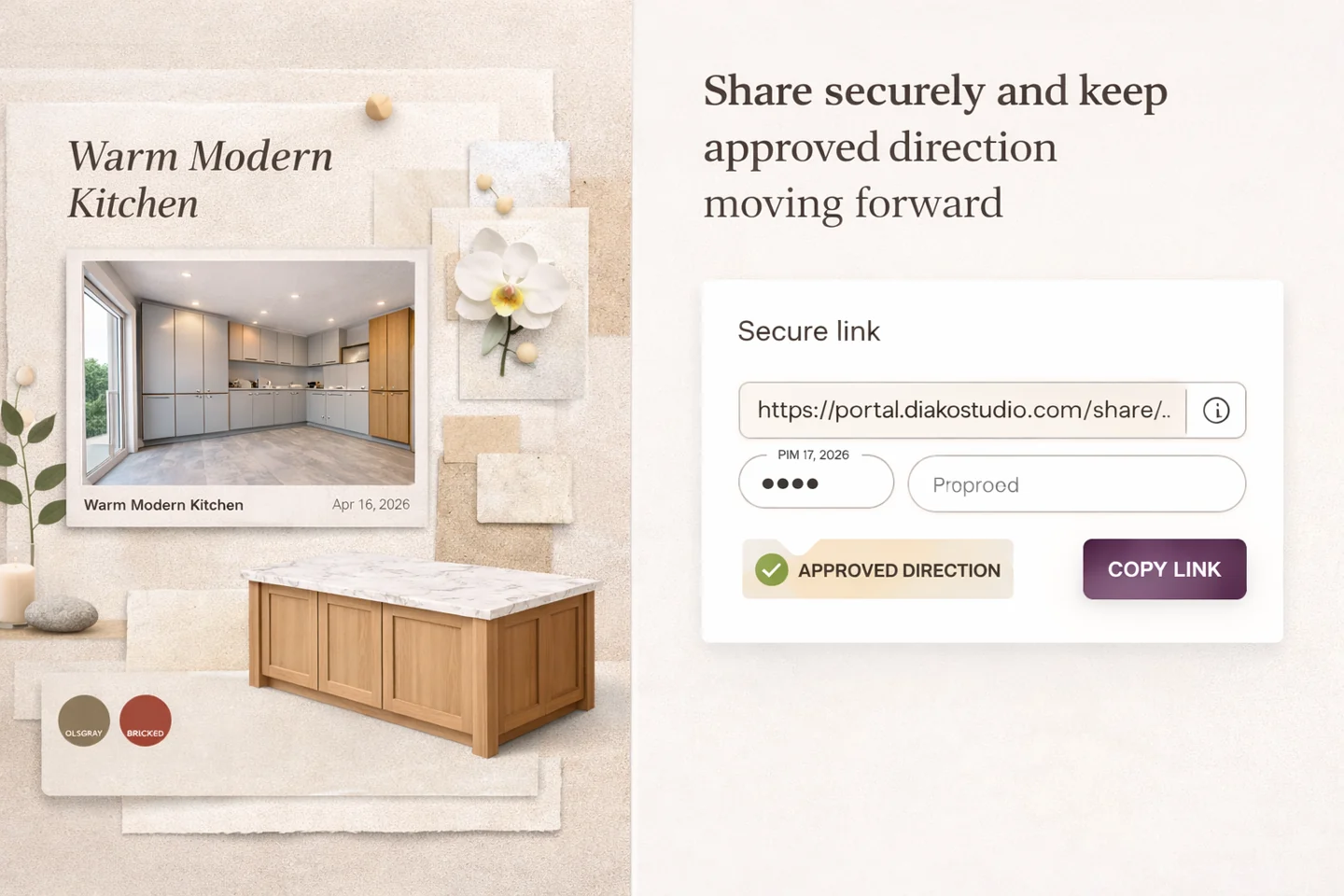
Reduce friction inside the studio workflow
- Moodboards reaching client presentation before someone has pressure-tested the visual direction.
- Generic AI tools giving aesthetic answers with no real moodboard or project context.
- Designers needing a clearer way to talk through what feels off without overexplaining the board.
- Too much internal uncertainty about whether a concept feels balanced, premium, or presentation-ready.
Works better because it connects to the surrounding workflow
Related features
Explore the connected modules around this workflow
Each part of the platform is stronger because it links to the stages before and after it.

Mood Board Software
Create room-based mood boards for interior design projects with flexible composition, AI photo enhancement, client sharing, and a direct path into specs, sourcing, and proposals.
Explore this feature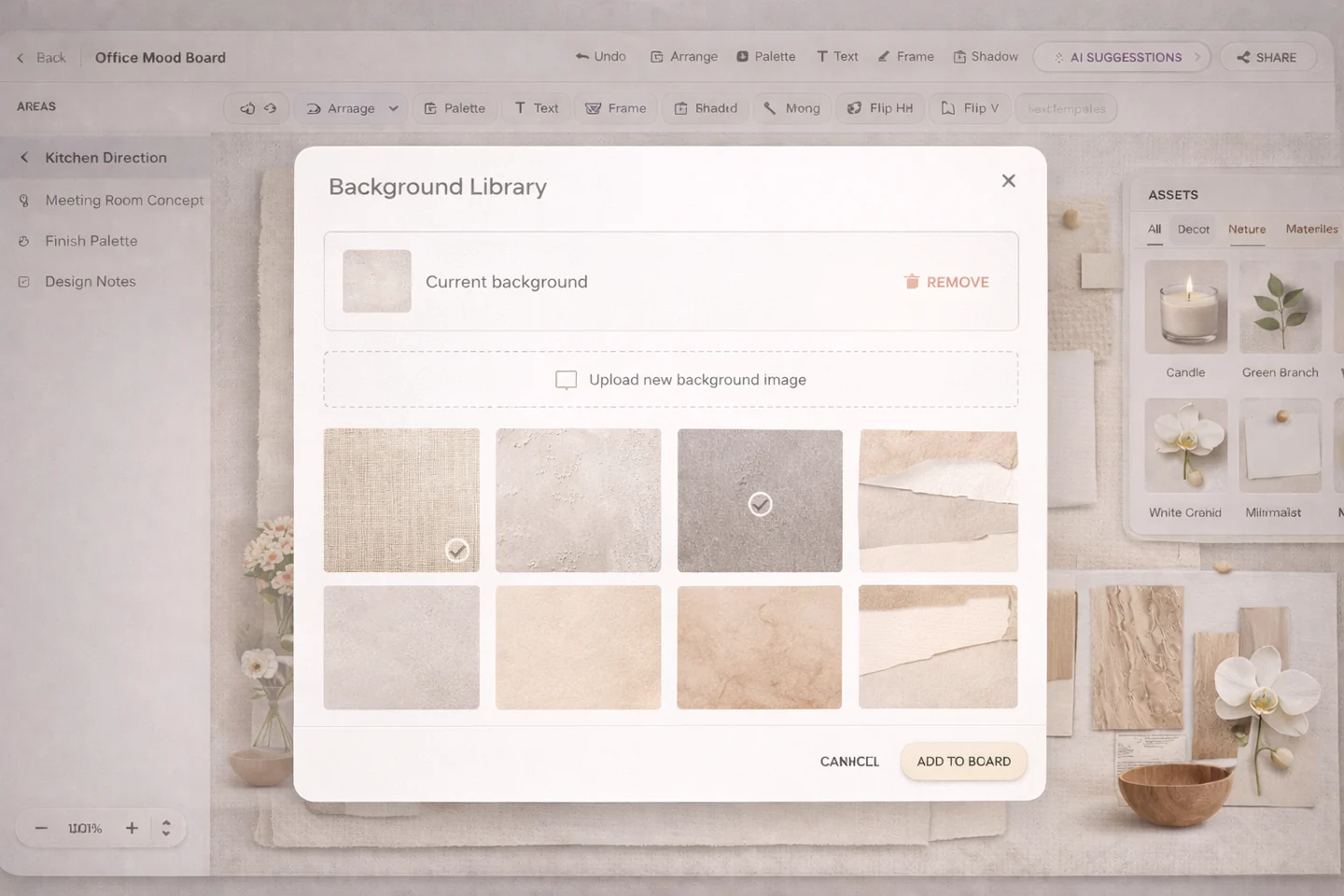
Mood Board Examples
See interior design mood board examples for living rooms, kitchens, bedrooms, hospitality concepts, and product selection workflow.
Explore this feature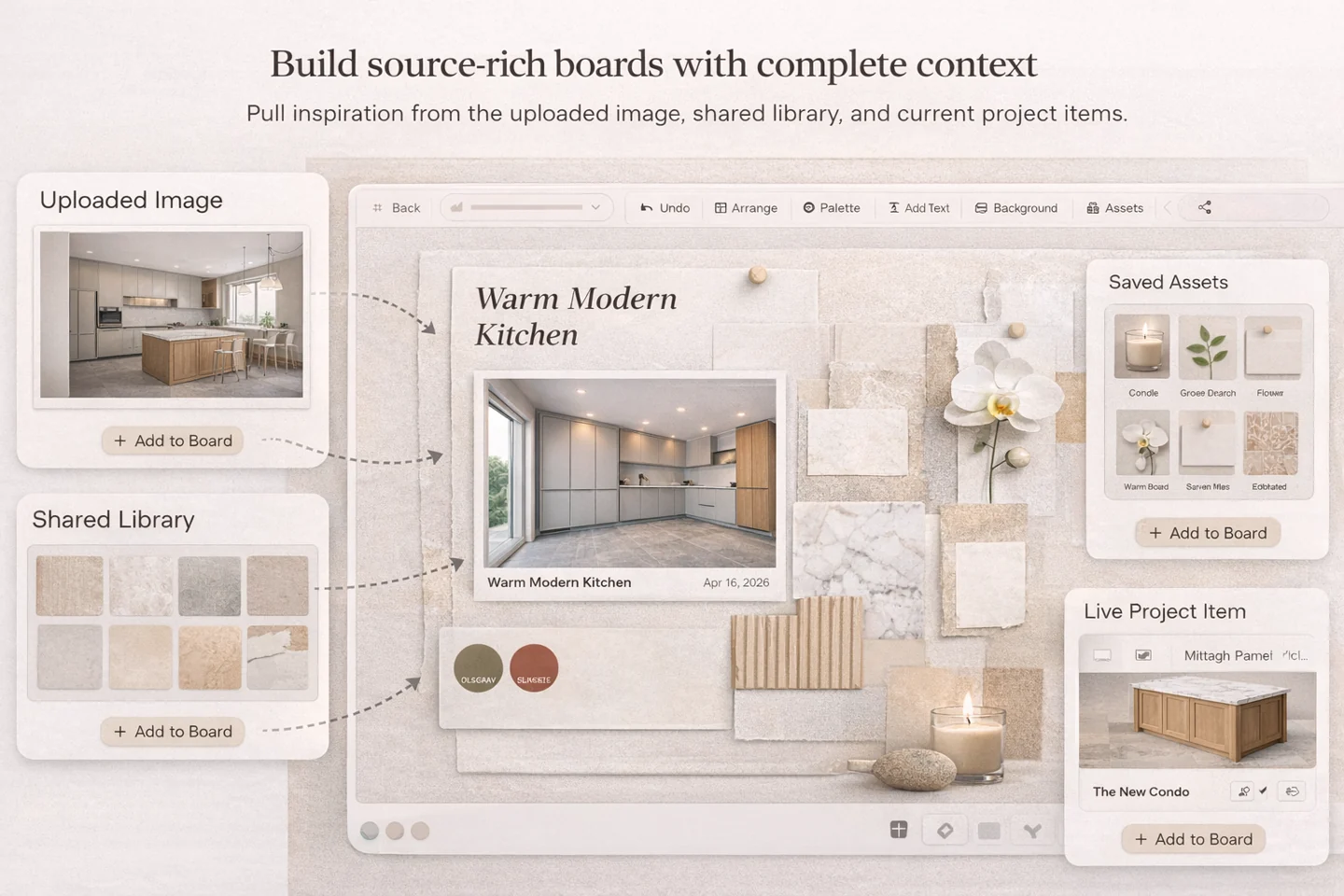
Mood Board to Product Selection
Turn early design moodboards into organized product selection workflow with client review, specifications, and proposal-ready follow-through.
Explore this featureFAQ
Questions studios often ask about this workflow
Clear answers for teams evaluating whether this part of the platform fits their process.
What does the AI moodboard assistant review?
It helps review style direction, color palette cohesion, material consistency, visual hierarchy, competing elements, and overall presentation strength.
Does Anahita replace the interior designer?
No. It acts as a design assistant for critique, suggestions, and review. The designer remains responsible for the concept, taste, and final decisions.
Why is this different from generic AI chat tools?
Anahita is built around the active moodboard context inside Diako Studio, so the feedback is tied to the project workflow and the actual board being reviewed.
Can it help before a client presentation?
Yes. Designers can use it to pressure-test the moodboard, tighten the visual direction, and prepare a clearer explanation before sharing the concept.
What is Deep Review?
Deep Review is an optional, more deliberate analysis mode for when the moodboard needs a stronger second pass before the designer presents it or moves forward.
See it in context
Start free to explore how this feature works inside the full studio platform
Diako Studio is built to help interior design studios connect creative workflow, client approvals, sourcing, proposals, purchase orders, and invoicing in one place.