
mood board to product selection workflow
From Mood Board to Product Selection
Diako Studio helps interior design teams move from mood board to product selection workflow without rebuilding the same concept in separate tools. Instead of treating the moodboard like a dead-end presentation board, the platform helps studios carry visual direction toward product context, client review, selections, specifications, and proposals.
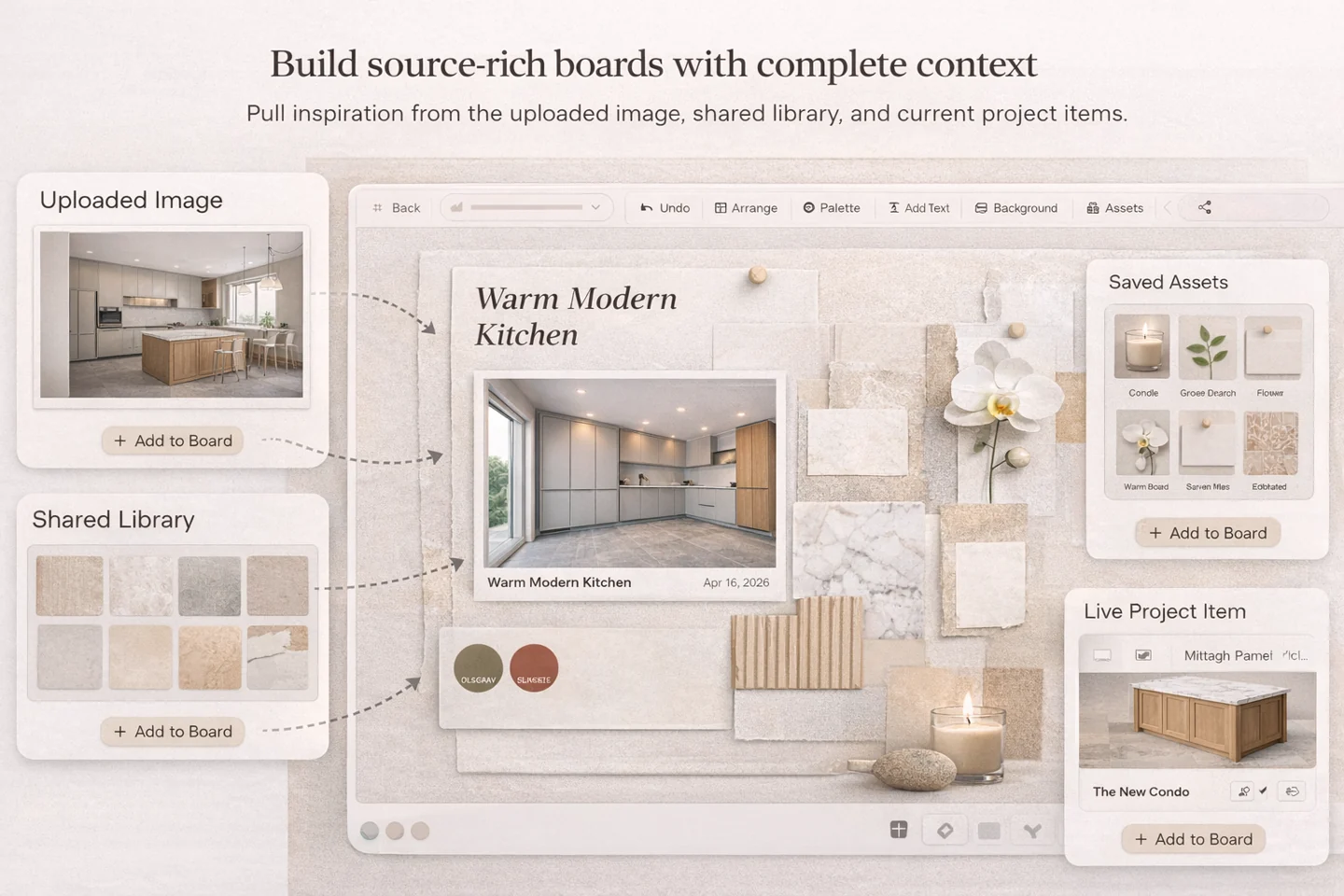
- Less duplicate workCarry moodboard direction forward instead of rebuilding the same decisions in separate tools later.
- Clearer approvalsKeep concept review and product-oriented next steps closer together for better client understanding.
- Smoother workflowMove from visual concept into selections, specifications, proposals, and purchasing with less friction.
Mood Board to Product Selection for professional studio workflow
- Reduce duplicate work between concept presentation and real product follow-through.
- Keep visual direction closer to the selections, materials, and products the team may actually specify later.
- Make client feedback easier to interpret when the board and the next workflow step stay connected.
- Support clearer handoff into selections, specifications, sourcing, and proposal work.
Built to support connected studio handoffs
- Create a room-based moodboard for the space or concept you are developing.
- Add inspiration, furniture, finishes, materials, and palette references to shape the direction clearly.
- Connect visual ideas to product records or product-oriented thinking as the concept becomes more concrete.
- Share the moodboard with the client for review, comments, or approval.
- Move approved ideas toward selections, specifications, and proposals without rebuilding the full story elsewhere.
Connected workflow
Turn early interior design moodboards into organized product selection momentum
The value of a moodboard grows when it does not stop at inspiration. Diako helps studios carry visual direction into clearer records, approvals, and next-step workflow.
Create a room-based moodboard that holds the early concept clearly
The workflow starts with a board that is organized by room or area, so the concept stays readable and easier to discuss. This gives the team a better foundation for later refinement and follow-through.
- Build the moodboard around the actual room or project area.
- Use structure that keeps the concept easier to review and present.
- Avoid mixing unrelated spaces into one overloaded board.
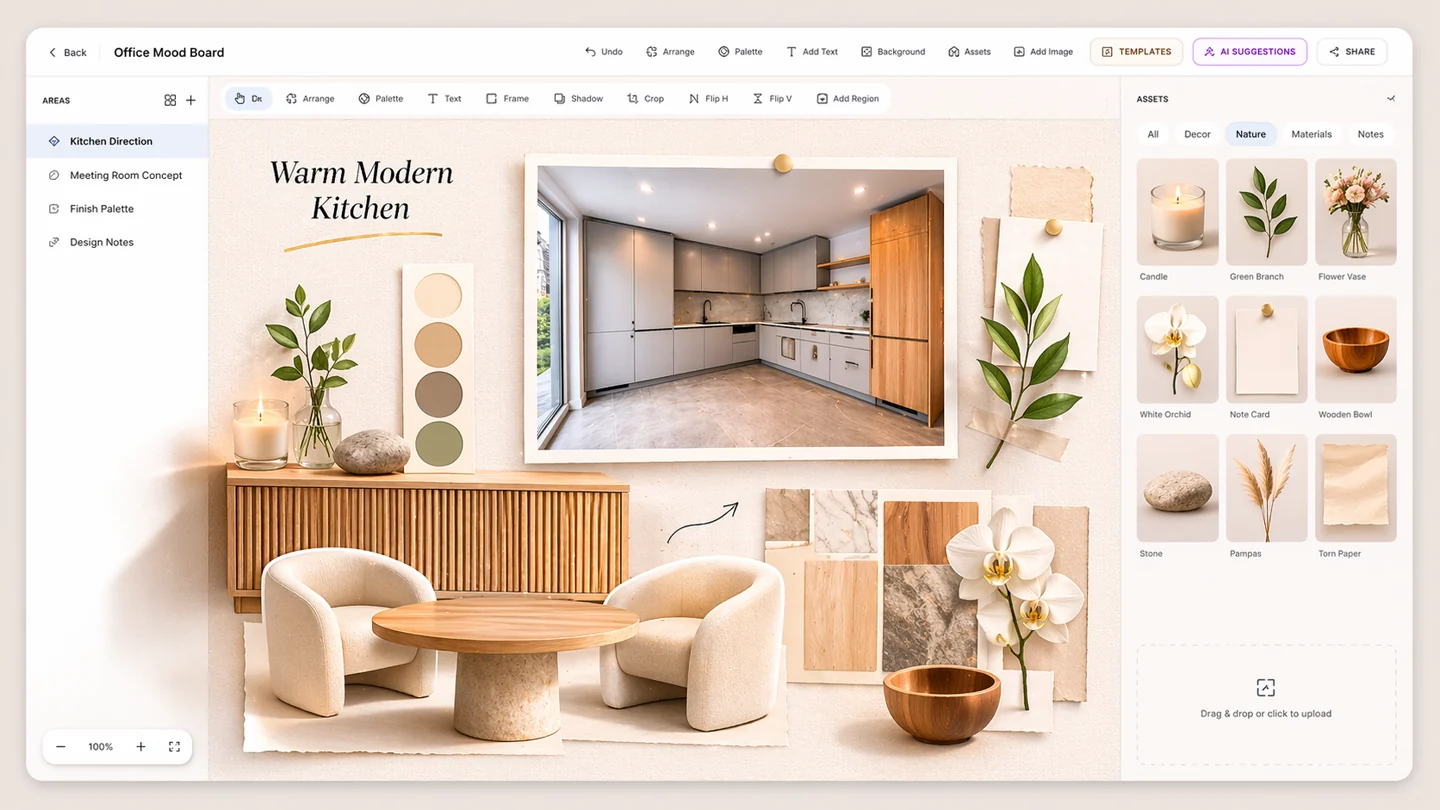
Add inspiration, furniture, finishes, materials, and palette references
A strong moodboard should show more than disconnected inspiration. The team can layer product cues, material direction, palette logic, and notes that help the concept move toward practical clarity.
- Add inspiration, furniture references, materials, finishes, and palette logic.
- Use notes and hierarchy so the board explains the design direction more clearly.
- Let the moodboard carry selection intent without forcing premature detail.
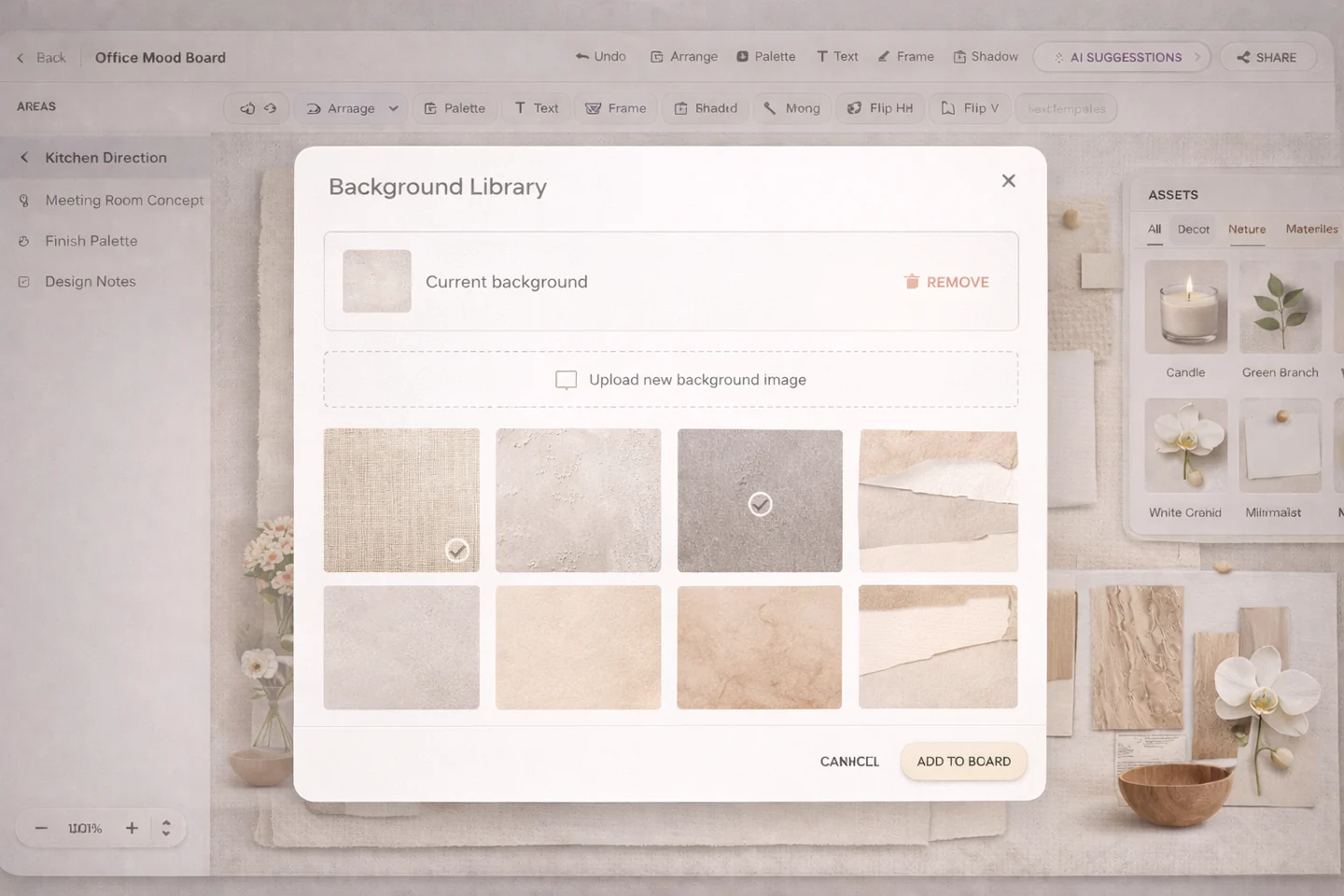
Connect visual ideas to product records and product-oriented workflow
This is where Diako starts separating itself from generic moodboard tools. The board does not have to become a hard spec immediately, but it can stay closer to product records, selection thinking, and the information the team will need later.
- Keep moodboard direction closer to reusable product context.
- Reduce manual translation between visual ideas and later product selection work.
- Support a smoother handoff into structured records when the concept is approved.
Share with the client, then move approved ideas toward selections and proposals
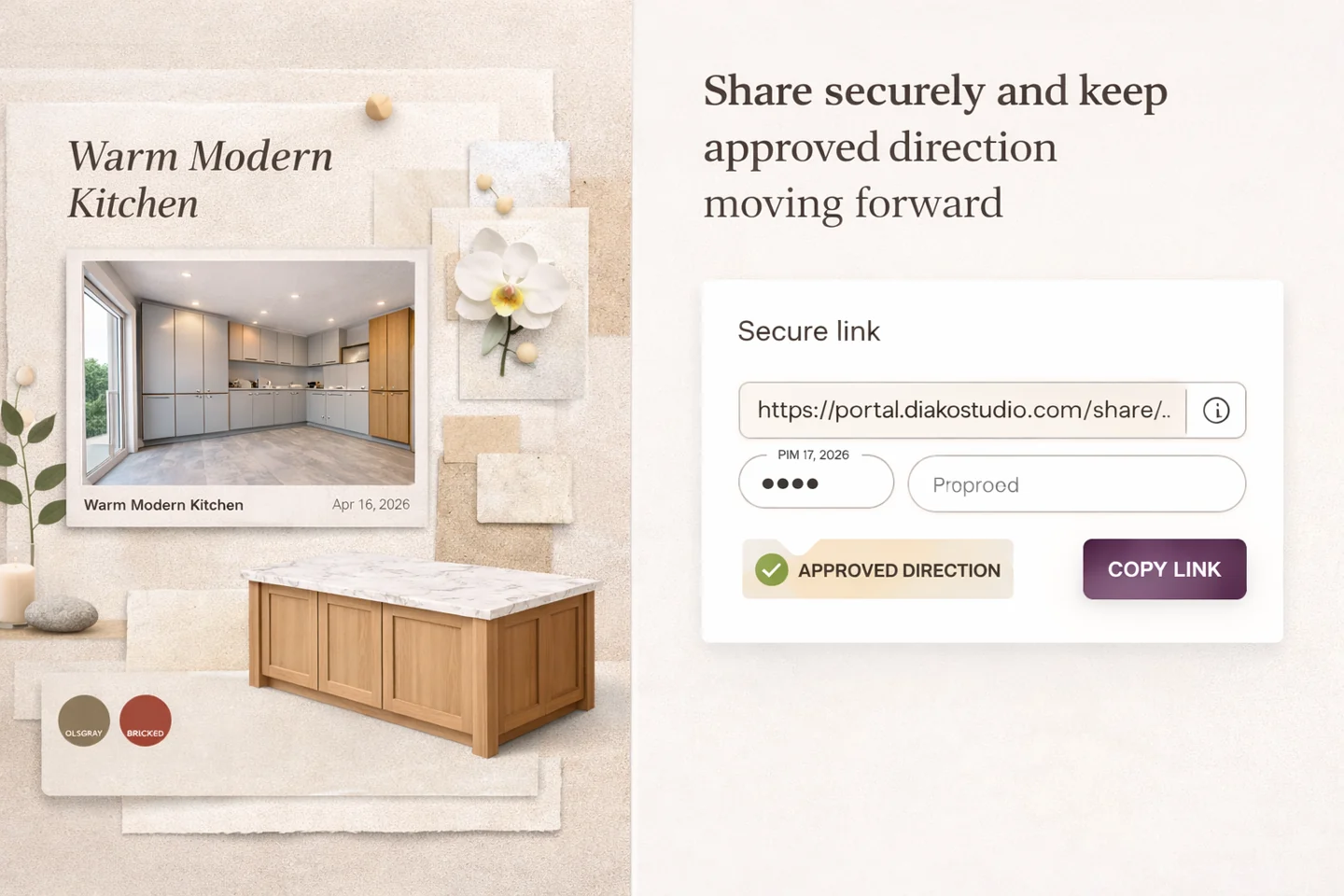
Client review is more useful when it happens on a live moodboard that still connects to the next step. Once the direction is approved, the team can move forward with less duplication and better clarity about what the client actually responded to.
- Share the moodboard for comments, likes, review, or approval conversation.
- Use the approved direction to inform selections, specifications, and proposals.
- Reduce rework when the studio moves from presentation into commercial and operational steps.
Generic moodboard tools vs a connected Diako workflow
Generic moodboard tools are useful for inspiration and layout, but they often stop there. Diako is designed for interior design studios that need the board to stay useful after the presentation, especially when the work moves toward product decisions, specifications, and client-facing approvals.
- Generic tools often stop at the board, while Diako keeps the next workflow step closer.
- Generic tools can create duplicate work later, while Diako reduces translation between concept and follow-through.
- Generic tools are often isolated from project records, while Diako is built for connected studio operations.
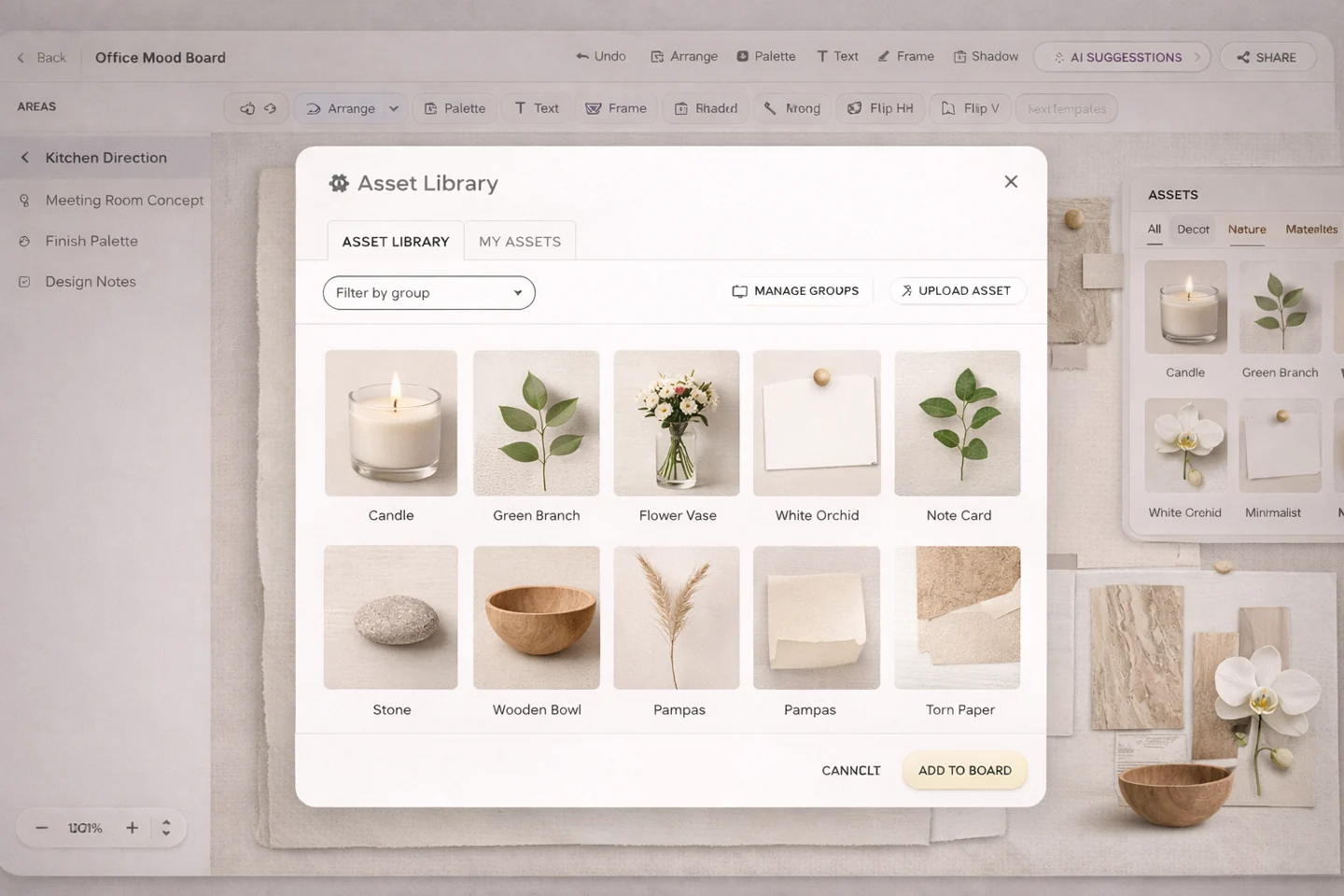
Reduce friction inside the studio workflow
- Generic moodboard tools ending the workflow at presentation instead of helping the team move forward.
- Approved ideas getting recreated manually in spreadsheets, specification docs, or proposal tools.
- Client approvals becoming harder to interpret because the concept board and the next step are disconnected.
- Too much drift between visual concept, product direction, and operational follow-through.
Works better because it connects to the surrounding workflow
Related features
Explore the connected modules around this workflow
Each part of the platform is stronger because it links to the stages before and after it.
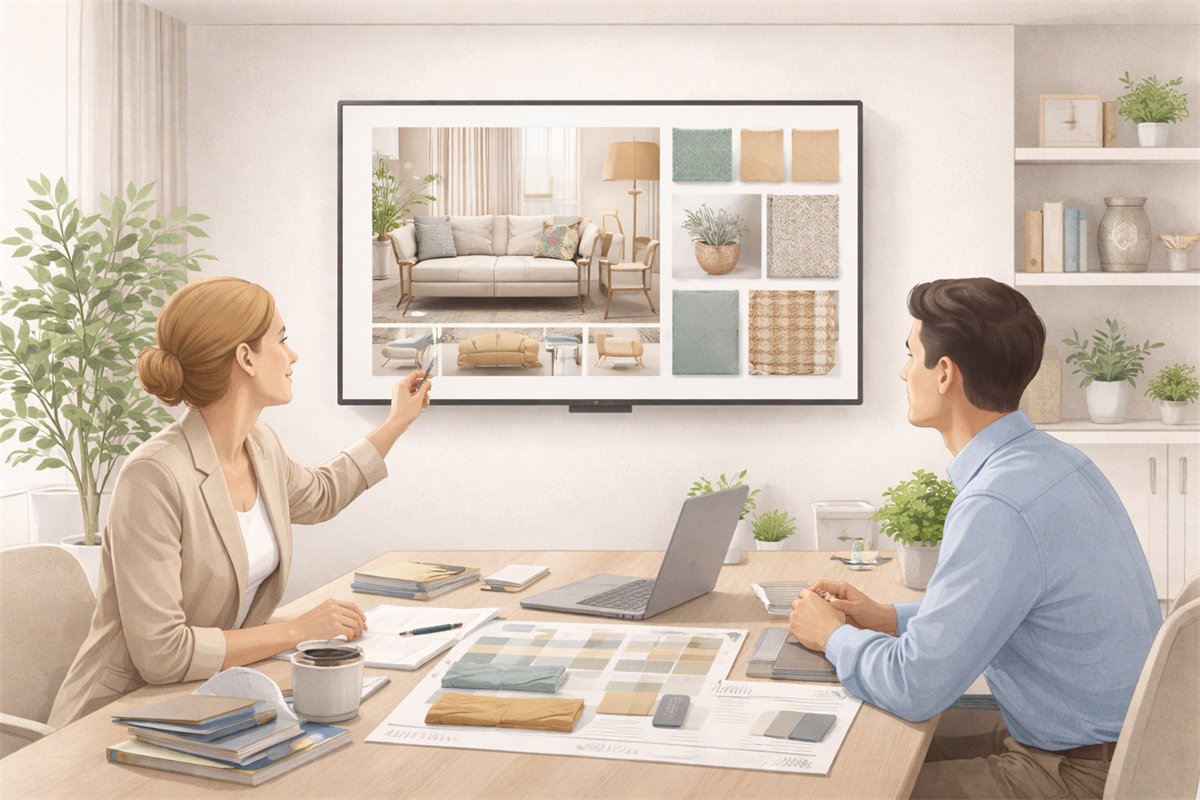
Mood Board Software
Create room-based mood boards for interior design projects with flexible composition, AI photo enhancement, client sharing, and a direct path into specs, sourcing, and proposals.
Explore this feature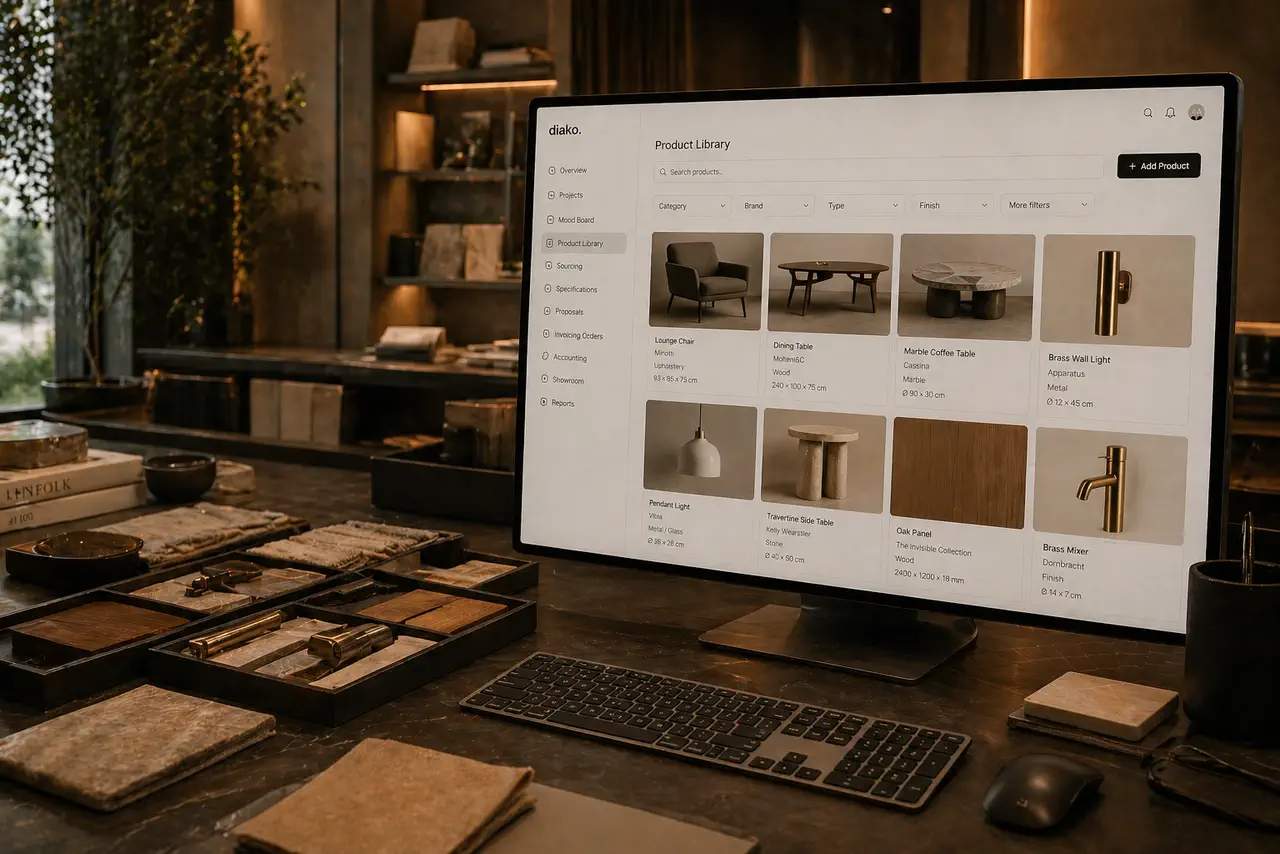
Product Library
Keep products, finishes, suppliers, and pricing in a reusable library the team can carry into specs and sourcing.
Explore this feature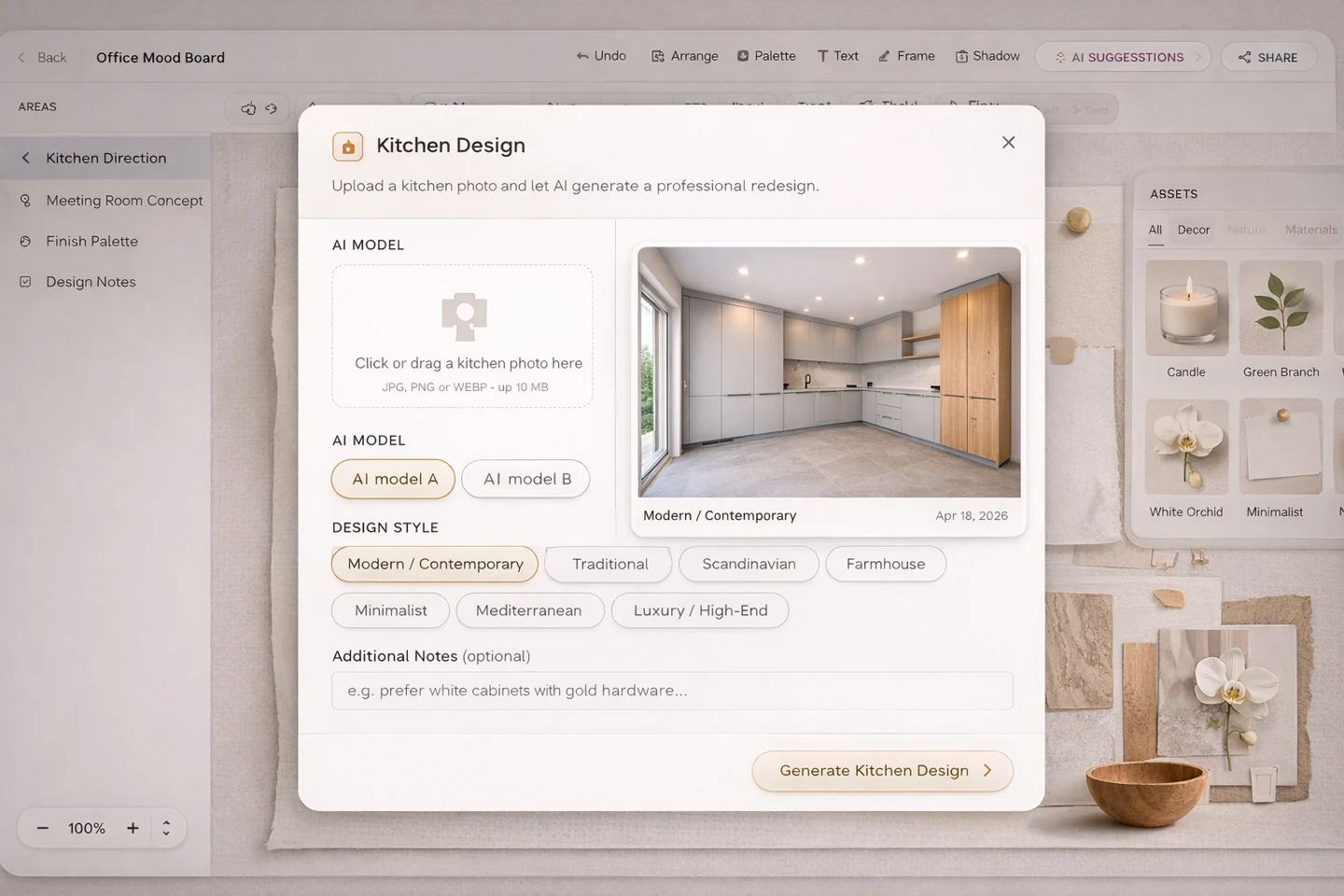
AI Moodboard Assistant
Use an AI moodboard assistant for interior designers to review visual balance, materials, palette direction, and client-ready concept strength.
Explore this featureFAQ
Questions studios often ask about this workflow
Clear answers for teams evaluating whether this part of the platform fits their process.
What is the difference between a generic moodboard tool and Diako Studio?
Generic tools often stop at presentation, while Diako is designed to help the studio move from concept direction into selection, specification, proposal, and operational follow-through.
Does every mood board need to become a formal product selection?
No. Some moodboards stay conceptual, but the workflow is stronger when the platform can support the next step whenever the design direction becomes concrete.
Why does this matter for interior design studios?
It reduces duplicate work, makes client approvals clearer, improves project organization, and creates a smoother path toward purchasing and documentation.
Can this help before specifications are finalized?
Yes. The point is not to force early precision, but to keep the path from concept to later precision cleaner and easier to manage.
See it in context
Start free to explore how this feature works inside the full studio platform
Diako Studio is built to help interior design studios connect creative workflow, client approvals, sourcing, proposals, purchase orders, and invoicing in one place.