
interior design mood board examples
Interior Design Mood Board Examples
Interior design mood board examples are most useful when they show what a client-ready board should actually contain. Diako Studio helps teams build moodboards that combine inspiration imagery, furniture references, materials, finishes, palettes, notes, and product links in a format that is easier to review, explain, and move forward.
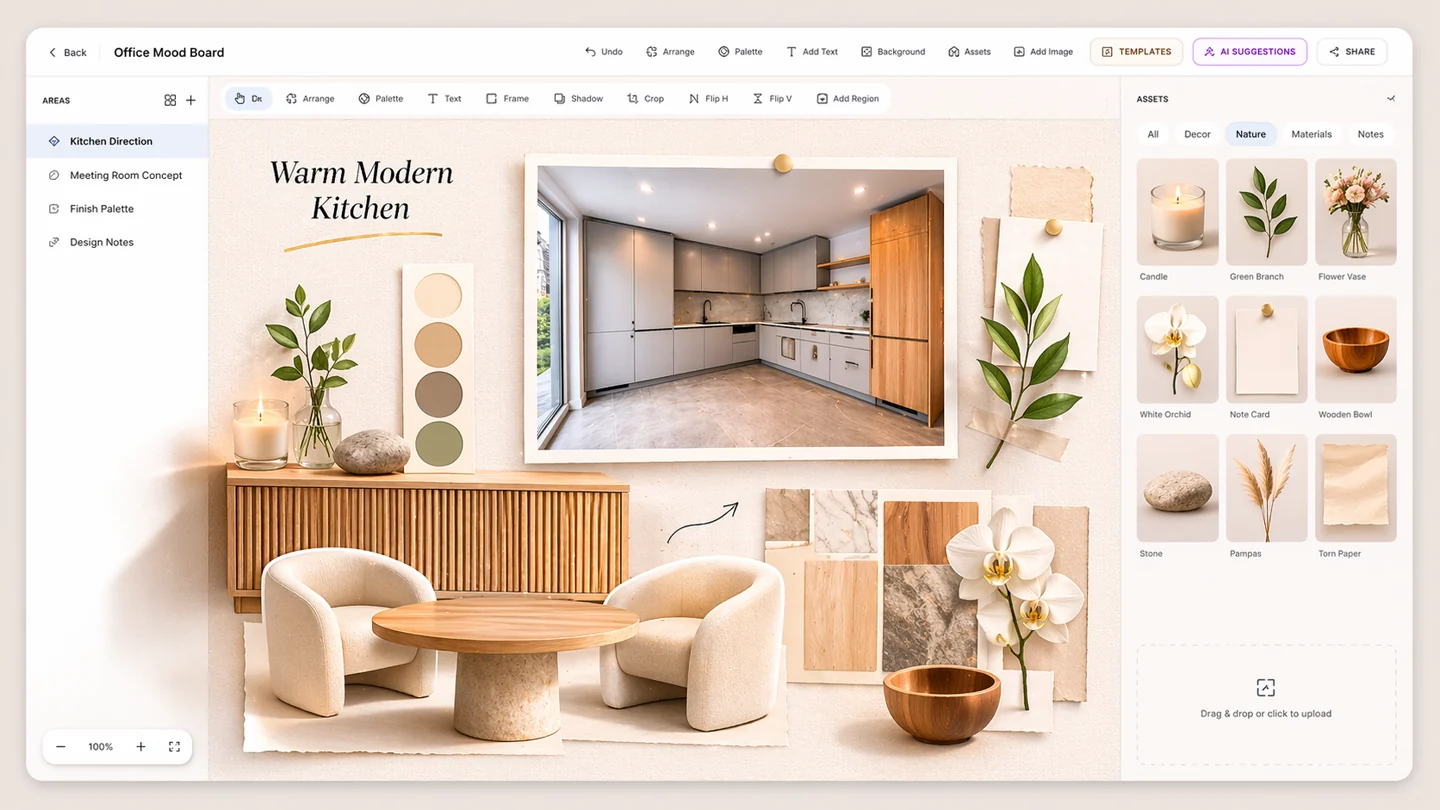
- Room-based examplesSee how different interior design moodboards shift based on room type, concept stage, and client needs.
- Client-ready structureUse examples that include inspiration, materials, finishes, notes, palette logic, and product context.
- Workflow relevanceBuild moodboards that are useful not just for inspiration, but for review, approval, and next steps.
Mood Board Examples for professional studio workflow
- Use example-driven thinking to build moodboards that feel clearer, richer, and more presentation-ready.
- Understand what different room and project types need on the board before client review starts.
- Build moodboards that balance inspiration, specification intent, and practical selection context.
- Use consistent board structure across residential and commercial interior design work.
Built to support connected studio handoffs
- Choose the room, project type, or design decision the moodboard needs to support.
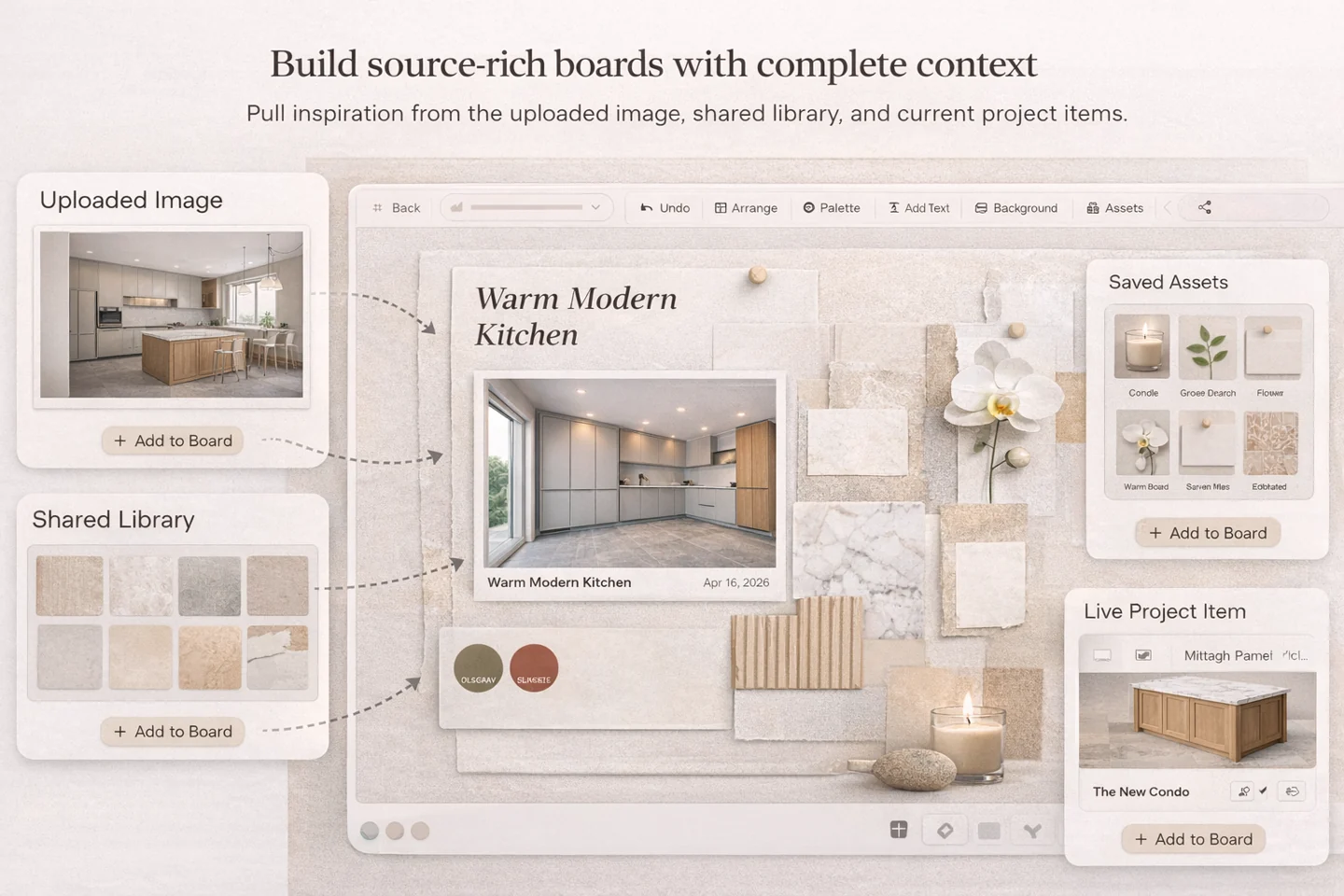
- Add inspiration images, furniture references, materials, finishes, and a color palette.
- Layer in notes, product direction, and visual hierarchy so the board explains the concept clearly.
- Refine the moodboard for internal review, AI critique, or client presentation depending on the stage.
- Carry the strongest ideas into selection, specification, and approval workflow when the board is ready.
Example boards
Use interior design mood board examples to build clearer client-ready presentations
Different interiors call for different moodboard emphasis. These examples show how designers can structure boards for concept direction, material decisions, client communication, and product-oriented follow-through.
Show atmosphere, furniture direction, layering, and the emotional tone of the room
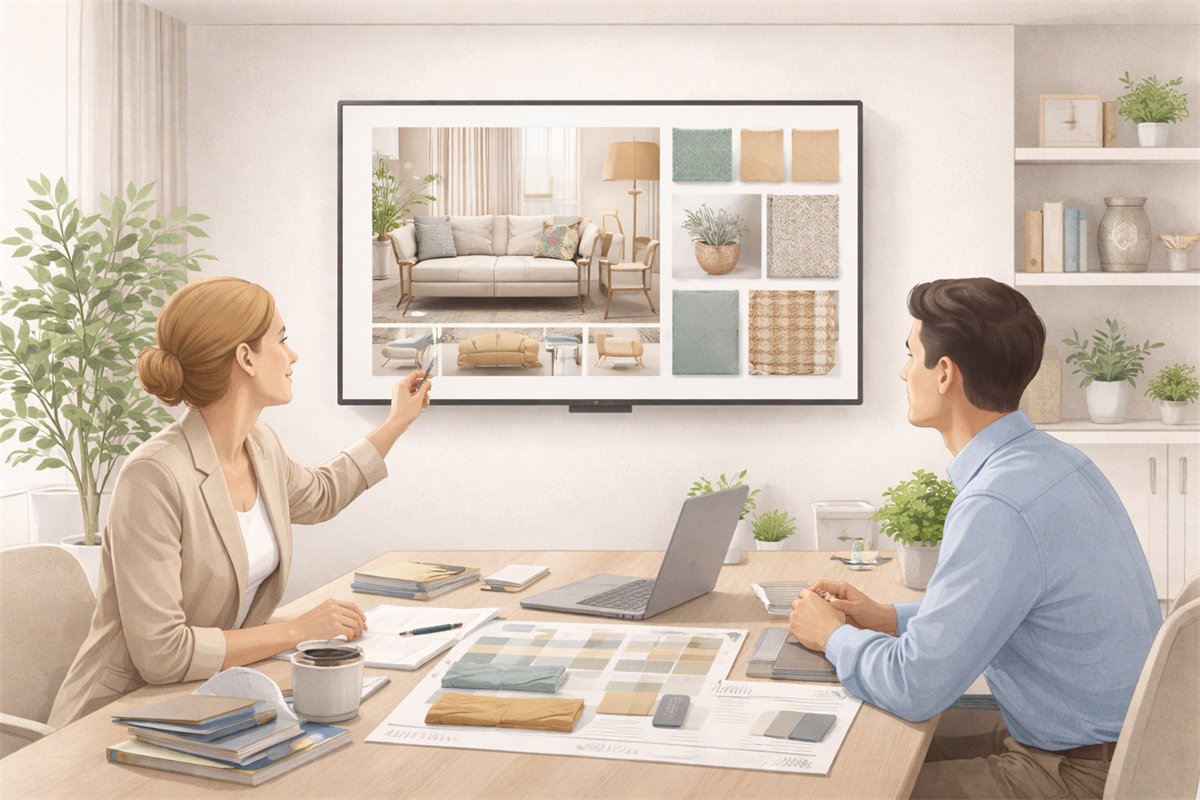
A living room concept moodboard usually needs to communicate the overall design mood quickly. It should help the client understand the atmosphere, furniture language, texture mix, and the lifestyle tone the room is aiming for.
- Include inspiration imagery, hero furniture references, textiles, finishes, and a color palette.
- Use notes to explain why the room should feel calm, layered, sculptural, warm, or editorial.
- Add product cues where helpful, but keep the main focus on concept direction.
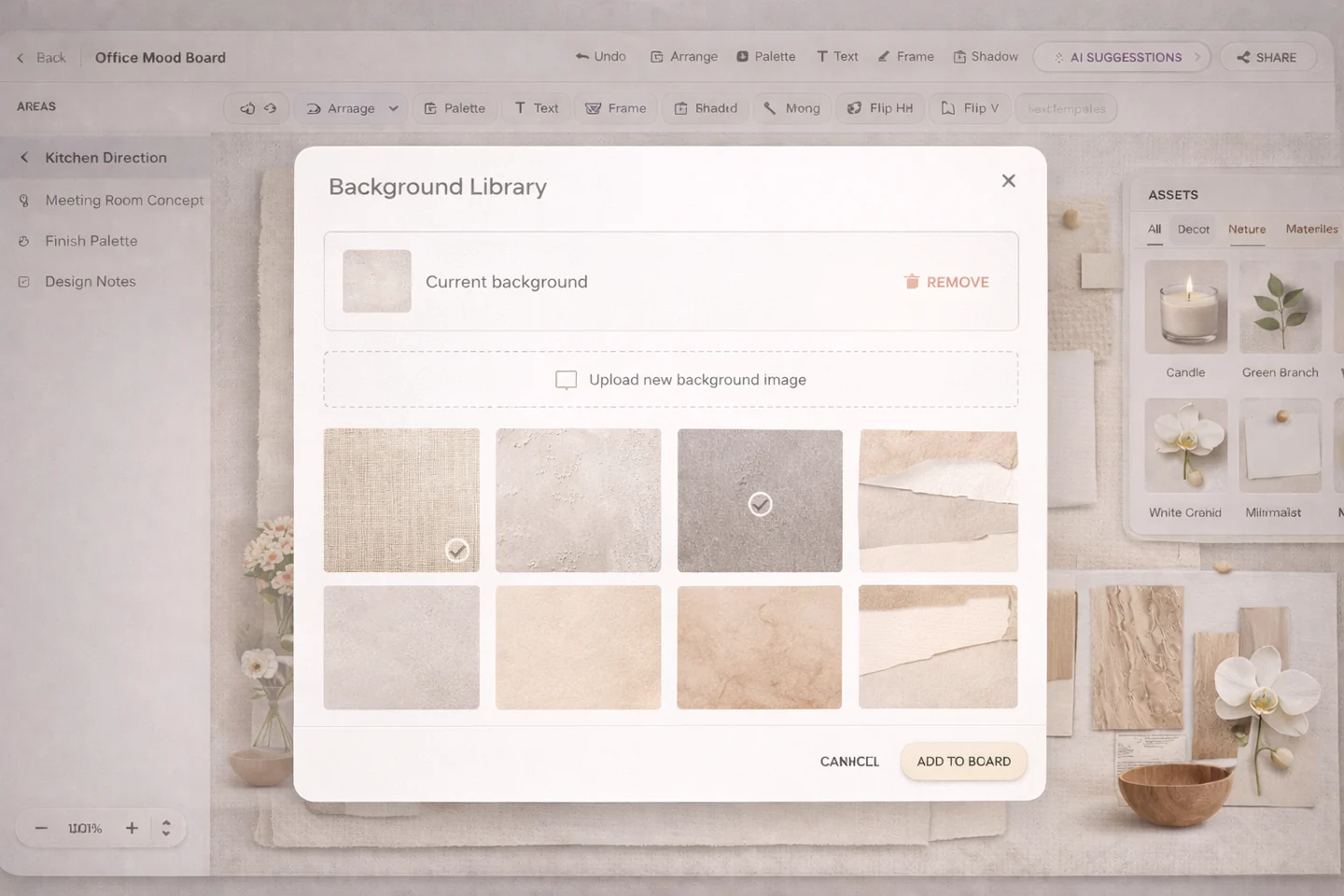
Balance cabinetry, surfaces, hardware, finishes, and practical material relationships
A kitchen moodboard often needs stronger material clarity than a general concept board. Clients usually need help understanding cabinetry tone, countertop direction, splash materials, metal accents, and how those surfaces work together in one scheme.
- Include cabinetry references, stone or surface options, metal accents, appliance direction, and sample-like material imagery.
- Use palette notes to explain warmth, contrast, durability, and finish coordination.
- Keep enough structure that the board can later support real product selection.
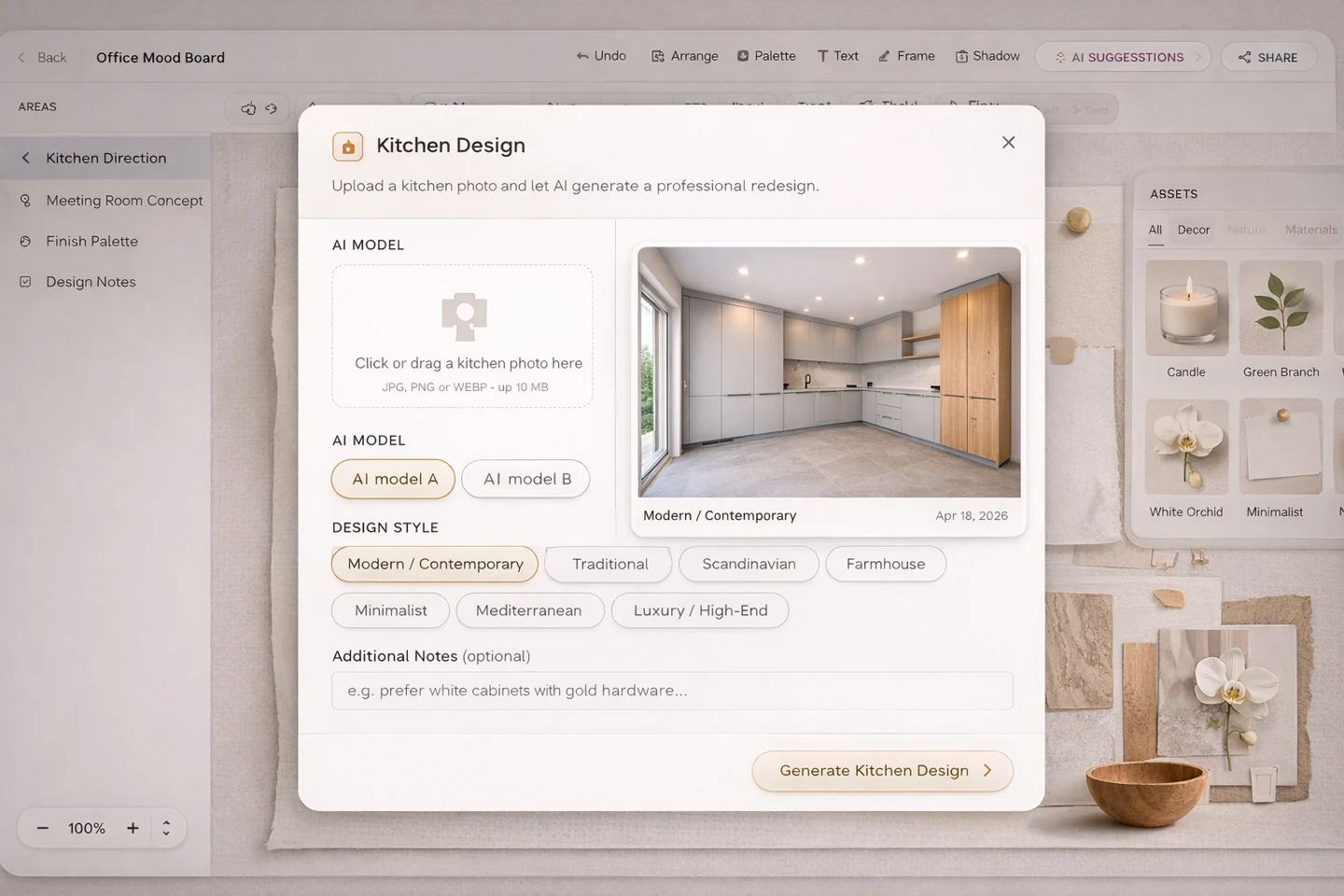
Show softness, palette restraint, furniture scale, and comfort-led design direction
Bedroom boards often depend on mood, palette softness, and furniture balance more than dramatic contrast. The board should help the client understand the comfort level, layering, and emotional tone the room is meant to hold.
- Include bed direction, bedside references, upholstery or textile cues, color palette, and lighting mood.
- Use fewer competing elements so the board stays restful and coherent.
- Add concise notes when the concept depends on subtle tonal relationships.
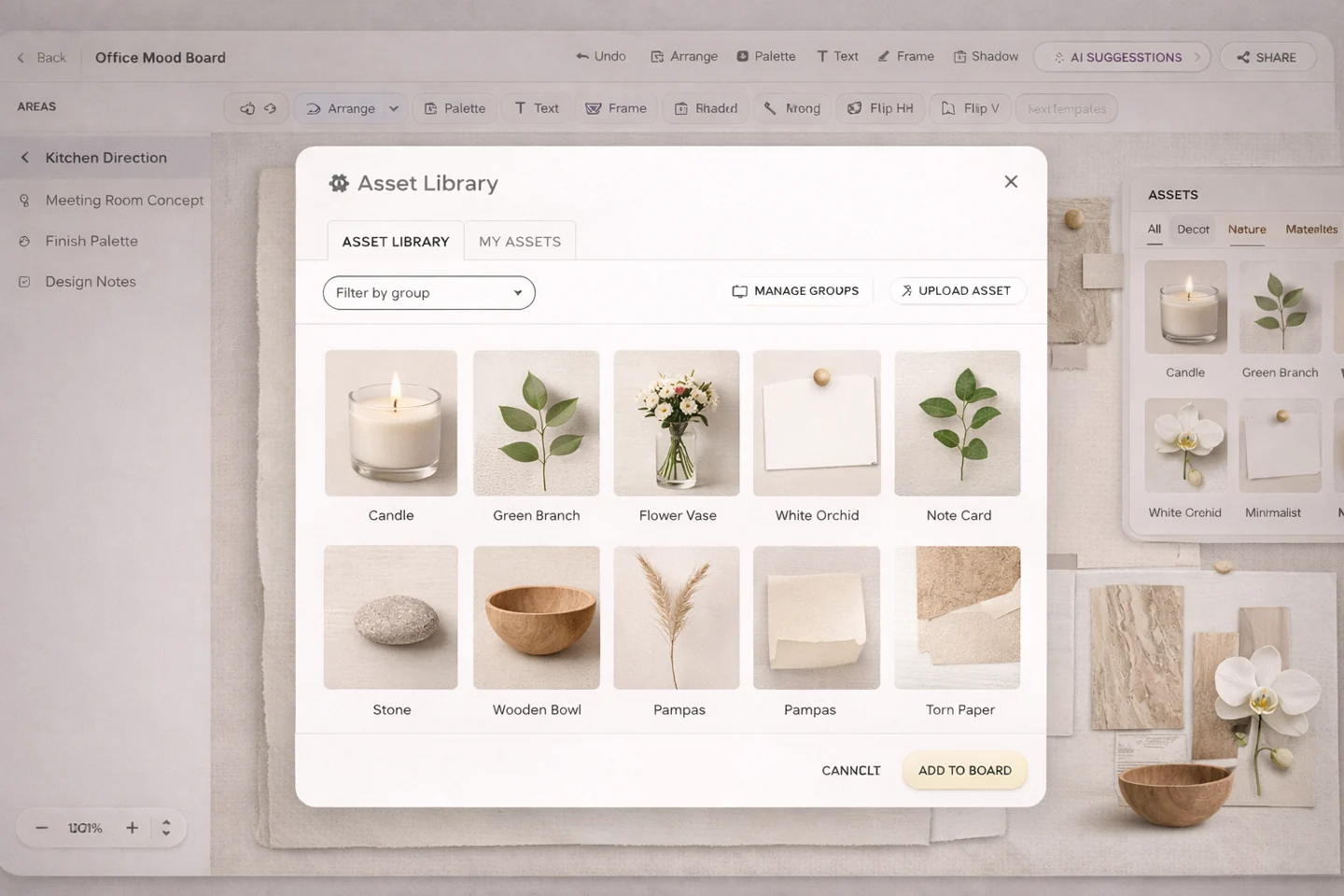
Explain brand atmosphere, guest experience, material attitude, and repeatable visual language
Commercial and hospitality moodboards often need to express more than one room. They should communicate brand mood, guest experience, material identity, and the repeatable visual cues that make the concept feel intentional at scale.
- Include atmosphere references, finish families, furniture language, and brand-adjacent styling elements.
- Use visual hierarchy to separate hero direction from supporting material or operational references.
- Keep enough clarity that the board can guide multiple touchpoints later.
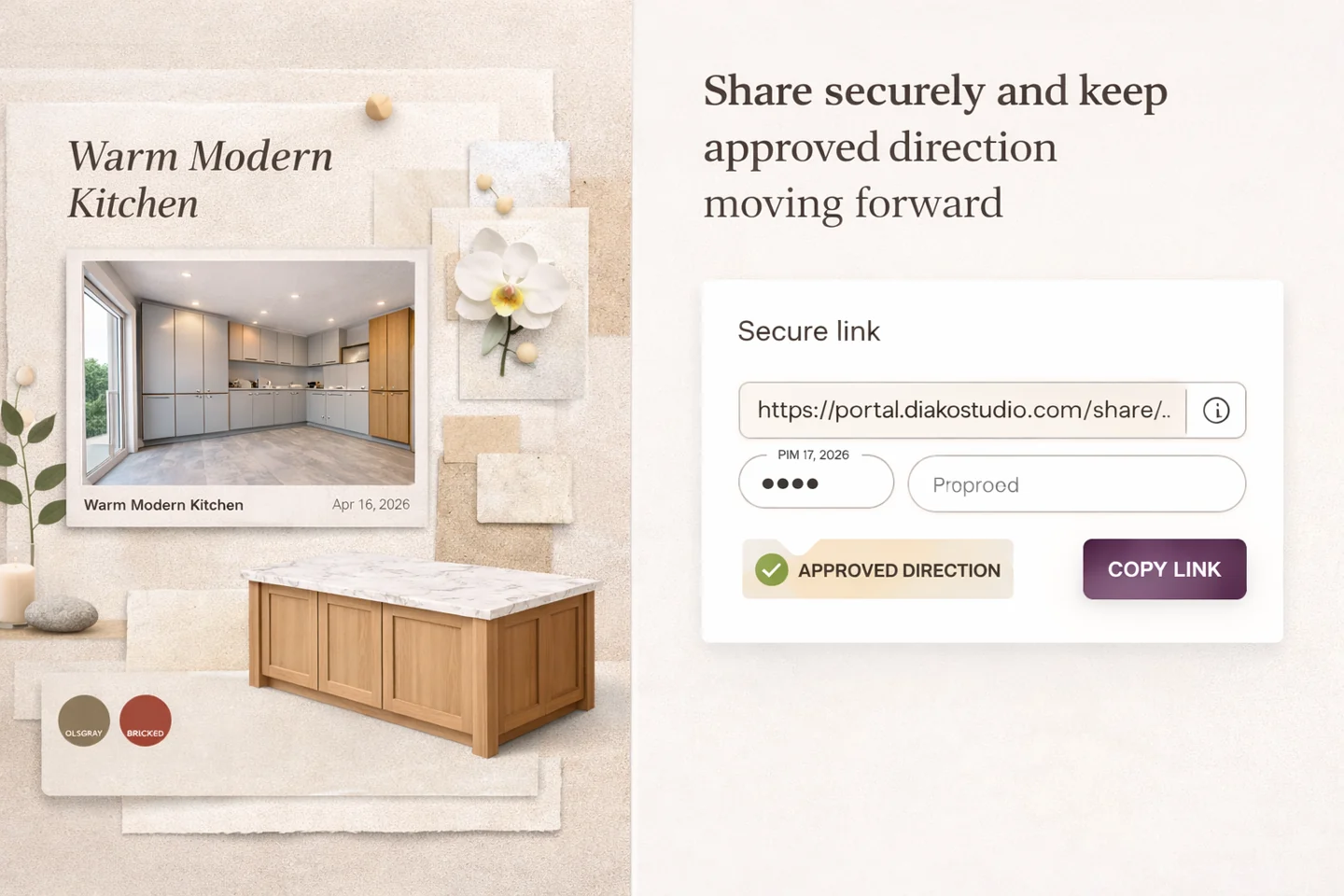
Bridge visual concept and practical selection intent with product-linked references
Some moodboards exist to move beyond pure inspiration and start clarifying real decisions. A product and finish selection board should still feel visually organized, but it can lean more heavily into materials, product references, links, and notes that support the next workflow step.
- Include finish samples, product references, notes, palette logic, and clear grouping of related choices.
- Use the moodboard to narrow direction before the team moves deeper into selections and specifications.
- Keep the board readable enough for both client discussion and internal follow-through.
Reduce friction inside the studio workflow
- Moodboards that look attractive but do not explain the design direction clearly enough.
- Teams unsure what a kitchen, bedroom, hospitality, or finish-selection board should actually include.
- Presentation boards missing notes, palette logic, or product references the client needs to understand.
- Examples online that inspire visually but do not translate into practical studio workflow.
Works better because it connects to the surrounding workflow
Related features
Explore the connected modules around this workflow
Each part of the platform is stronger because it links to the stages before and after it.
Mood Board Software
Create room-based mood boards for interior design projects with flexible composition, AI photo enhancement, client sharing, and a direct path into specs, sourcing, and proposals.
Explore this featureAI Moodboard Assistant
Use an AI moodboard assistant for interior designers to review visual balance, materials, palette direction, and client-ready concept strength.
Explore this featureMood Board to Product Selection
Turn early design moodboards into organized product selection workflow with client review, specifications, and proposal-ready follow-through.
Explore this featureFAQ
Questions studios often ask about this workflow
Clear answers for teams evaluating whether this part of the platform fits their process.
What should an interior design mood board include?
A strong moodboard usually includes inspiration imagery, furniture references, materials, finishes, a color palette, notes, and product direction that explain the concept clearly.
Should every room use the same kind of mood board?
No. A living room concept board, kitchen material board, bedroom palette board, and hospitality concept board often need different emphasis and structure.
Can a mood board also support product selection later?
Yes. In Diako Studio, moodboards can stay connected to product context and help the team move more smoothly into selections, specifications, and proposals.
Do I need finished screenshots for a useful mood board examples page?
No. Even placeholder examples are useful when they clearly explain what each type of board should contain and why it matters.
See it in context
Start free to explore how this feature works inside the full studio platform
Diako Studio is built to help interior design studios connect creative workflow, client approvals, sourcing, proposals, purchase orders, and invoicing in one place.