
interior design vendor management software
Interior Design Vendor Management Software for Studios
Diako Studio gives interior design studios a structured vendor directory that stays connected to products, sourcing, purchase orders, and everyday follow-up. Instead of keeping supplier information in inboxes, spreadsheets, and personal notes, teams can maintain one shared vendor system with reusable defaults, cleaner search, and AI-assisted vendor discovery.
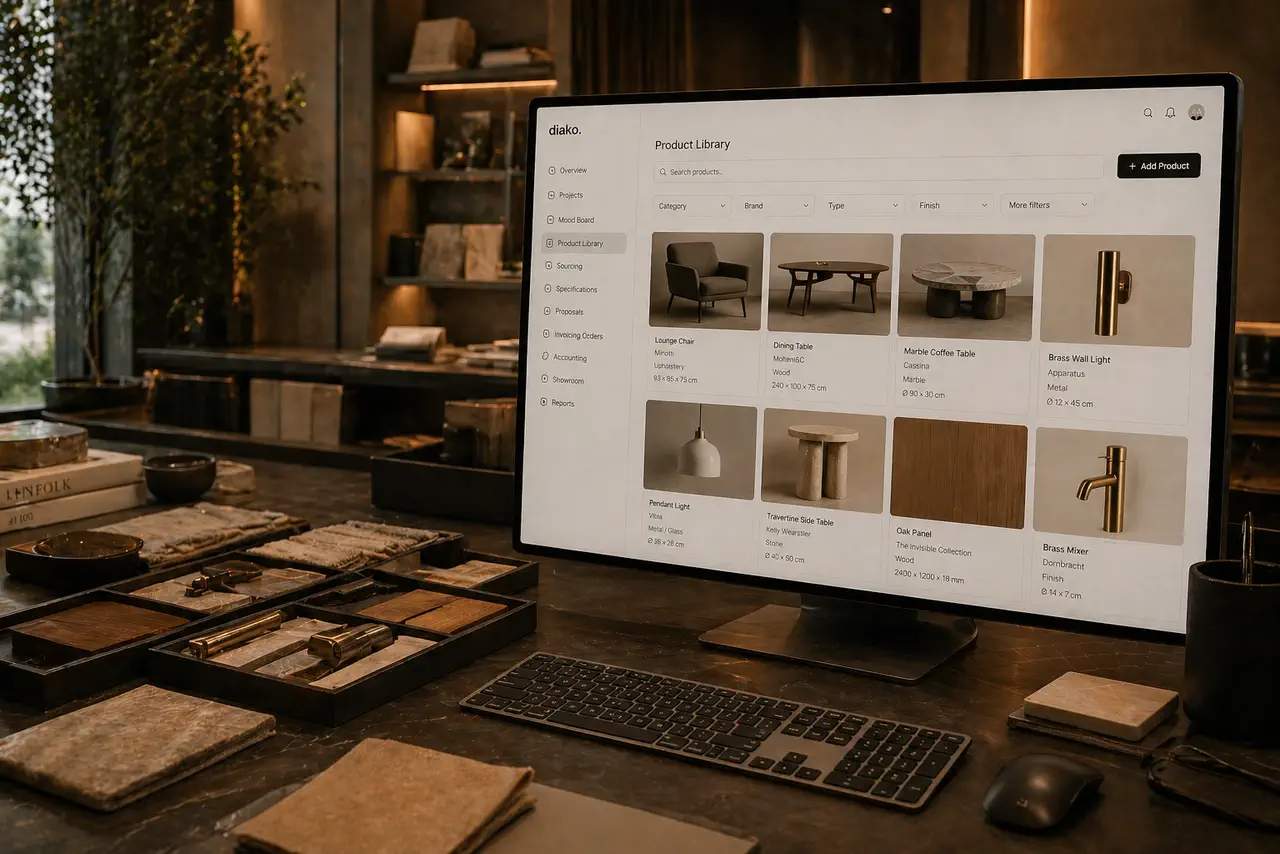
- Shared vendor directoryKeep contacts, addresses, and default markups in one studio-wide supplier record.
- AI vendor discoveryFind location-aware supplier suggestions using catalog context before reviewing what to import.
- Global vendor searchJump to vendors and related studio records from one search field instead of hunting manually.
See the vendor workflow in action
This walkthrough gives buyers a clearer look at the vendor module and vendor AI search experience before they keep reading the page.
Vendor Management for professional studio workflow
- Keep a shared studio-wide vendor directory with contact details, full address fields, and reusable default markups.
- Link vendors to catalog products so designers see only relevant supplier options when sourcing an item.
- Use AI Vendor Discovery to find real suppliers by country, province or state, and optional city using the studio catalog as context.
- Review AI vendor suggestions before import so the directory stays curated instead of filling with unchecked records.
- Search vendors alongside projects, invoices, proposals, products, and purchase orders from one global search bar.
Built to support connected studio handoffs
- Create or maintain vendor records with contact details, address information, and a default markup the studio wants to reuse.
- Associate vendors with products in the catalog so project items surface relevant, pre-approved supplier choices.
- Run AI Vendor Discovery by selecting a country and province or state, and optionally a city, when the studio needs new sourcing options.
- Review up to five structured AI suggestions, confirm the vendors worth keeping, and import only the approved results.
- Use the connected vendor data in sourcing, purchase orders, and global search so supplier follow-through stays easier to trace.
Vendor workflow
Build a supplier system that supports sourcing instead of living outside it
Vendor management is more than a contact list. Studios need supplier records that can carry markup defaults, stay tied to product context, support AI-assisted discovery when sourcing gaps appear, and remain easy to search later when real follow-up work begins.
Keep supplier records standardized and reusable across the studio
Diako gives the team one structured place to maintain vendors with contact information, full address fields, and reusable default markup values. That helps reduce sourcing inconsistency and makes vendor setup useful beyond a single project.
- Store contact details, address information, and commercial defaults inside one shared record.
- Apply default markups faster when a vendor is selected on a project item.
- Protect in-use vendor records from accidental deletion so sourcing history stays safer.
Show the right vendors when a designer is working on a real item
Vendor data becomes far more useful when it is tied to the product library. Diako can limit sourcing choices to vendors already linked to the relevant product context, which makes supplier selection clearer and reduces avoidable mistakes.
- Link vendors to catalog products so sourcing options stay relevant.
- Reduce noise by surfacing pre-approved supplier choices instead of generic lists.
- Keep sourcing decisions easier to trace from product record to procurement follow-through.
Use AI Vendor Discovery to find new suppliers before the team needs to improvise
When the studio needs new sourcing options, admins can run AI Vendor Discovery using country and province or state, with an optional city for more local results. The search uses catalog context to return up to five structured vendor suggestions that can be reviewed before import. Each request uses 2 AI credits.
- Search by geography so results are better aligned with real sourcing territory.
- Review structured vendor suggestions before anything is saved to the directory.
- Import only confirmed suppliers so AI discovery stays controlled and operationally credible.

Find vendors quickly later with the same global search used across the platform
Vendor work does not stop after setup. Teams need to reopen supplier records quickly while handling sourcing, proposals, purchase orders, and billing. Diako keeps vendors inside the same global search experience used for projects, invoices, products, and other records so follow-up moves faster.
- Search vendors by name alongside projects, clients, products, and purchase orders.
- Open the relevant record directly from one unified result list.
- Reduce time lost switching between separate supplier tools and manual reference lists.

Reduce friction inside the studio workflow
- Vendor contacts and markup rules scattered across spreadsheets, inboxes, and private team notes.
- Designers choosing from inconsistent supplier lists because product-specific vendor context is missing.
- Too much manual research every time the studio needs a new local supplier or alternate sourcing option.
- Unclear review process when new vendor data is discovered and shared across the team.
- Slow follow-up when staff cannot quickly search and open the exact vendor record they need.
Works better because it connects to the surrounding workflow
Related features
Explore the connected modules around this workflow
Each part of the platform is stronger because it links to the stages before and after it.
Product Library
Keep products, finishes, suppliers, and pricing in a reusable library the team can carry into specs and sourcing.
Explore this featureProduct Sourcing
Manage sourcing with organized vendor records, approved selections, and a cleaner handoff into ordering.
Explore this feature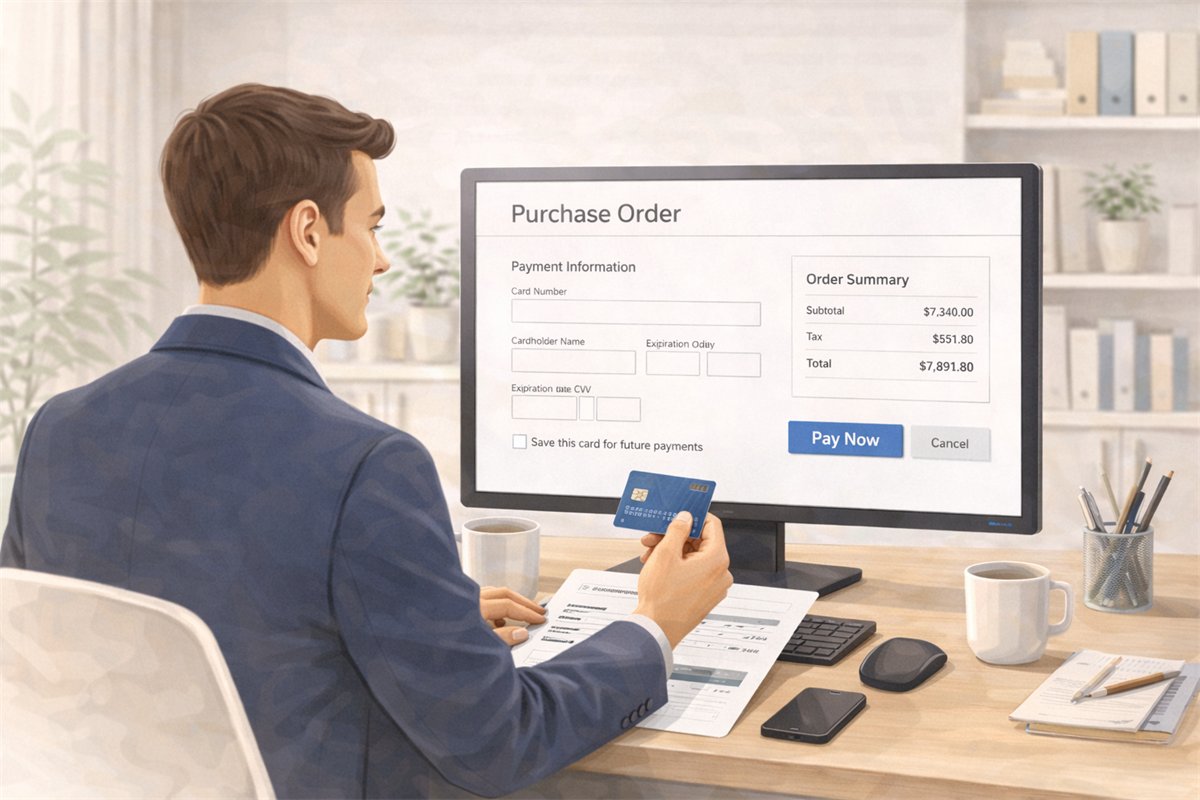
Purchase Orders
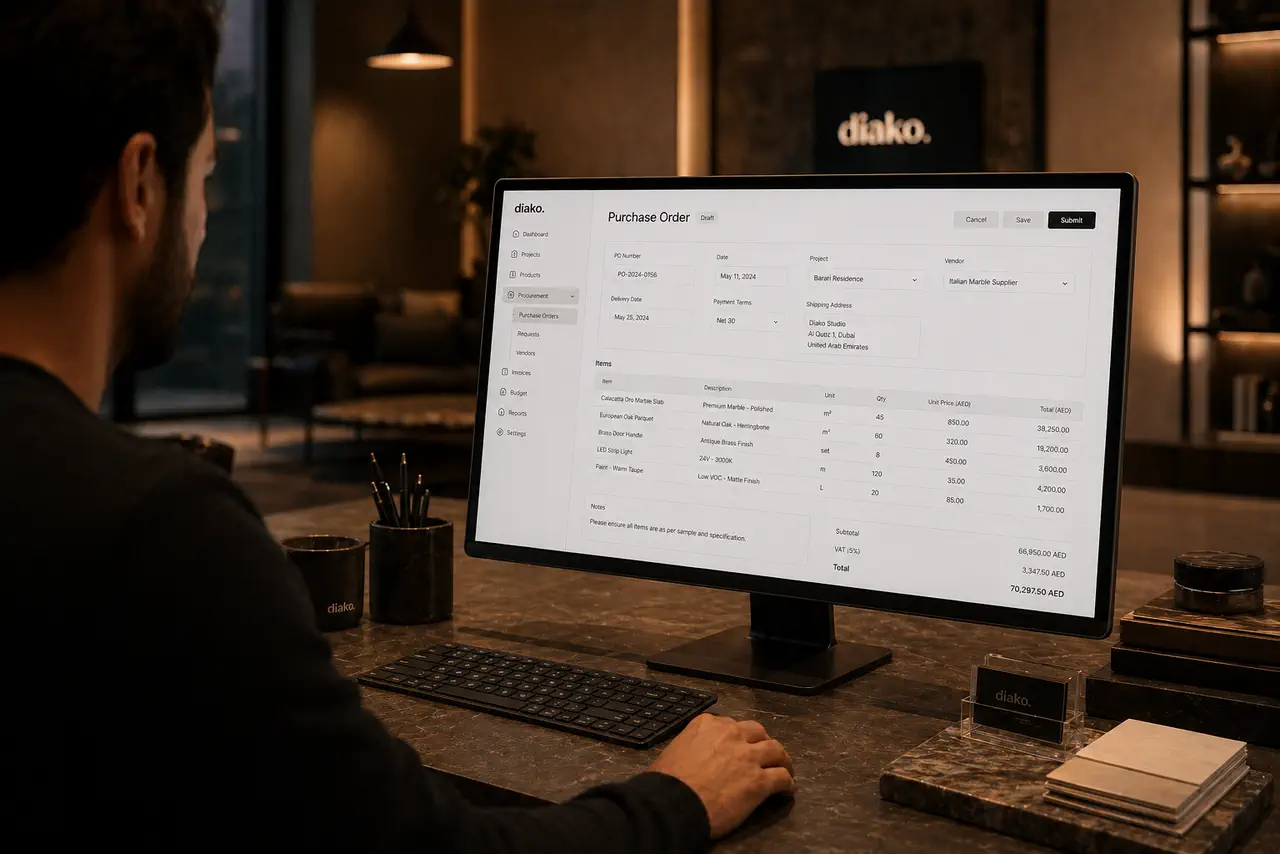
Generate purchase orders from approved vendor cost rows with project context, vendor detail, payment status tracking, and a cleaner procurement handoff.
Explore this feature
Reporting and Studio Visibility
Track studio operations across projects, scheduling, task load, purchasing, invoicing, accounting, and reporting in one interior design business system.
Explore this featureFAQ
Questions studios often ask about this workflow
Clear answers for teams evaluating whether this part of the platform fits their process.
Can vendors have reusable default markups?
Yes. Each vendor record can store a default markup so the team does not have to re-enter the same commercial rule every time that vendor is used on a project item.
Can vendors be linked to specific products in the catalog?
Yes. Vendors can be associated with catalog products so designers see relevant, pre-approved supplier options when selecting or sourcing an item.
Does AI Vendor Discovery automatically save every result?
No. The AI returns structured vendor suggestions for review first. The studio confirms which results to import, and only approved vendors are added to the directory.
Can the team search vendors from the same search bar used for other records?
Yes. Global search can return vendor records alongside projects, clients, products, proposals, invoices, purchase orders, and other studio data.
See it in context
Start free to explore how this feature works inside the full studio platform
Diako Studio is built to help interior design studios connect creative workflow, client approvals, sourcing, proposals, purchase orders, and invoicing in one place.